
Open spatial board
Place notes and other content freely on an open surface rather than in a fixed linear document structure.

Expand Board is a macOS spatial board app for arranging text, images, files, and shapes on an open canvas, with support for nested boards. It is intended for users who want to organize notes and reference material visually on a Mac, using local storage or optional iCloud Drive.
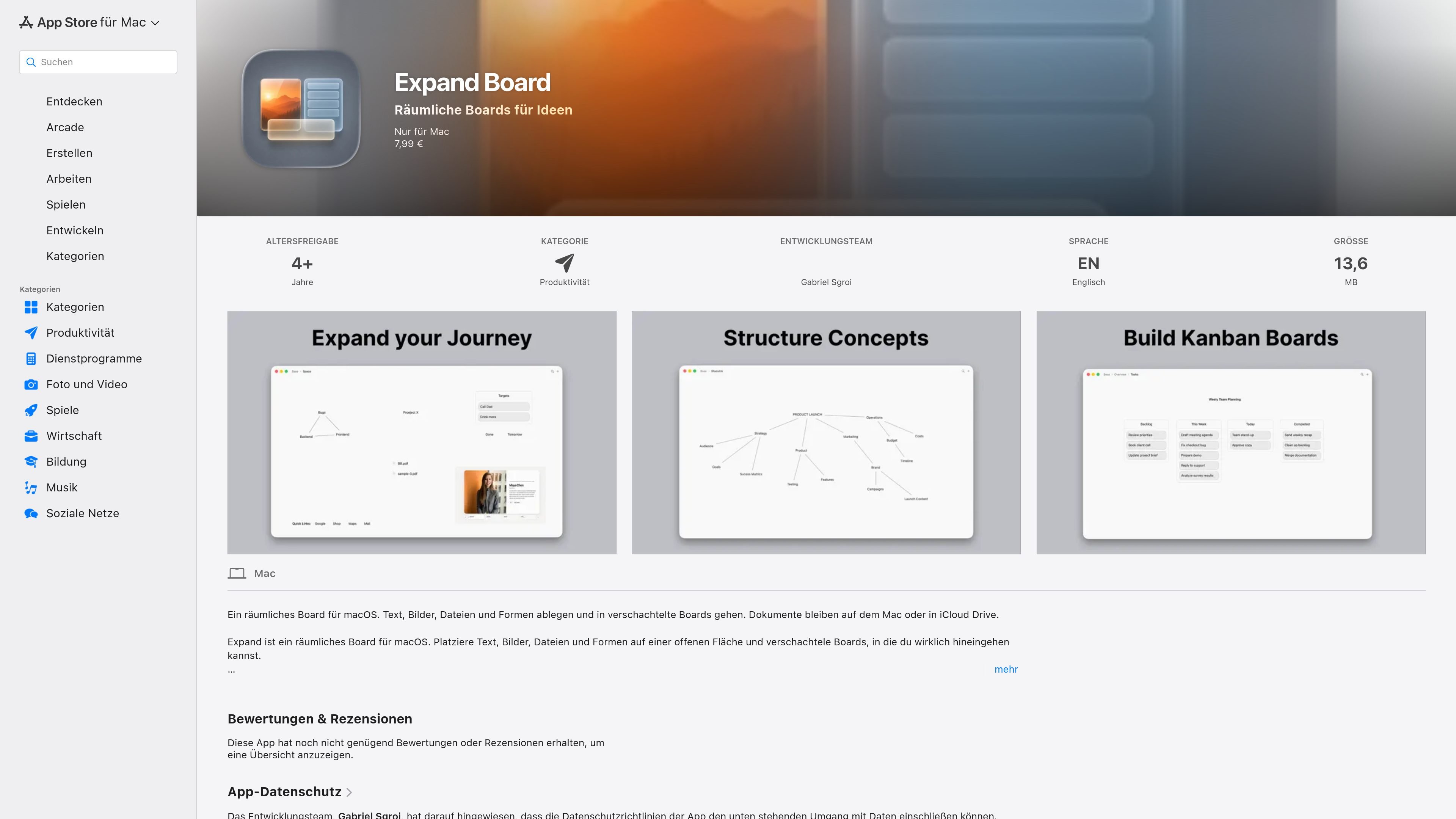
Expand Board is a spatial board app for macOS. It provides an open surface where users can place text, images, files, and shapes, then arrange those elements by dragging them into position.
The app also supports nested boards: users can open a board to work inside it and return to a higher level through breadcrumbs in the title bar. Documents are stored on the Mac or optionally in iCloud Drive as .exd packages, making the app suited to visual organization of notes and reference material without requiring a conventional linear document layout.
Place notes and other content freely on an open surface rather than in a fixed linear document structure.
Keep text, images, PDFs, and other files together on one board for reference or arrangement.
Create boards inside boards and open them directly to work at a deeper level of organization.
Drag items to arrange them, use a double-click to add content, and use the context menu or toolbar plus button to choose what to insert.
Save documents as .exd packages on the Mac or in iCloud Drive, according to the App Store listing.
The app is developed specifically for macOS and does not require an account according to the developer's stated data practices.
Place written notes, reference images, PDFs, and related files on one open surface so the material can be viewed and rearranged together.
Use a top-level board for a broad subject and nested boards for individual topics, keeping related information separated without creating unrelated documents.
Collect visual references, text, and files in a freely arranged workspace when a fixed outline does not match the way the material is being developed.
Keep a project’s working material in a local or iCloud Drive .exd package, with the storage location chosen according to the user’s setup.
Expand Board is a Mac app for arranging text, images, PDFs, other files, and shapes on an open board. Items can be repositioned by dragging.
Yes. A board can contain other boards. Open a nested board to work inside it, then use the breadcrumbs in the title bar to return to a higher level.
Documents remain on the Mac or, optionally, in iCloud Drive. The app describes documents as .exd packages.
The App Store listing states that Expand Board requires macOS 26.5 or later and is available in English.
The developer states that the app collects no data and no analytics. Apple notes that the developer's privacy information has not been verified by Apple.

Contextbergは、画面・入力・ブラウザ・AIエージェントの利用履歴をローカルで記録し、MCP経由でClaude CodeやCursorなどに作業コンテキストを渡すデスクトップアプリです。中断した作業の再開、過去ログの検索、日次レビューに利用できます。

recall is an AI flashcard app that turns reading and notes into study cards through Claude, ChatGPT, or another MCP client. It uses one-time lifetime access pricing and spaced repetition review.

put·here is a local-first spatial workbench for macOS that helps people collect notes, links, images, and files on visual canvases, then connect, search, write, and research from the same workspace. Optional AI can organize related material and return web findings with sources.

Goldfish is an AI memory app for macOS that helps you reply, write, summarize, and continue using the context already on your Mac. It stores memory locally and writes in your tone.

Flunkey is a voice-first productivity layer for Windows that converts speech into text, AI-assisted outputs, and remembered context. It is built for users who want to capture ideas and actions without leaving the app they are working in.

Lasso is an ecommerce product data platform for enriching catalog records, processing supplier files, generating product content, and monitoring competitors. It combines a web app with a REST API, SDK, and MCP server for teams and developers.