UStackUStack
Famulor icon

Famulor

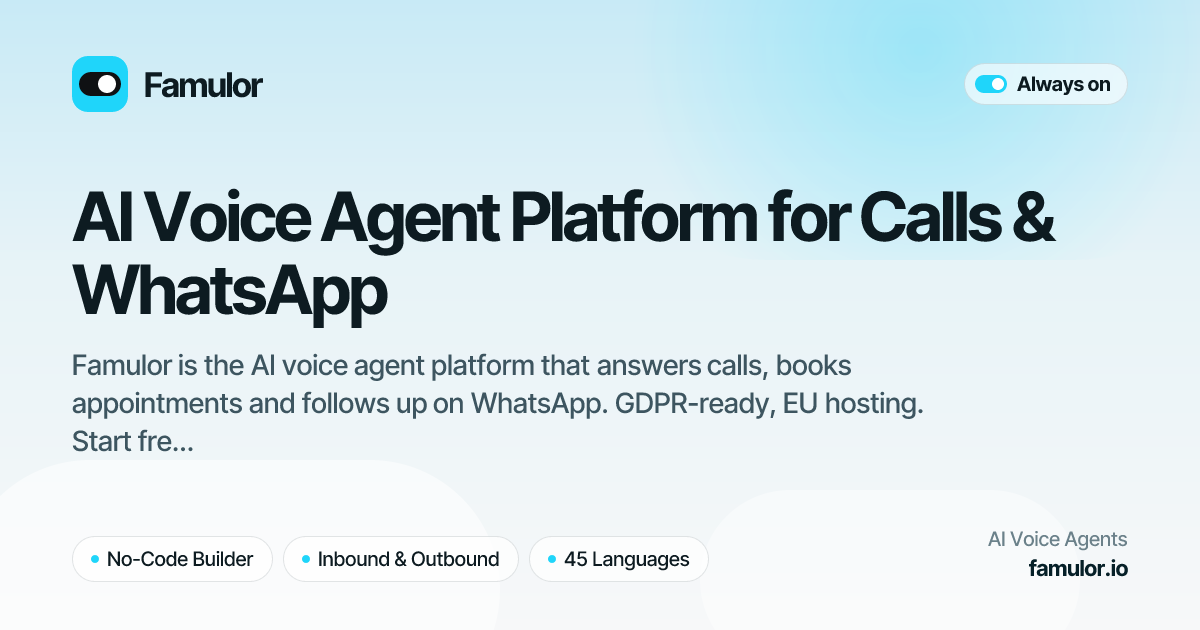
Famulor is an AI agent platform for businesses that automates inbound and outbound phone calls, appointment workflows, and follow-up across WhatsApp, SMS, email, and web channels. It also provides integrations, APIs, webhooks, and MCP tools for connecting automated communication to business systems.

Famulor

AI agents for calls, messaging, and follow-up

Famulor is an AI agent platform for automated phone calls and follow-up conversations. It can answer inbound calls, run outbound campaigns, and continue conversations through WhatsApp, SMS, email, a website widget, and other messaging channels. The platform is presented by a German company and states that it is GDPR-ready with EU hosting.

Agents are created in a visual flow builder and can use shared instructions, guardrails, and a knowledge base across channels. Depending on the workflow, Famulor can collect information, transfer a call to a human, send follow-ups, and connect appointment outcomes or conversation data to business systems.

Key features

Inbound and outbound voice campaigns

Point a phone number at an AI receptionist for inbound calls, or run outbound campaigns during defined calling windows. The platform supports answering-machine detection, voicemail drops, and warm or cold transfer to a person.

Multichannel messaging

Use WhatsApp Business with free-form replies, approved templates, business profiles, and WhatsApp voice calls. The platform also supports outbound SMS for reminders, notifications, and follow-ups.

Shared agent knowledge

Give the agent a shared knowledge base built from documents and a website crawl. The same instructions, knowledge, and guardrails can be used across phone, messaging, email, and the web widget.

Website voice and chat widget

The website widget lets visitors choose between an AI voice call and typed chat. An origin allowlist controls which domains can load the widget.

Calendar-aware appointment handling

Connect calendars and booking tools so the agent checks real availability and creates, moves, or cancels appointments. The product states that bookings are tied back to the originating call.

Integrations and developer platform

Use 23 native connections, an automation layer covering 1,000+ apps, REST APIs, an MCP server, and webhooks. API and webhook capabilities include calls, transcripts, outcomes, assistants, WhatsApp Business, SMS, and knowledge bases.

Practical use cases

  • Front-desk and call reception

    Use an AI receptionist to answer routine inbound calls, provide information from a connected knowledge base, and warm- or cold-transfer callers when staff involvement is needed.

  • Lead outreach and reminders

    Run outbound calling campaigns within configured calling windows, detect answering machines, leave voicemails, and record the resulting outcome for later workflow steps.

  • Appointment booking

    Let callers or website visitors check availability and schedule, move, or cancel appointments. Calendar integrations can keep availability synchronized and reduce conflicting bookings.

  • Customer follow-up

    Continue a conversation after a call with WhatsApp, SMS, or email follow-ups, such as delivery updates, appointment reminders, or responses in an existing email thread.

  • Embedded communications for software teams

    Use the API, webhooks, or MCP server to trigger calls, read transcripts and outcomes, send WhatsApp or SMS messages, and place Famulor communication tools inside a larger application.

Pros and Cons

Pros

  • Supports inbound reception, outbound campaigns, transfers, voicemail drops, and call outcomes in one platform.
  • Uses the same agent instructions and knowledge base across voice, messaging, email, and web channels.
  • Offers calendar-aware booking with connected scheduling tools and real-time availability checks.
  • Provides native connections, an automation layer, REST APIs, webhooks, and an MCP server for custom workflows.
  • States support for 60 languages and 23 countries, with a voice catalog of more than 10,000 voices.

Cons

  • The source material does not provide verified pricing, plan limits, usage allowances, or enterprise contract terms.
  • Some capabilities depend on connected calendars, messaging providers, automation services, or developer configuration.
  • The available evidence describes many integrations and workflows but does not establish suitability for every industry or call scenario.

FAQ

Which communication channels does Famulor support?

Famulor supports inbound calls, outbound campaigns, WhatsApp, SMS, email, and messaging channels including Telegram, Slack, Facebook Messenger, Microsoft Teams, Google Chat, Discord, and X. It also offers a website widget with voice and chat modes.

Can Famulor book and manage appointments?

Agents can read live availability from connected calendars and book, move, or cancel appointments. The integration pages name the native booking engine, Cal.com, Calendly, eTermin, Google Calendar, and Outlook synchronization.

Can developers connect Famulor to their own software?

Yes. The developer platform provides REST endpoints for calls, assistants, knowledge bases, WhatsApp Business, SMS, campaigns, and leads. Signed real-time webhooks report events such as call start, extracted variables, call completion, and appointment creation.

Can a human take over an AI conversation?

The platform states that one agent can use the same instructions, knowledge base, and guardrails across channels. Knowledge can include documents and a website crawl that is automatically re-synced, while human takeover is available for conversations that need staff involvement.

What security and data-handling information does Famulor provide?

Famulor states that it is GDPR-ready and uses EU hosting. The developer platform also documents scoped Bearer-token authentication, signed HMAC-SHA256 webhook payloads, TLS encryption, and IP allowlist support for enterprise plans; specific legal or plan terms should be verified with the provider.

Quick Facts

Category
AI voice and communication platform
Primary channels
Phone, WhatsApp, SMS, email, web widget, and messaging platforms
Language coverage
60 languages; the homepage also states availability in 23 countries
Integrations
23 native connections and 1,000+ apps through the automation layer
Developer access
REST API, signed webhooks, MCP server, CLI, and OpenAPI specification
Compliance positioning
GDPR-ready with EU hosting, according to the product website

Альтернативы Famulor

Wallie icon

Wallie

Wallie is an open-source AI streamer that watches your screen, hears chat, and generates live commentary in a configurable persona. It runs locally on your machine with your own keys and is aimed at faceless content, autonomous streams, and real-time reactions.

IntellAgents icon

IntellAgents

IntellAgents is an AI voice and chat agent service for businesses handling customer calls, outbound calls, and messaging across WhatsApp, Instagram, Facebook, Telegram, and websites. It uses a shared knowledge base, provides conversation summaries, and can escalate interactions to human staff.

Flunkey icon

Flunkey

Flunkey is a voice-first productivity layer for Windows that converts speech into text, AI-assisted outputs, and remembered context. It is built for users who want to capture ideas and actions without leaving the app they are working in.

CreateOS Sandbox icon

CreateOS Sandbox

CreateOS Sandbox is an isolated compute environment for running code and agent workloads inside Firecracker micro-VMs. It is designed for workflows that need machine-level isolation, private networking between sandboxes, and programmatic control through SDK, CLI, or MCP.

GitBot icon

GitBot

GitBot is a local browser-based workspace for creating reusable coding bots powered by Claude Code, Codex, or OpenCode. It helps developers run those agents across repository folders with persistent threads and configurable permissions.

Codex Plugins icon

Codex Plugins

Codex Plugins bundle reusable skills, app integrations, and MCP servers into workflows you can install in the Codex app or use from Codex CLI. They help extend Codex with connected-service tasks, reusable instructions, and shared team workflows.