
Lesson input by voice, text, or photo
Children can explain what they learned by speaking, writing, or photographing a notebook or workbook page, so the lesson can start from their actual schoolwork.

Maya is an online AI tutor for children, mainly serving grades 1–6. It explains school topics from a child’s spoken, written, or photographed input, provides multiple-choice practice, and explains the reasoning behind incorrect answers.
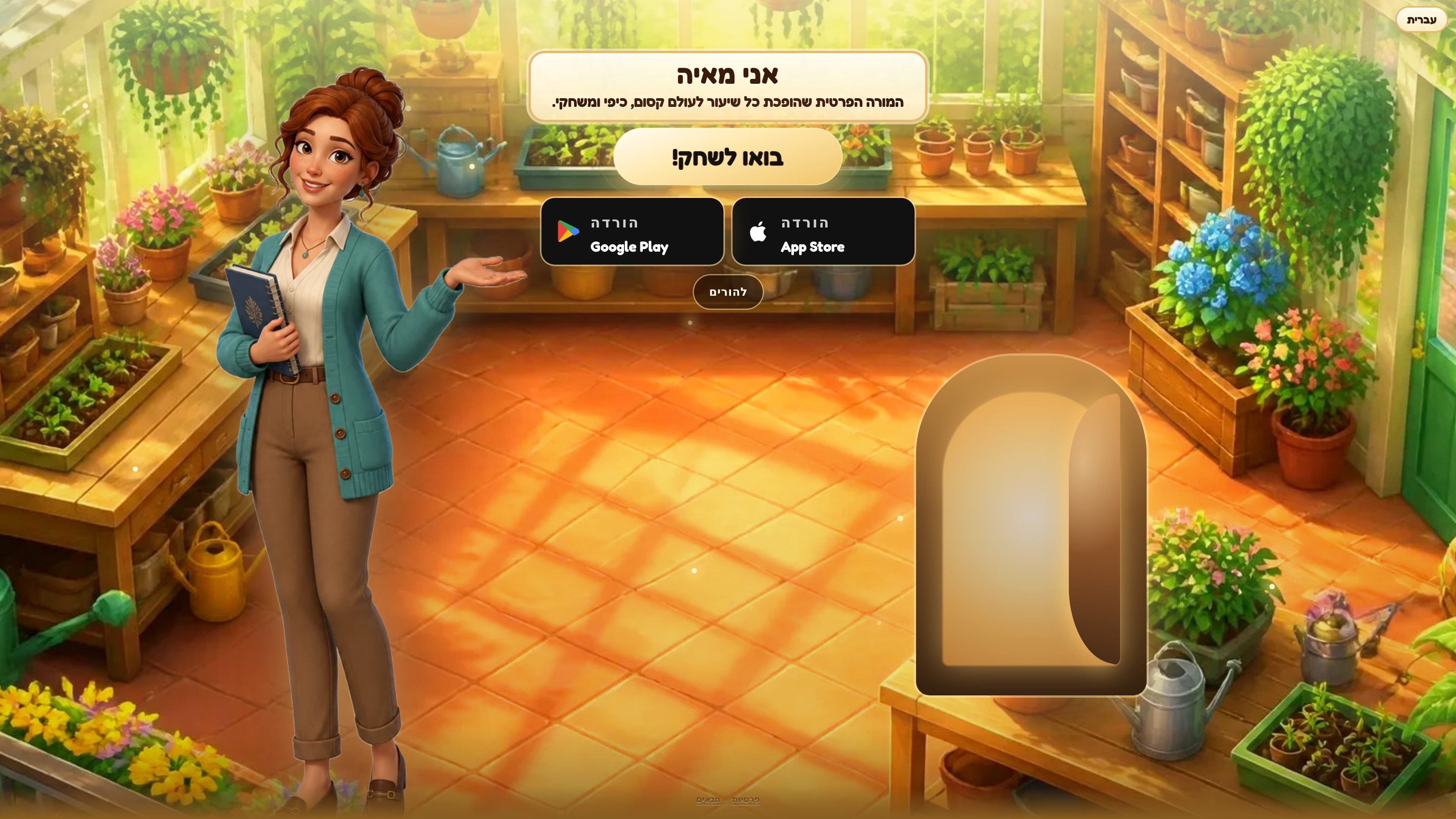
Maya is an online private tutor for school-age children. A child tells Maya what was taught at school, and Maya explains that specific material, asks questions with selectable answers, and responds to mistakes with an explanation rather than only marking the answer wrong.
The service is designed mainly for children in grades 1–6 and includes a prepared catalog through grade 10. It can be used in a browser and on iPhone, with lessons available in multiple interface languages. Children can also start from a voice description, written description, or photo of a schoolwork page when the exact topic is not already selected from the catalog.
Children can explain what they learned by speaking, writing, or photographing a notebook or workbook page, so the lesson can start from their actual schoolwork.
Maya focuses the explanation on the topic the child reports rather than presenting only a broad chapter-level lesson.
Questions use selectable answers, allowing children to respond by tapping instead of typing answers into blank fields.
When an answer is wrong, Maya explains why it may have looked reasonable and identifies the specific misconception or mistake.
Difficult material is recorded and revisited in a later lesson, providing continuity between sessions.
The catalog contains 265 prepared lessons across mathematics, Hebrew, science, English, and homeland studies, organized by subject, grade, and topic.
After school, a child can describe the day's topic or photograph the relevant notebook page and receive an explanation focused on that material.
A child who repeatedly chooses a tempting wrong answer can see why it seemed logical and what distinction separates it from the correct answer.
Families can use the prepared subject-and-grade catalog to select a focused lesson, such as a mathematics or language topic, without first composing a custom prompt.
When a topic is difficult, Maya can retain it for a later session and return to it instead of treating each lesson as an isolated exercise.
Parents can begin with the free first lesson and evaluate the workflow before deciding whether to use the optional Maya Plus trial or subscription.
Maya is a private online tutor for children. A child can tell Maya what they learned, and Maya explains the topic, asks multiple-choice questions, and discusses why an incorrect answer seemed plausible.
Maya is aimed primarily at children in grades 1–6, approximately ages 6–12. Its catalog includes material through grade 10 in mathematics, Hebrew, science, English, and homeland studies.
A child can describe the lesson by speaking or writing, or by photographing a page from a notebook or workbook. During lessons, questions use selectable answers rather than requiring the child to type into blank fields.
The first lesson is free without a credit card. A seven-day Maya Plus trial may be available afterward; on the website, a card is entered and the first charge occurs only after the trial ends. Cancel before the charge date to pay nothing.
Maya's interface is available in Hebrew, English, Spanish, Portuguese, French, German, Russian, Arabic, Hindi, Chinese, and Japanese. The onboarding page lets the user choose the teaching language and change it later.

GameGrad turns PDF study material into quiz questions that appear inside arcade games, so users can practice active recall while they play. It offers a free tier with one PDF and a Pro plan with more uploads, more questions, and answer explanations.

Lingofable is a story-based language learning app that helps learners practice reading at an appropriate level and review new vocabulary in context. It currently supports Spanish, with Android listed as coming soon.

NerdSip is an AI microlearning app that generates custom 7-lesson courses on almost any topic. It supports short, gamified learning sessions on iOS and Android with quizzes, key takeaways, and visual summaries.
BrainBurst is a free quiz platform for IQ practice and UPSC/SSC exam preparation. It offers multiple quiz modes, answer review with explanations, and benchmarked results without requiring registration.

LangPanda is a browser extension for learning languages from streaming video and other supported sites. It combines instant subtitle lookup, flashcard creation, vocabulary tracking, and spaced-repetition review for 36 languages.

recall is an AI flashcard app that turns reading and notes into study cards through Claude, ChatGPT, or another MCP client. It uses one-time lifetime access pricing and spaced repetition review.