
Lead finder
Search and add leads from a large LinkedIn-based database, with the homepage stating 300M+ leads and the pricing page listing unlimited lead finding on all plans.

Flow AI is a LinkedIn automation platform for sales teams, agencies, coaches, and consultants. It helps users find leads, run outreach, manage replies, and sync activity with CRMs and other tools.
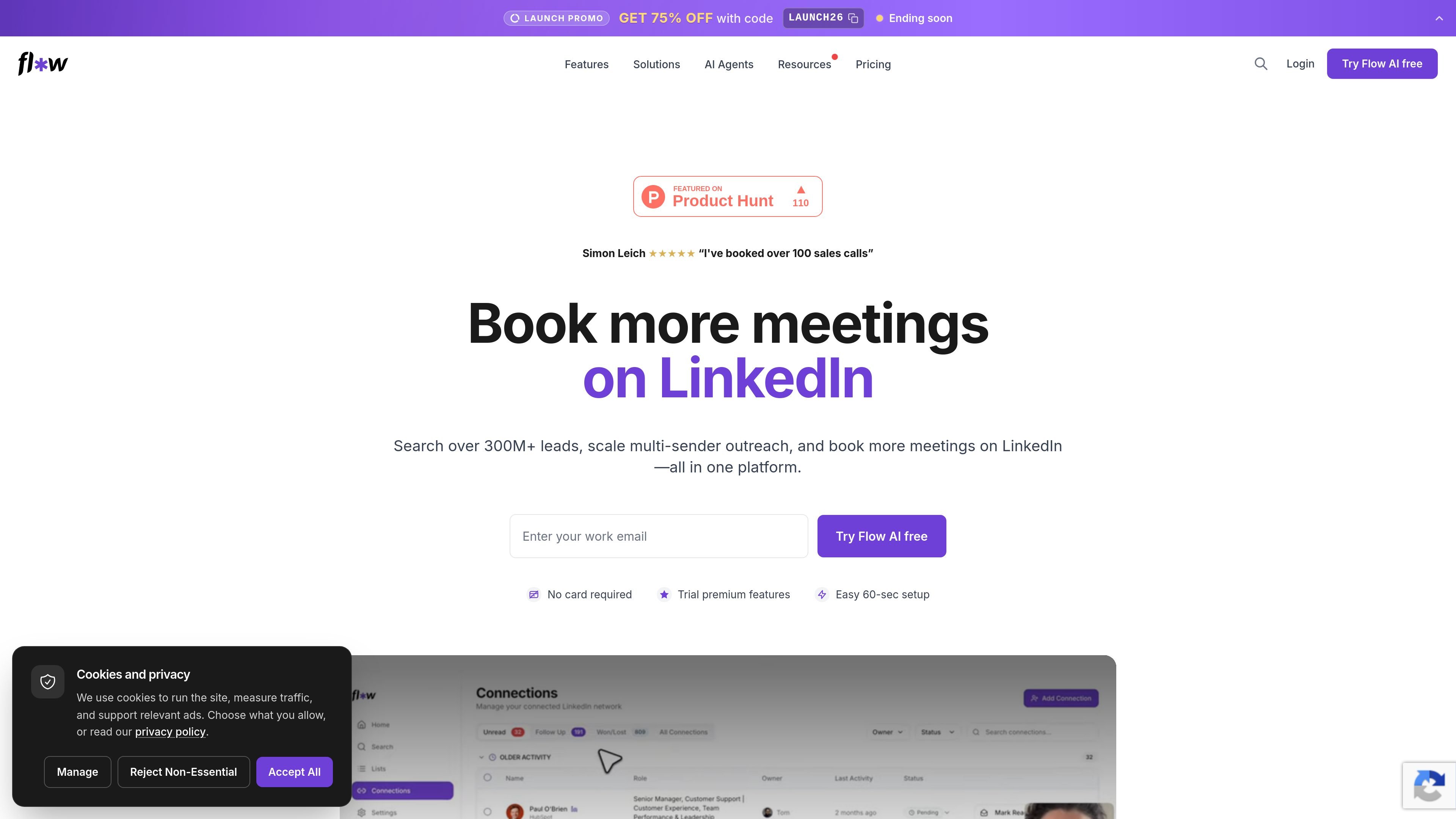
Flow AI is a LinkedIn automation platform for sales teams, agencies, coaches, and consultants. It combines lead finding, automated outreach, reply handling, and CRM sync in one product so users can run outreach from prospecting through follow-up without switching between separate tools.
The homepage positions the product around finding ideal buyers from 300M+ leads, running multi-sender outreach, and booking more meetings. The pricing page adds plan structure for solo users, teams, and larger organizations, while the integrations page shows connections for CRMs, calendars, workflow tools, data enrichment providers, messaging apps, and AI tools.
Search and add leads from a large LinkedIn-based database, with the homepage stating 300M+ leads and the pricing page listing unlimited lead finding on all plans.
Run automated LinkedIn sequences that build pipeline while the user is away, with pricing listing unlimited auto-pilot usage.
Draft or refine replies with AI-assisted suggestions, with the pricing page calling this unlimited co-pilot support and the homepage showing Agent Maya helping write responses.
Manage conversations from one shared inbox and schedule replies from multiple accounts, so team members can work from the same place.
Sync contacts and activity with Flow, HubSpot, or Salesforce, and connect calendars, workflow tools, and other systems through the integrations library.
Send from several LinkedIn accounts and rotate accounts to spread activity across senders, a capability listed on the pricing page for Team and Enterprise plans.
Use Flow AI to search for prospects, add them to outreach sequences, and keep follow-up activity organized in one system.
Use shared inboxes, multiple senders, and account rotation when several SDRs or teammates need to manage LinkedIn outreach together.
Use CRM sync and calendar integrations to keep contacts, activity, and booked meetings aligned with the rest of the sales stack.
Use the playbook and co-pilot features to draft replies and move conversations toward meetings with less manual writing.
Use the platform’s planning and automation features to keep pipeline moving during periods when manual outreach slows down.
Yes. The pricing page says you can start with a free account, and the homepage says no card is required for the trial.
Flow AI says it can connect contacts and activity with Flow, HubSpot, or Salesforce, and it also supports integrations for calendars and other tools through its integrations library.
The product is built for LinkedIn outreach workflows: finding leads, running automated sequences, managing replies in a shared inbox, and tracking follow-ups and status.
The pricing page says Team includes 3 LinkedIn accounts, while Enterprise is for larger teams with custom needs such as more users, SSO, priority support, and tailored onboarding.
The pricing page shows Analytics as 'Soon,' so reply, meeting, and pipeline tracking are planned but not yet fully available in the source content.

Liam is an AI copilot for managing inboxes, writing replies, prioritizing email, and scheduling meetings. It is offered free for individuals, with custom pricing for teams and enterprise.

Gemma AI is a phone call reminder app that calls you with scheduled reminders instead of push notifications. It helps people who want a more direct way to stay on schedule, with Google Calendar sync and conversational call interactions.

ClawTick is an AI agent automation platform for scheduling jobs from the CLI, dashboard, or REST API. It is aimed at developers and teams running LangChain, CrewAI, webhook, or custom agent workflows that need monitoring, alerts, and logs.

Podium is an AI lead generation and lead management platform for local businesses. It centralizes lead conversations, automated follow-up, reviews, payments, and booking, with a 24/7 AI Employee available as an add-on.

SelectPrism is an agentic AI hiring platform for high-volume recruiting teams. It automates screening, scheduling, first-round interviews, and structured evaluation to help teams move candidates through hiring with less manual coordination.

Fountain is a frontline workforce platform for hiring, onboarding, sourcing, and scheduling at high-volume employers. It combines Frontline OS with partner integrations and AI-assisted workflows to help teams move candidates and workers through frontline operations.