
Instant publishing
Publish a file, folder, or whole site and receive a live URL in seconds. The product is built around a zero-config flow rather than a traditional build pipeline.

Flowershow is a hosted Markdown publishing platform for blogs, docs, knowledge bases, and Obsidian vaults. It supports browser uploads, GitHub sync, CLI publishing, and an Obsidian plugin, with Premium options for custom domains and search.
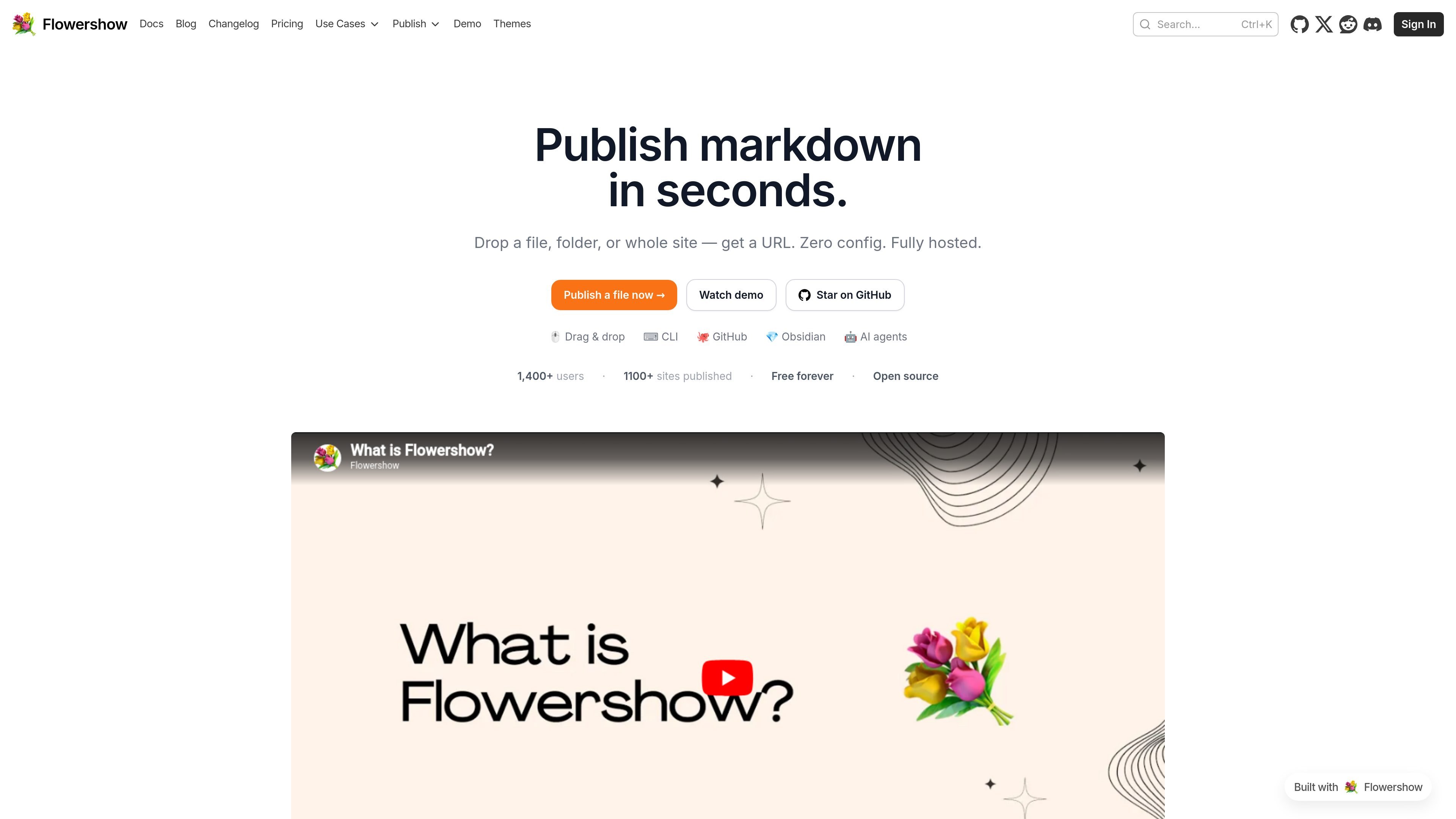
Flowershow is a hosted publishing tool that turns Markdown into websites for blogs, documentation sites, knowledge bases, wikis, and Obsidian vaults. The product is designed to take content from a file, folder, GitHub repo, Obsidian vault, or terminal workflow and publish it to a live URL with little setup.
It supports CommonMark, GitHub Flavored Markdown, Obsidian syntax, Mermaid diagrams, and LaTeX math, with docs that also describe Markdown and MDX rendering modes. Site owners can use official themes, add custom styling, connect a custom domain on Premium, and keep content in plain markdown files so it remains portable.
Publish a file, folder, or whole site and receive a live URL in seconds. The product is built around a zero-config flow rather than a traditional build pipeline.
Folders of markdown become structured multi-page sites, which makes it suitable for notes, docs, and knowledge bases instead of only single-page content.
Support includes CommonMark, GitHub Flavored Markdown, Obsidian wiki links, Mermaid diagrams, and LaTeX math, with docs also covering Markdown and MDX rendering modes.
Sites are hosted for you, so there are no servers or deployment tools to manage. The docs and pricing page both describe automatic publishing from GitHub, the terminal, or the Obsidian plugin.
Themes can be selected from the dashboard or configured in `config.json`, and further styling is available through custom CSS and Tailwind.
Premium adds custom domains, removed branding, custom favicon and social images, full-text search, and priority support.
The docs include built-in support for page authors, hero sections, comments, forms, SEO metadata, RSS feeds, redirects, and content filtering.
Publish a personal blog or small site from markdown files and use themes, authors, comments, and search features to shape the experience.
Turn a folder of notes into a navigable knowledge base or documentation site with sidebar navigation, table of contents, redirects, and RSS.
Publish an Obsidian vault directly to the web while keeping wikilinks, graph-related workflows, and markdown-based editing intact.
Automate publishing from scripts, cron jobs, AI agents, or terminal workflows when content is produced outside a browser-based editor.
Yes. The free plan lets you publish one site with no time limit and no credit card required.
Flowershow supports CommonMark, GitHub Flavored Markdown, Obsidian wiki links, Mermaid diagrams, and LaTeX math, with documentation that also covers MDX rendering mode.
Yes. Premium plans include custom domains, custom favicons, custom social images, and password protection is documented as a Premium feature.
Your content stays in plain markdown files, and the docs describe a raw markdown URL access pattern by appending .md to a page URL.

Fronty is an AI-powered web app that converts screenshots and image files into HTML and CSS, then lets you refine and publish the result with a no-code editor and hosting. The pricing page says it is free for now, but no paid plan details are provided.

Make Real is a Next.js app that turns hand-drawn wireframes into working HTML prototypes using the tldraw SDK and AI models. It helps users sketch on a canvas, generate code, and review the result in an embedded preview.

Falconer is an AI-powered company brain that keeps internal documentation accurate, searchable, and up to date by syncing with tools like GitHub, Slack, and Linear. It helps engineering and cross-functional teams centralize knowledge and answer questions from a shared source of truth.

Speculos is a deployment tool for Claude Code that publishes what you built to a shareable URL. It supports private, org-wide, or public apps and adds team controls for company domains, data connections, and customer-cloud deployments.

Awish is an AI-powered no-code automation platform that turns natural-language requests into automated workflows across connected apps. It serves individuals and teams that want to automate repetitive tasks, chat-based assistants, and workflow updates without manual configuration.

Theneo is a developer portal and API documentation platform for publishing references, guides, changelogs, and private customer portals. It supports collaborative editing, automated changelogs, and AI-facing doc features for technical teams.