
Multi-repo discovery and checkpointing
Finds repositories across a path and runs a repeatable checkpoint flow from one command, which is useful when you need to act quickly across many repos.

git-fire is a beta command-line tool for checkpointing work across multiple Git repositories. It helps users discover repos, optionally auto-commit dirty changes, and push backup branches or remotes from one consistent command.
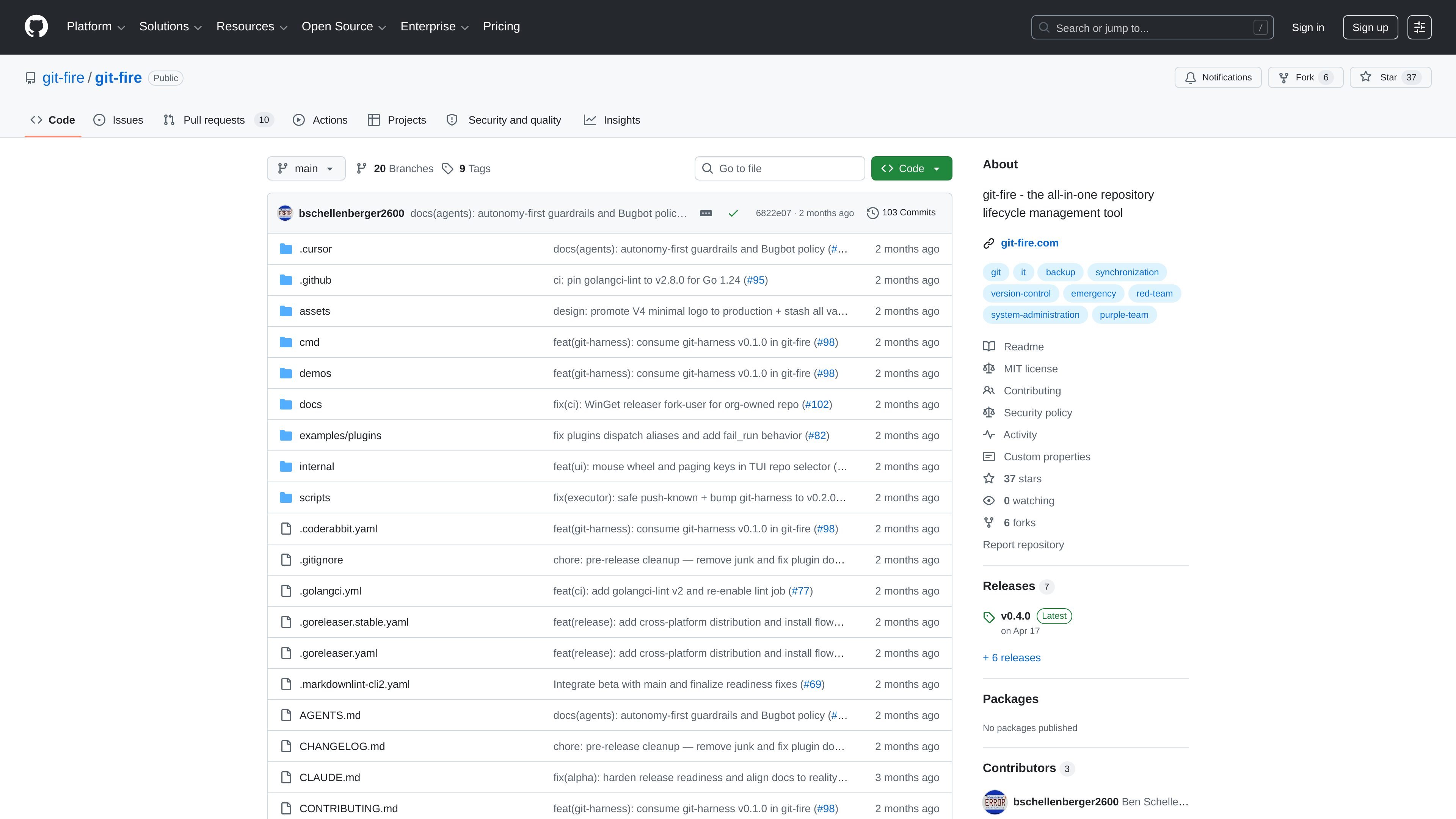
git-fire is a beta command-line tool for checkpointing work across multiple Git repositories. Its core flow is to discover repositories, optionally auto-commit dirty changes, and push backup branches or remotes so local-only work is less likely to be lost.
The project is positioned for high-stress recovery moments and everyday discipline alike. The README describes it as an auditable recovery path for developers, platform engineers, security and operations teams, and other users who need one consistent move across many repositories.
Finds repositories across a path and runs a repeatable checkpoint flow from one command, which is useful when you need to act quickly across many repos.
Can auto-commit dirty work unless disabled, helping preserve uncommitted changes before context switches, maintenance windows, or shutdowns.
Pushes backup branches or remotes with safety rails so the process is auditable rather than a loose manual push loop.
Supports a dry-run mode for previewing actions before committing to a real checkpoint run.
Includes a TUI and configurable behaviors, with documentation covering command flow, safety notes, and workflow guidance.
Provides install paths through package managers, Linux scripts and packages, Go, and release archives, making it usable across several setup styles.
Use git-fire at the end of the day or before a context switch to checkpoint changes across several repositories in one pass.
Use it before refactors, maintenance windows, or incident-driven changes to preserve current state across tooling, config, and infrastructure repos.
Use it as a safety net during AI-assisted coding sessions so uncommitted output is captured before a stop point.
Use it for docs, content, or data work that spans multiple repositories and needs a repeatable backup step.
Use it in security or red/purple team workflows where preserving state before teardown or handoff matters.
Git-fire is designed to discover repositories, optionally auto-commit dirty work, and push backup branches or remotes so local-only work is less likely to be lost.
The README shows install options for Homebrew, WinGet, a Linux install script, native Linux packages, `go install`, and manual binary archives.
Yes. The quick start recommends `git-fire --dry-run --path ~/projects` to preview the checkpoint flow before running the default command.
Git-fire is beta software. The README says the core multi-repo backup flows are usable, but some roadmap items such as `--backup-to` and USB destination mode are not wired yet.

GitBoard — нативное приложение для строки меню macOS для GitHub Projects: смотрите канбан, фильтруйте по статусам, ищите issue и создавайте/назначайте.

Polsia is an autonomous AI platform that claims to plan, code, market, and handle customer and sales work for a company. The public pages position it for founders, especially solo founders, and note that it is free to start without a credit card.

Biji - это универсальная платформа, разработанная для повышения продуктивности с помощью инновационных инструментов и функций.

ClawTick is an AI agent automation platform for scheduling jobs from the CLI, dashboard, or REST API. It is aimed at developers and teams running LangChain, CrewAI, webhook, or custom agent workflows that need monitoring, alerts, and logs.

Falconer is an AI-powered company brain that keeps internal documentation accurate, searchable, and up to date by syncing with tools like GitHub, Slack, and Linear. It helps engineering and cross-functional teams centralize knowledge and answer questions from a shared source of truth.

SonOf connects to your repo and PM tool, audits the codebase and surrounding product context, and turns approved work into shipped tickets with senior engineering review. It is aimed at founders and engineering leaders who need backlog help without hiring a full team immediately.