
Photorealistic 3D globe
View the world on a photorealistic 3D globe powered by Google Maps tiles, with the globe acting as the main interface for spatial exploration.

God's Eye View is an open-source browser app for exploring live public data on a photorealistic 3D globe. It combines aircraft, ships, satellites, earthquakes, traffic, and public cameras, while labeling which views are live, modeled, or delayed.
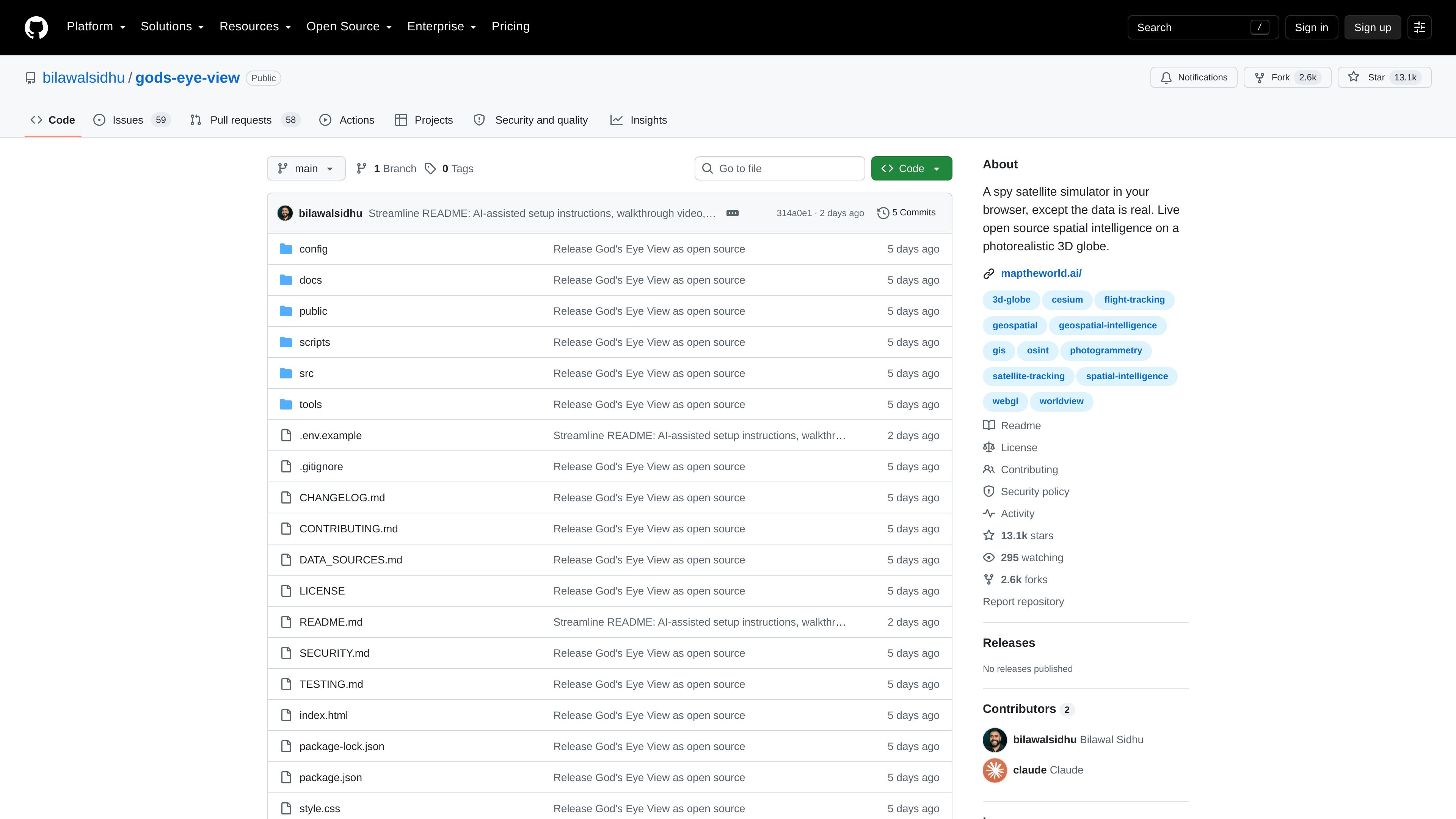
God's Eye View is an open-source browser app for live spatial intelligence on a photorealistic 3D globe. It presents public data feeds as an interactive world view, combining aircraft, ships, satellites, earthquakes, traffic, and public cameras in a single interface.
The project emphasizes transparency about what is live and what is modeled. The README and data-sources documentation note that each layer exposes its source and freshness state, while some views are labeled as simulated, reconstructed, delayed, or unavailable when a live feed is not present.
View the world on a photorealistic 3D globe powered by Google Maps tiles, with the globe acting as the main interface for spatial exploration.
Track live aircraft, ships, satellites, earthquakes, traffic, and public cameras from the browser, with per-layer source and freshness states shown in the interface.
Lock the camera onto a selected object, draw a trail, and surface metadata so you can follow a target as it moves.
Use voice input to speak annotations and commands, supported by a realtime AI agent for hands-free interaction.
Switch between visual modes such as CRT, NVG, FLIR/thermal, Noir, and Snow to inspect the same scene with different sensor-style looks.
Serialize the current camera, style, layers, and tracked target into a shareable URL for handing off an active scene.
Follow an aircraft from the sky view into a cockpit-style perspective, using the tracked-contact workflow and nearby contacts list to stay oriented.
Inspect maritime traffic or other moving targets and hand off to the nearest live camera when one is available.
Explore public overlays such as earthquakes and traffic on top of the globe when you want a fast way to browse live world activity.
Use voice commands and annotations to mark routes, boundaries, or notes without relying on mouse-heavy interaction.
Create a shareable scene for a demo or review, including the current camera, selected layers, and tracked target.
It is a browser-based spatial intelligence app that combines live public feeds on a 3D globe with interactive controls, so you can explore aircraft, ships, satellites, earthquakes, traffic, and public cameras in one place.
You can use it in a browser on your own machine. The README says the dev server runs locally, requires Node.js 24.14.x or 26.x, and uses a Google Maps API key for the photorealistic globe.
The project is open source under MIT for the code, but third-party data and visual assets keep their own licenses and terms. The data sources file also notes that some bundled data, such as TeleGeography, is noncommercial and must be removed for commercial use unless separately licensed.
The app shows live sources where available and clearly labels modeled, delayed, partial, or unavailable states. The README also notes that some experiences are reconstructed or simulated rather than live.
The project includes references to live sources such as Google Maps tiles, OpenSky, adsb.lol, AISStream, meteorological and earthquake feeds, and public camera sources, but the exact set used depends on the layer you enable.

Hype is a web tool for finding trending YouTube topics by category, time range, and scoring mode. It helps creators spot emerging ideas, inspect source videos, and decide what to cover next.

Radar is a self-hostable media intelligence and social listening app for monitoring public sources, analyzing mentions, and generating briefs or content outputs with optional Claude AI. It is aimed at individuals and small teams that want an enterprise-style workflow without a cloud account.

PromptScout tracks how ChatGPT, Gemini, Google AI Overviews, and Perplexity mention your brand or competitors, then pairs those results with source analysis and website audits. It helps teams decide what to fix in content, positioning, or site readiness next.

SaveMRR is a Stripe retention tool for SaaS teams that scans billing data for churn and MRR leaks, then automates recovery through dunning, cancel-save offers, win-back emails, and onboarding nudges. It is built for founders and bootstrapped teams using Stripe.

Sleek Analytics is a privacy-friendly web analytics tool with real-time visitor tracking, Core Web Vitals, and revenue attribution. It helps site owners understand traffic and conversions without cookie banners or a heavy setup.

Struere is an AI-native platform for turning spreadsheet data into structured operational software with dashboards, alerts, and automations. It is aimed at teams that want to replace manual spreadsheet workflows without building custom tools from scratch.