
Structural knowledge analysis
SnapFill builds a structural map of your knowledge so it can interpret how related data points fit together, which helps it handle ambiguous or repetitive form fields.

SnapFill is an AI form-filling product for completing PDF and Word forms from a reusable Knowledge Base. It helps users reduce repetitive data entry while preserving document formatting and keeping a review step before download.
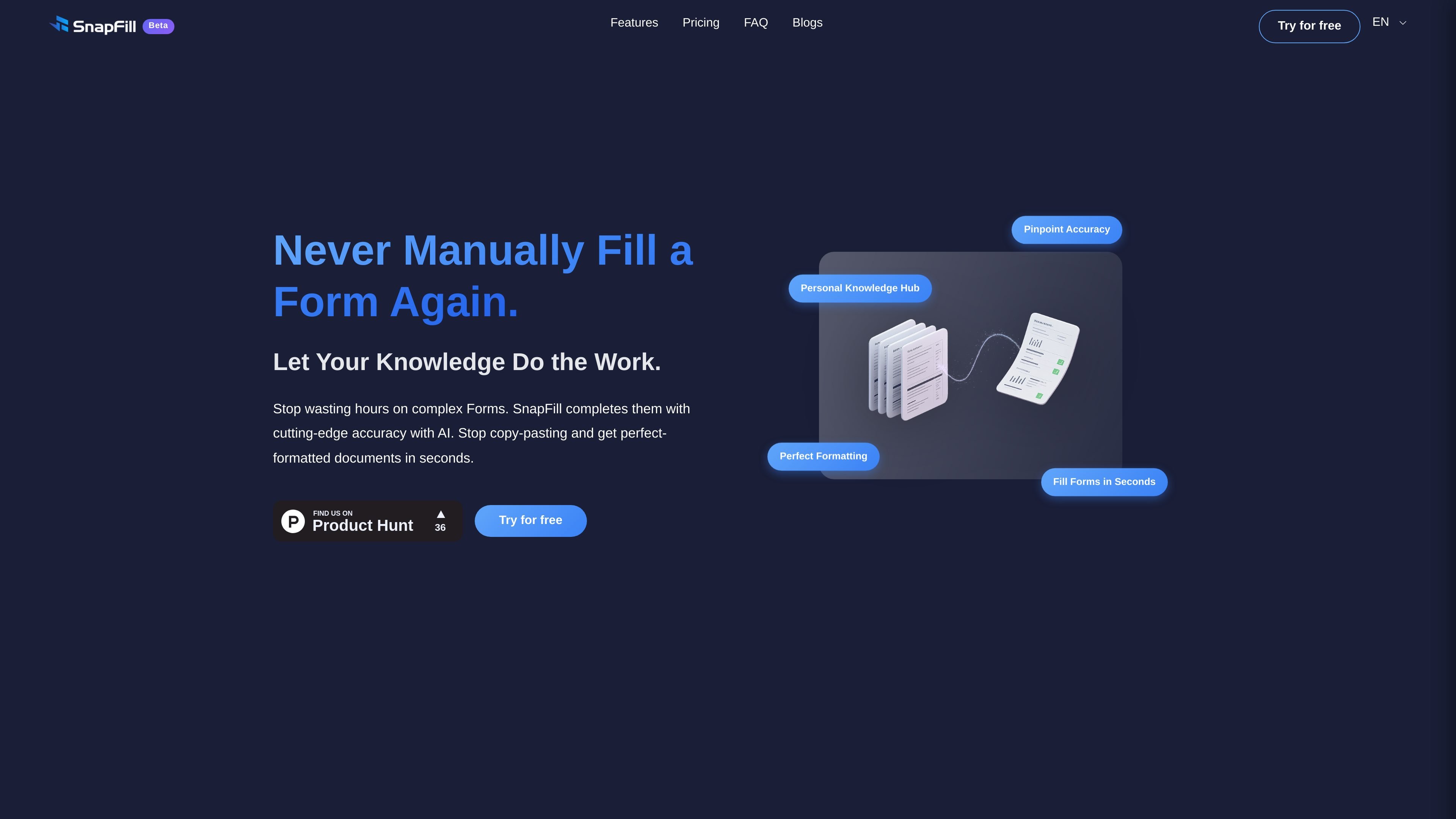
SnapFill is an AI form-filling product that helps users complete PDF and Word forms using a reusable Knowledge Base. It is built to reduce repetitive data entry by connecting uploaded documents, structured information, and manually entered details to the fields in a form.
The site positions SnapFill for people who work with complex paperwork and want a reviewable output that preserves the original document’s formatting. It also supports API-driven bulk processing and an OpenClaw plugin workflow for guided document filling with a field review step before finalizing the file.
SnapFill builds a structural map of your knowledge so it can interpret how related data points fit together, which helps it handle ambiguous or repetitive form fields.
Completed PDFs or DOCX files keep their original layouts, fonts, and tables, so the output is designed to preserve the document’s formatting.
Users can create a personal Knowledge Base once and reuse it across multiple forms instead of re-entering the same details repeatedly.
The product supports API access for bulk form filling, which is intended for higher-volume workflows and automation.
For OpenClaw users, SnapFill offers a plugin workflow with existing profile data, temporary chat context, field review, and downloadable results.
Researchers and academics can use SnapFill for grant applications, project descriptions, budget forms, and other recurring paperwork that pulls from the same background information.
Small businesses can use it for loan applications, vendor onboarding packets, and employee forms where consistency and document formatting matter.
Legal professionals can store client details and case facts in a Knowledge Base and generate court filings, discovery requests, and standardized contracts from that information.
OpenClaw users can run a guided workflow that starts from existing profile data or live chat context, reviews fields before finalization, and produces a downloadable result.
Teams with repeated document intake can use the API and bulk processing path to automate larger batches instead of filling forms one by one.
SnapFill analyzes uploaded documents and stored knowledge to understand relationships between fields, then uses that context to complete forms more accurately than simple keyword matching.
Yes. The page says you can review the filled form and make final tweaks before downloading it, so the user stays in control of the output.
A Knowledge Base is SnapFill’s personal repository for uploaded documents, structured data, or manually entered information that the AI uses when completing forms.
The site says SnapFill uses end-to-end encryption and does not share your information with third parties.
Yes. The page says accuracy can improve as you add more information to your Knowledge Base and continue using the product.

nolainocr is an AI OCR tool that extracts structured data from PDF invoices, receipts, forms, contracts, and bank statements. It helps teams move document data into Excel, Google Sheets, JSON, or CSV without manual entry.
司马阅是一款面向企业的AI文档智能体平台,帮助团队把分散在文档中的知识转成可用于问答、检索、写作和审查的结构化能力。它适合对准确性和数据安全要求较高、且有大量文档工作流程的企业。

Все-в-одном AI платформа, которая объединяет инструменты для изображения, видео, голоса, письма и чата для повышения креативности и сотрудничества.

Slidesgo is a presentation template platform for Google Slides, PowerPoint, and selected Canva workflows. It offers free and Premium templates, plus AI-assisted presentation creation and team-friendly access options.

Grok — это бесплатный ИИ-помощник, разработанный xAI, который ставит во главу угла правдивость и объективность, предлагая расширенные возможности, такие как доступ к информации в реальном времени и генерация изображений.

Creativly is a web-based AI creative studio for generating visual concepts, mockups, and stylized images from short inputs. It is aimed at designers, creators, and entrepreneurs who want fast visual ideation without writing long prompts.