
Computer-audio meeting notes
Granola transcribes meeting audio from your computer and turns it into notes, actions, and a searchable memory.

Granola is an AI notepad for meetings that captures computer audio and turns conversations into notes, actions, and a searchable record. It is available on macOS, Windows, and iPhone, with free, business, and enterprise plans.
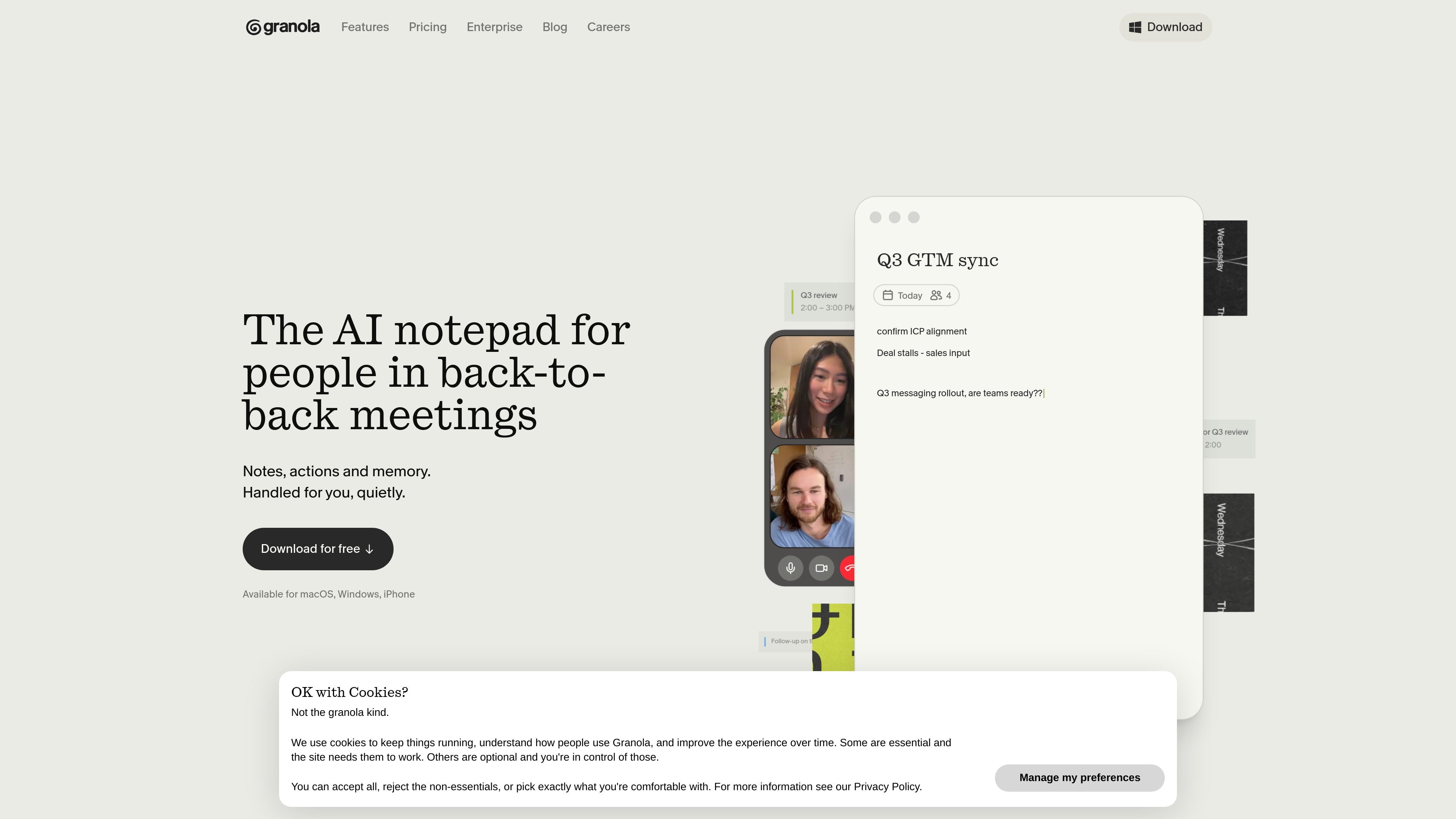
Granola is an AI notepad for people who spend much of their day in back-to-back meetings. It captures conversation audio from your computer, then turns the result into notes, actions, and a searchable record that you can review or share.
The product is built to stay unobtrusive: it does not join calls as a meeting bot, and it is described as private by default. Granola is available on macOS, Windows, and iPhone, with pricing that ranges from a free Basic plan to paid Business and Enterprise tiers.
Granola transcribes meeting audio from your computer and turns it into notes, actions, and a searchable memory.
The app supports editable note templates so teams can format notes for meetings such as customer discovery calls, interviews, standups, and 1:1s.
Granola can generate meeting recaps from your own rough notes and then enhance them with its AI models.
On Business, Granola adds integrations with Attio, Notion, Slack, HubSpot, Affinity, and Zapier, plus API access and MCP integration.
Users can share notes through shared folders and query past conversations through Granola chat to surface details across meetings.
Enterprise adds SSO, usage analytics, org-wide auto-deletion periods, and admin controls for sharing and API access.
Capture meeting notes while staying present in customer calls, standups, 1:1s, and internal reviews, then turn them into a clean recap after the meeting.
Use customizable templates to keep recurring meetings in a consistent format, including interviews, user research sessions, and sales calls.
Share recaps to Slack or keep them in shared folders so teammates can review decisions and follow-ups after the call.
Search and chat across past meetings to pull out details, transcript lines, and themes from previous conversations.
For larger organizations, centralize billing, user management, and admin controls while rolling out Granola with enterprise security features.
Granola is available for macOS, Windows, and iPhone.
Granola uses your computer audio directly, so it does not invite a meeting bot into the call.
Granola offers a free Basic plan, a paid Business plan, and an Enterprise plan with additional admin and security controls.
Yes. The pricing page lists integrations with Attio, Notion, Slack, HubSpot, Affinity, and Zapier on the Business plan, and the Brex case study also mentions Slack and shared folders for sharing and retrieval.
The pricing and security pages point to data protection controls, model-training opt-out options, SSO on Enterprise, and admin controls, but the source text here does not provide a complete compliance certification list.

Tactiq is an AI note taker for Google Meet, Zoom, and Microsoft Teams that transcribes meetings live and turns them into summaries, action items, and follow-up outputs. It is built around a Chrome extension and supports team workflows through sharing and integrations.

Scripta is a privacy-first AI notetaker that records, transcribes, and summarizes meetings directly on your device. The public site currently shows a Mac beta download and a Windows waitlist.

QuickQuill is a macOS dictation and transcription app that runs locally on the device. It helps users record meetings, transcribe audio, generate summaries, and export notes without using a cloud service.

Notewarp is an AI note-taking tool that turns voice notes, uploads, or pasted text into cleaner notes, transcripts, summaries, and action items. It helps people capture rough ideas quickly and then edit, export, or share the result.

MeetStream is a meeting bot API for Zoom, Google Meet, Microsoft Teams, and Webex. It helps developers record, stream, and analyze meetings programmatically, with usage-based pricing and a $5 free credit to start.

Liam is an AI copilot for managing inboxes, writing replies, prioritizing email, and scheduling meetings. It is offered free for individuals, with custom pricing for teams and enterprise.