UStackUStack
HeimWall icon

HeimWall

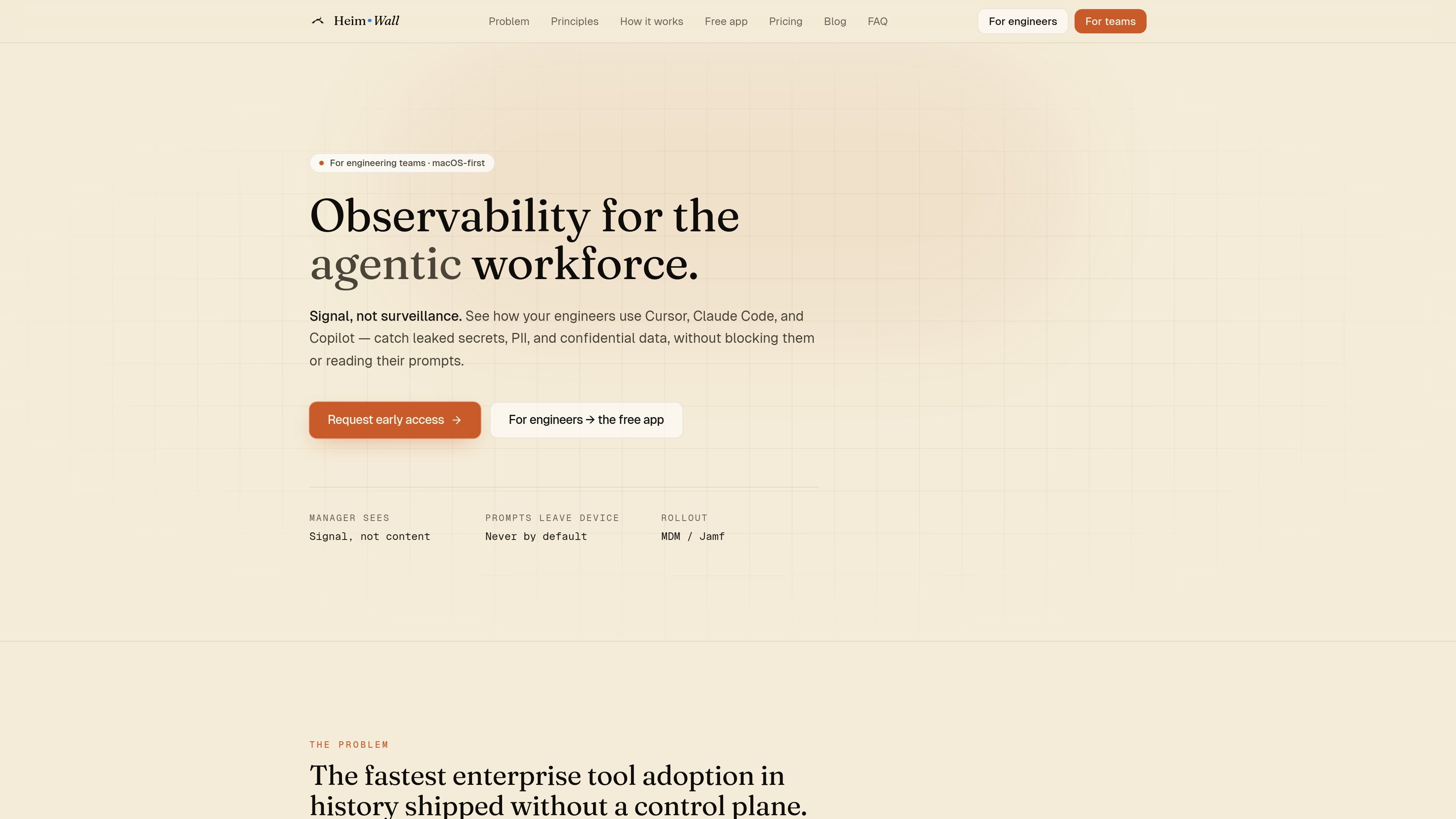
HeimWall is a macOS-first observability tool for AI coding workflows that detects secrets, PII, and confidential data in prompts before they leave the device. It helps individual developers and teams using Cursor, Claude Code, Copilot, and Windsurf keep prompt content local while exposing only redacted signal to managers.

HeimWall

Overview

HeimWall is a macOS-first observability product for the “agentic workforce,” focused on AI coding tools used by engineers. It watches prompts in tools such as Cursor, Claude Code, Copilot, and Windsurf, then detects secrets, PII, and other confidential data before the prompt leaves the device.

The core design is local-first: capture, detection, and redaction happen on the engineer’s machine. In the default team workflow, managers see redacted signal such as category breakdowns, Safety Score, and trends, while raw prompt text stays on the device unless a gated investigation flow is used.

Core capabilities

On-device prompt capture

A lightweight Mac menu-bar app reads the prompt composer locally through macOS Accessibility, clipboard polling, and a local TLS proxy. This lets HeimWall observe prompts even when the AI tool talks directly to its own cloud.

Tiered secret and PII detection

HeimWall uses 25+ hand-written regex rules for hard-shaped secrets such as AWS keys, tokens, private keys, and SSNs, with an on-device classifier as a fallback for fuzzier leaks.

Redaction at the source

The product masks matches before anything is recorded or sent. Team dashboards receive only category, severity, masked snippet, and a hash for correlation, not the raw prompt body.

Manager visibility without prompt access

For teams, a manager dashboard summarizes Safety Score, category breakdowns, and trends across engineers while keeping prompt content local to the device.

Shared engine across multiple tools

HeimWall’s detection engine is shared across tools, so coverage can extend across Cursor, Claude Code, Copilot, and Windsurf without separate per-tool systems.

Team and enterprise controls

Enterprise plans add policy and operations features such as custom rules, SIEM export, Slack and PagerDuty integrations, SAML SSO, SCIM provisioning, and investigation mode controls.

Common ways teams use HeimWall

  • Prevent accidental prompt leaks on the desktop

    An engineer working in Cursor or Claude Code can get local warnings when a pasted secret, token, or PII pattern is detected, helping catch mistakes before the prompt is submitted.

  • Track team-level risk patterns

    Engineering leaders can review redacted trends and Safety Scores across a team to understand where risky prompt behavior is happening without reading prompt content.

  • Deploy to managed Mac fleets

    Security and platform teams can roll the agent out through MDM tools such as Jamf, Kandji, or Intune for a signed, notarized installation flow that is intended for fleet deployment.

  • Connect observability to existing security workflows

    Organizations that need stronger controls can use enterprise features such as policy rules, SIEM export, Slack or PagerDuty integrations, SAML SSO, and SCIM provisioning.

  • Handle exceptions through a controlled investigation process

    If an incident requires deeper review, a gated Investigation Mode can expose raw prompts only with second-factor step-up, written justification, employee notification, and a time-box.

Pros and Cons

Pros

  • Runs on-device and is designed so raw prompts do not leave the Mac by default.
  • Covers multiple AI coding tools with one local agent instead of separate tool-specific controls.
  • Uses deterministic rules for hard-shaped secrets, which the company describes as fast and explainable, plus an on-device fallback classifier.
  • Offers a team view that emphasizes redacted signal, Safety Score, and trend monitoring rather than content access.
  • Provides explicit onboarding and privacy guardrails, including consent messaging and a contract clause restricting use for performance reviews.

Cons

  • The product is macOS-first today; Windows and Linux support are not broadly available yet.
  • Some workflow details and integrations are tier-dependent, so teams may need the paid plans to get dashboarding, exports, or policy controls.
  • Investigation Mode can surface raw prompts, but only through a gated process with extra steps and audit logging.

FAQ

How does HeimWall work with AI coding tools?

HeimWall runs as a local macOS menu-bar agent. It instruments the prompt composer in tools such as Cursor, Claude Code, Copilot, and Windsurf, then applies on-device detection before any data leaves the machine.

What is the difference between the free app and the team product?

The free individual app is local-only and does not use an account or org. The team product enrolls the same agent in an organization so redacted signal can flow to a manager dashboard.

What data reaches the dashboard?

Raw prompts are inspected locally, then redacted metadata is sent if the product is used in a team context. The dashboard receives category labels, severity, and a masked snippet; raw prompt text is not sent by default.

What platforms does HeimWall support today?

HeimWall supports macOS first, including Apple Silicon and Intel Macs on macOS 13+. The FAQ says Windows support is on the roadmap and Linux is later.

What happens if the agent stops running?

If the agent crashes, it fails open: prompts continue to go through. A watchdog restarts the agent and the dashboard flags uptime anomalies.

Quick Facts

Category
Observability for AI coding tools
Primary platform
macOS
Deployment model
Local on-device agent; team dashboard for redacted metadata
Supported tools
Cursor, Claude Code, Copilot, Windsurf
Source domain
heimwall.ai
Pricing model
Free individual app; paid team tiers with enterprise sales

Альтернативы HeimWall

ByteAsk icon

ByteAsk

ByteAsk is a terminal-first AI coding agent for C and C++ that edits repositories and verifies changes with the real compiler, debugger, sanitizers, and tests before showing a diff. It offers a free tier plus paid plans, with editor connectors and zero-retention handling described in the source.

Ghost icon

Ghost

Ghost — терминальный AI-ассистент для чата, генерации кода и запуска задач в командной строке. Бесплатные модели, Linux, macOS, Windows, open source.

Devin icon

Devin

Devin is an AI coding agent and software engineer that helps developers and engineering teams plan and execute complex software tasks. It is available through desktop, cloud, JetBrains, and CLI surfaces, with plans for individuals, teams, and enterprises.

图像大厨imgcook icon

图像大厨imgcook

imgcook is a design-to-code tool that converts design drafts into front-end code. It supports plugin-based and developer workflows for Sketch, Photoshop, VS Code, and CLI usage.

PromptScout icon

PromptScout

PromptScout tracks how ChatGPT, Gemini, Google AI Overviews, and Perplexity mention your brand or competitors, then pairs those results with source analysis and website audits. It helps teams decide what to fix in content, positioning, or site readiness next.

Sleek Analytics icon

Sleek Analytics

Sleek Analytics is a privacy-friendly web analytics tool with real-time visitor tracking, Core Web Vitals, and revenue attribution. It helps site owners understand traffic and conversions without cookie banners or a heavy setup.

HeimWall - AI Tool, Features, Use Cases & Alternatives | UStack