
Turn-taking
Decides whether the bot should jump in or stay silent, so it can match the rhythm of a conversation instead of sending constant replies.

Hermes plugin is a Humalike add-on for Hermes Agent bots that adds social-intelligence behaviors such as turn-taking, persona, theory of mind, and social learning. It is presented as a one-install way to make a bot behave more naturally in group conversations.
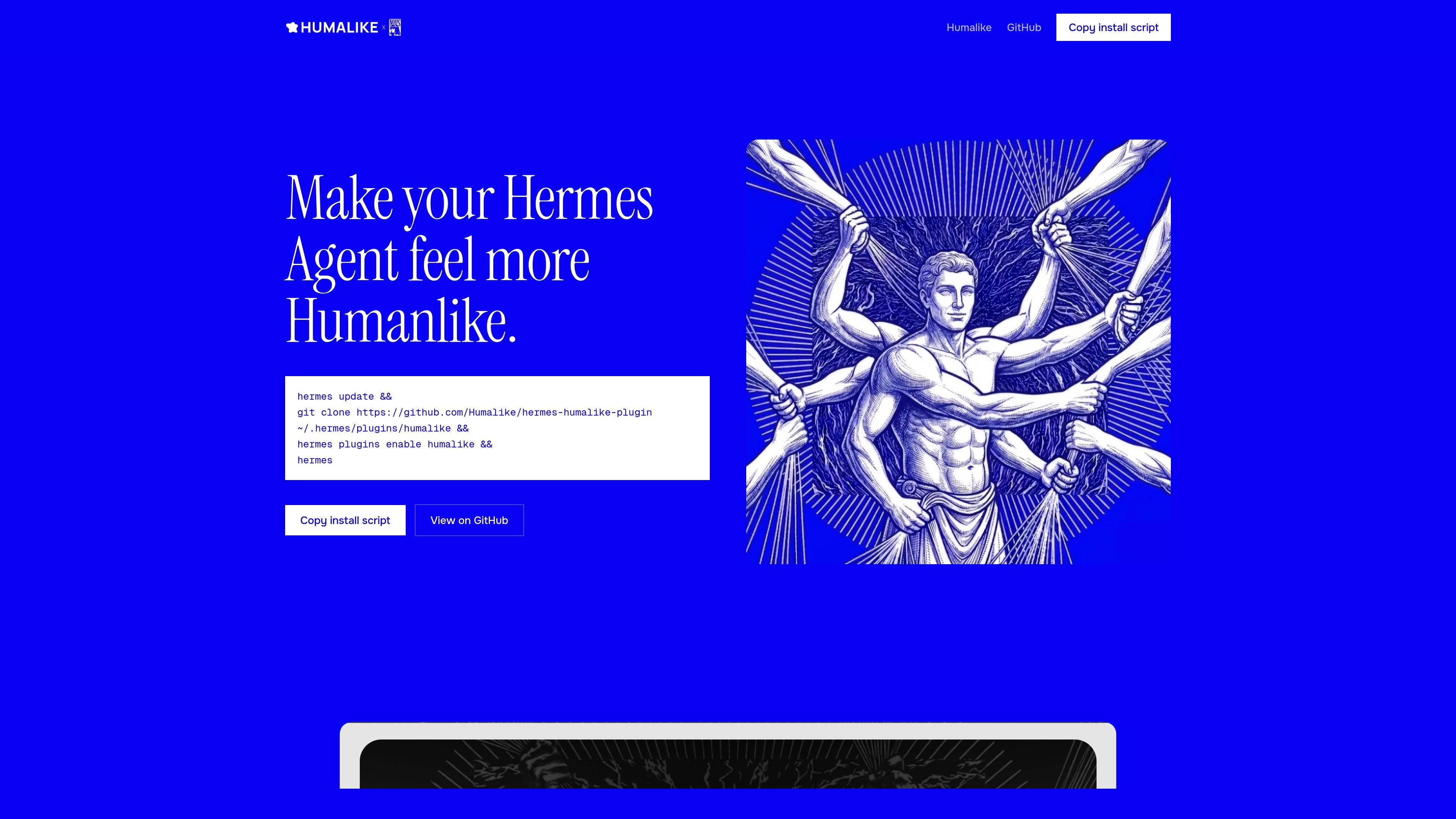
Hermes plugin is a Humalike add-on for Hermes Agent bots that gives them social-intelligence behaviors in a single install. The page positions it as a way to make an agent feel more humanlike in conversation by shaping when it speaks, how it sounds, and how it responds to the room.
The product page highlights four behaviors: turn-taking, persona, theory of mind, and social learning. Together, these capabilities are meant to help a bot pace itself in group chat, speak with a consistent character, anticipate reception, and adapt to local conversational norms. The source also shows a simple install flow using a git clone command and Hermes plugin enablement, plus examples of chat platforms where the plugin can be used.
Decides whether the bot should jump in or stay silent, so it can match the rhythm of a conversation instead of sending constant replies.
Turns a short persona description into a more distinct speaking style, helping the agent sound like a specific character rather than a generic bot.
Estimates how a message may land with the person on the other end and adjusts before sending.
Learns a group’s slang, formatting, and level of formality so the bot can sound more like a member of that chat.
Supports one-shot integrations shown for Telegram, Slack, WhatsApp, and Discord on the product page.
Add conversation timing to a bot that should avoid interrupting or flooding a group chat with replies.
Give an agent a consistent voice so it can play a named character, assistant persona, or role-specific identity.
Help an agent assess likely reactions before it posts, especially in conversations where wording and context matter.
Adapt an agent to a particular community’s style so its wording, formatting, and tone fit local norms over time.
Connect humanlike behavior into chat environments such as Telegram, Slack, WhatsApp, or Discord as shown on the product page.
Humalike provides a suite of HTTP APIs, and the Hermes plugin appears to be a plugin-based way to connect a Hermes Agent bot to Humalike’s social intelligence capabilities. The page shows a one-shot install flow followed by enabling the plugin in Hermes.
The page shows a shell install script that clones the plugin repository into the Hermes plugins folder and then enables it with the Hermes CLI. The documentation also shows API usage with a bearer token and JSON requests.
The home page highlights four capabilities for Hermes: turn-taking, persona, theory of mind, and social learning. The pricing/docs pages also list related APIs such as norms, social memory, social signals, and social observability.
The docs show an HTTP API base URL at https://api.humalike.com, bearer-token authentication, JSON request/response bodies, and a shared credit balance for billable calls.
The source does not provide a fully documented list of supported channels for the Hermes plugin beyond examples like Telegram, Slack, WhatsApp, and Discord on the product page.

Lasso is an ecommerce product data platform for enriching catalog records, processing supplier files, generating product content, and monitoring competitors. It combines a web app with a REST API, SDK, and MCP server for teams and developers.

Ably Chat is a chat API platform for building custom realtime chat applications. It supports room-based messaging, typing indicators, presence, reactions, and message updates, with usage-based pricing options for different deployment stages.

Botacts is a web directory for finding AI bots and agents you can contact by phone, email, SMS, WhatsApp, Telegram, or Signal. It also lets creators suggest bots for manual review before publication.

Wallie is an open-source AI streamer that watches your screen, hears chat, and generates live commentary in a configurable persona. It runs locally on your machine with your own keys and is aimed at faceless content, autonomous streams, and real-time reactions.

Tavus is an AI video platform for building real-time, face-to-face agents, digital twins, and AI companions. It combines APIs, custom replicas, and multilingual conversational workflows for developers and teams.

HiringPartner.ai is an autonomous AI recruiting platform for sourcing, screening, and interviewing candidates 24/7. It supports ATS-connected workflows, bulk resume uploads, and reviewable interview outputs for hiring teams.