
Repository import
Connect Hoplite to a GitHub repository so it can pull in codebase and branch structure before agents start working.

Hoplite is a cloud coding agent platform for teams that want to run software tasks in isolated sandboxes with repository context and imported local setup. It offers published Pro, Scale, and Enterprise plans.
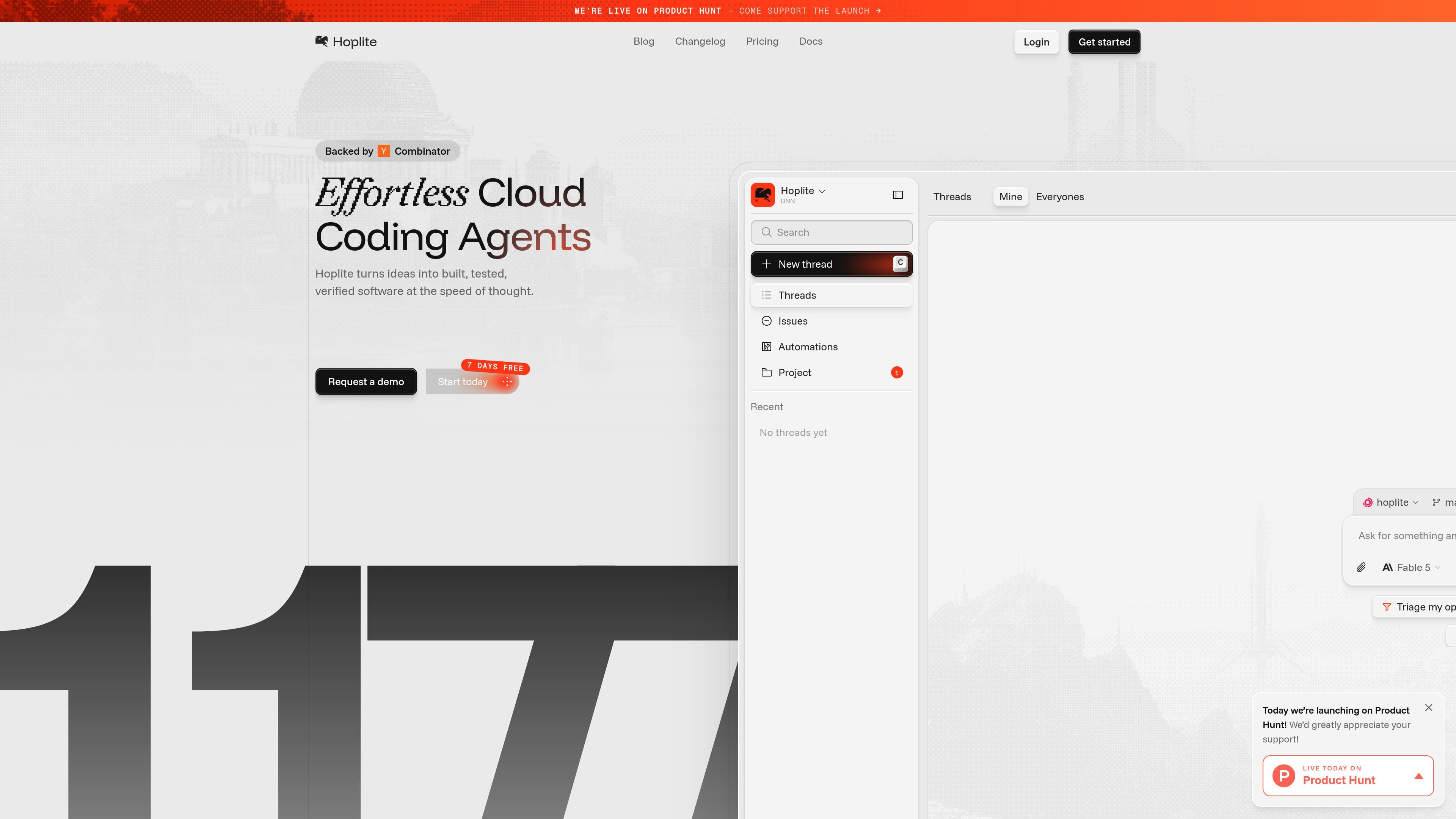
Hoplite is a cloud coding agent platform that helps teams turn ideas into built, tested, and verified software. The homepage positions it as a way to move projects from a local setup into cloud sandboxes where agents can work with repository context and imported configuration.
The product emphasizes a workflow that starts by connecting a repository and bringing over local machine details, then running agents in isolated sandboxes. The pricing page shows paid Pro and Scale plans for seats and an Enterprise option for organizations that need custom security, infrastructure, and support arrangements.
Connect Hoplite to a GitHub repository so it can pull in codebase and branch structure before agents start working.
Import local setup details such as sessions, MCP servers, memories, and CLIs so the cloud environment mirrors the local machine more closely.
Run agents inside isolated sandboxes so multiple threads can operate at the same time without sharing resources.
Create automations and start new threads from new issues or other triggers, then monitor the work through the workflow shown on the site.
Review video recordings of feature changes and output before merging, which helps verify the agent's work without manual port juggling.
Use plan-specific workspace tools such as pooled sandboxes, retained sandboxes, new-thread capacity, and configurable idle timeout on higher tiers.
Use Hoplite to turn incoming issues into agent runs that can be reviewed before they reach production. The site describes spinning up threads from new issues and handing them off through share links.
Use the platform to verify changes before merge by reviewing the recorded output of a pull request or feature update. The site highlights video walkthroughs for new features and before/after review.
Use isolated sandboxes to fan out a backlog and run several agents in parallel. This fits teams that want to work through multiple tasks without resource contention.
Use the imported local environment details when you want cloud agents to behave more like a developer's own machine. The homepage mentions sessions, MCP servers, memories, and CLIs coming with the setup.
Use the higher-tier plans when you need larger sandbox capacity, priority support, configurable idle timeout, or enterprise deployment terms.
Hoplite is built around cloud coding agents that run in isolated sandboxes. The homepage says it imports local config, connects to a repository, and starts agents in the cloud.
The homepage says Hoplite can import local setup, including sessions, MCP servers, memories, and CLIs, and mirror a local machine in the cloud. The pricing page also notes sandbox capacity, retained sandboxes, and idle-timeout controls that vary by plan.
Hoplite's homepage describes workflows such as issue triage, pull-request verification, and running agents in parallel across many isolated sandboxes. The pricing page shows plans for individual seats and teams, plus an Enterprise option for custom deployments.
Yes. The pricing page lists Pro and Scale plans with monthly and yearly billing options, plus an Enterprise plan with custom pricing.

ByteAsk is a terminal-first AI coding agent for C and C++ that edits repositories and verifies changes with the real compiler, debugger, sanitizers, and tests before showing a diff. It offers a free tier plus paid plans, with editor connectors and zero-retention handling described in the source.

Manta AI is an autonomous web app testing tool for teams that want to map application behavior, catch regressions, and generate tests without writing scripts or maintaining selectors. It works from a URL and supports plain-English test flows, run results with screenshots, and scheduled or deployment-triggered checks.

CreateOS Sandbox is an isolated compute environment for running code and agent workloads inside Firecracker micro-VMs. It is designed for workflows that need machine-level isolation, private networking between sandboxes, and programmatic control through SDK, CLI, or MCP.

GitBot is a local browser-based workspace for creating reusable coding bots powered by Claude Code, Codex, or OpenCode. It helps developers run those agents across repository folders with persistent threads and configurable permissions.

hob is an independent workspace for coding agents that keeps agent sessions, terminals, history, and follow-up work organized around the tools and providers you already use. It is aimed at developers who want local control over routing, history, and workspace structure rather than a bundled model stack.

SonOf connects to your repo and PM tool, audits the codebase and surrounding product context, and turns approved work into shipped tickets with senior engineering review. It is aimed at founders and engineering leaders who need backlog help without hiring a full team immediately.