
Spelling checks
Checks spelling mistakes and underlines errors so you can correct names, words, and phrases as you write.

LanguageTool is an AI-powered grammar checker and writing assistant for proofreading, rewriting, and style improvement across 30+ languages. It works in the browser, an online editor, and supported office and desktop apps.
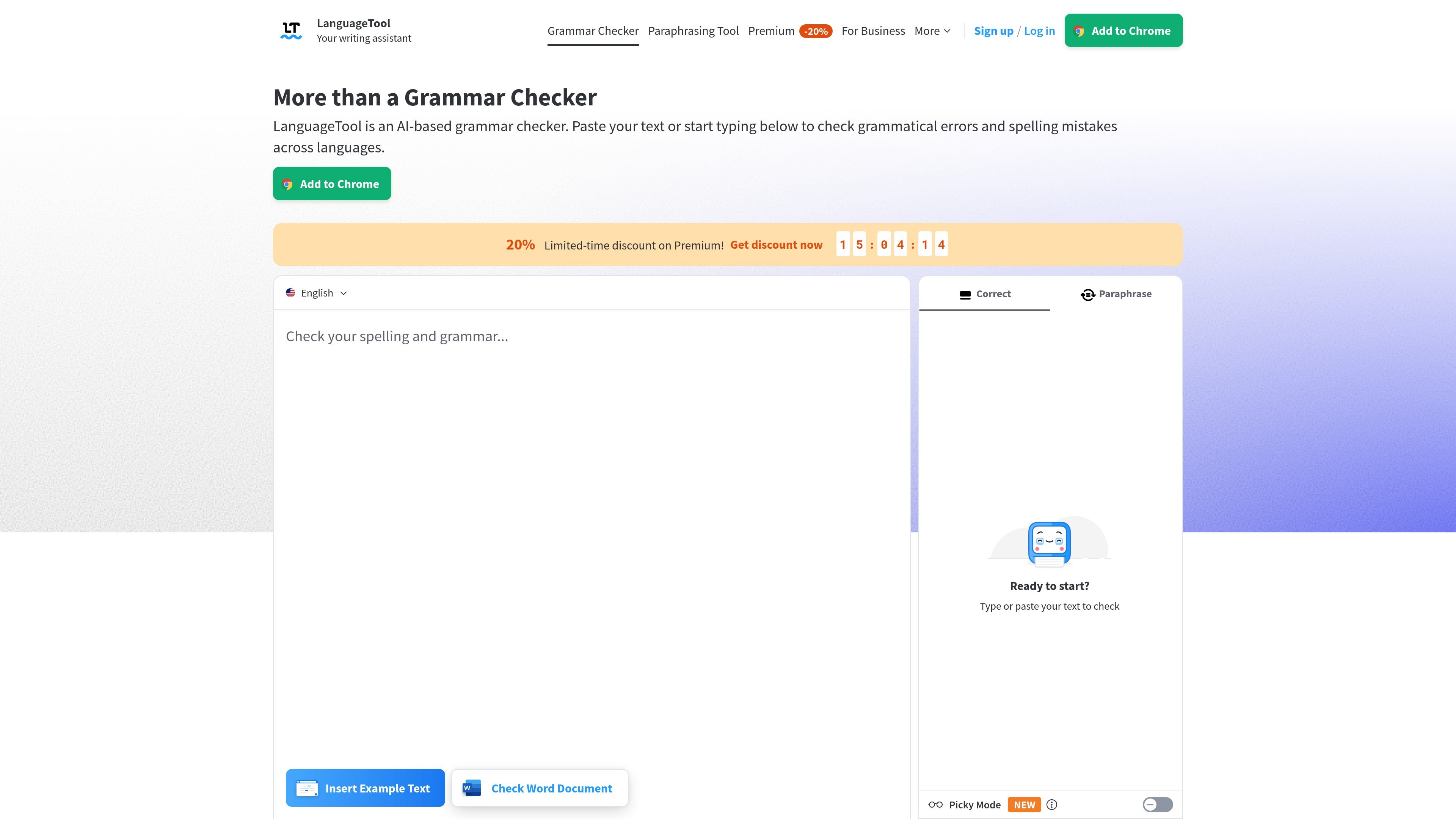
LanguageTool is an AI-powered grammar checker and writing assistant that checks grammar, punctuation, spelling, and style in more than 30 languages. It works as a browser add-on, online editor, and office-writing companion, so users can review text while drafting in the tools they already use.
The product is built for individual writers and teams that want error detection, rewriting help, and optional style controls in one workflow. The source also shows support for longer texts in Premium, plus team features such as shared style guides and dictionaries for organizations.
Checks spelling mistakes and underlines errors so you can correct names, words, and phrases as you write.
Finds grammar issues such as subject-verb agreement, wrong verb forms, word order, and agreement errors.
Flags punctuation problems, including missing commas and incorrect apostrophes, and helps with more complex sentence structures.
Detects casing mistakes and suggests proper capitalization for names, months, places, and national identities.
Offers style suggestions for overused phrases, redundant wording, foreign terms, and word choice, with a premium Picky Mode for more advanced suggestions.
Paraphrases sentences in tones like formal, concise, fluent, or simple, and supports longer-form rewriting in Premium.
Draft and revise emails, blog posts, and other web text directly in the browser while LanguageTool suggests corrections as you type.
Check longer documents such as essays, dissertations, books, and letters, especially when you want additional style and punctuation corrections from Premium.
Rewrite sentences into a more formal, concise, fluent, or simple tone when you need to refine wording without starting over.
Use the shared style guide and team dictionary to keep terminology and voice consistent across multiple writers.
Work inside supported office and desktop apps such as Word, LibreOffice, and other desktop environments where spelling and grammar checks are useful.
Yes. LanguageTool offers a free version that checks spelling, simple punctuation, and some style mistakes. Premium adds more checks and additional features for proofreading.
LanguageTool can be used in common browsers through add-ons, and the source also mentions dedicated experiences for Word, LibreOffice, Windows, macOS, and an online editor.
LanguageTool supports more than 30 languages and dialects. The source specifically highlights English, German, Portuguese, Spanish, French, and Dutch.
The paraphrasing feature rewrites sentences into different tones such as formal, concise, fluent, or simple. Premium also mentions unlimited sentence paraphrasing.
Yes. Team accounts are available, and the pricing page describes shared team features such as a team style guide and team dictionary.

ProWritingAid is a writing assistant for storytellers that offers grammar checking, style editing, paraphrasing, and story analysis inside popular writing apps. It includes a free plan, paid tiers, and tools for chapter critique, manuscript review, and collaborative editing.

Dictro is a private AI dictation app for Mac that turns speech into polished text in any editable app. It works on Apple Silicon Macs, processes locally by default, and can also run in an optional cloud Fast Mode.

Rubriq 是一款面向科研写作的 AI 学术论文润色与翻译工具,支持个人订阅、机构方案和论文查重相关服务。它帮助研究人员在上传稿件后快速生成带修订痕迹的可审阅文档。

Goldfish is an AI memory app for macOS that helps you reply, write, summarize, and continue using the context already on your Mac. It stores memory locally and writes in your tone.

LangPanda is a browser extension for learning languages from streaming video and other supported sites. It combines instant subtitle lookup, flashcard creation, vocabulary tracking, and spaced-repetition review for 36 languages.

SpeakoFlow is a free, open-source desktop voice-to-text app for Windows, macOS, and Linux. It supports dictation into any app, voice-driven writing with Flow, cleanup, translation, and a screen-aware assistant.