
Photo-based input
Take a photo of handwritten notes, textbook pages, worksheets, screenshots, or PDFs and Lexie identifies the subject and language before turning the content into study material.

Lexie is an AI study app that turns photos, notes, PDFs, and screenshots into flashcards, quizzes, practice exams, and audio review. It helps students study with active recall and spaced repetition without manual setup.
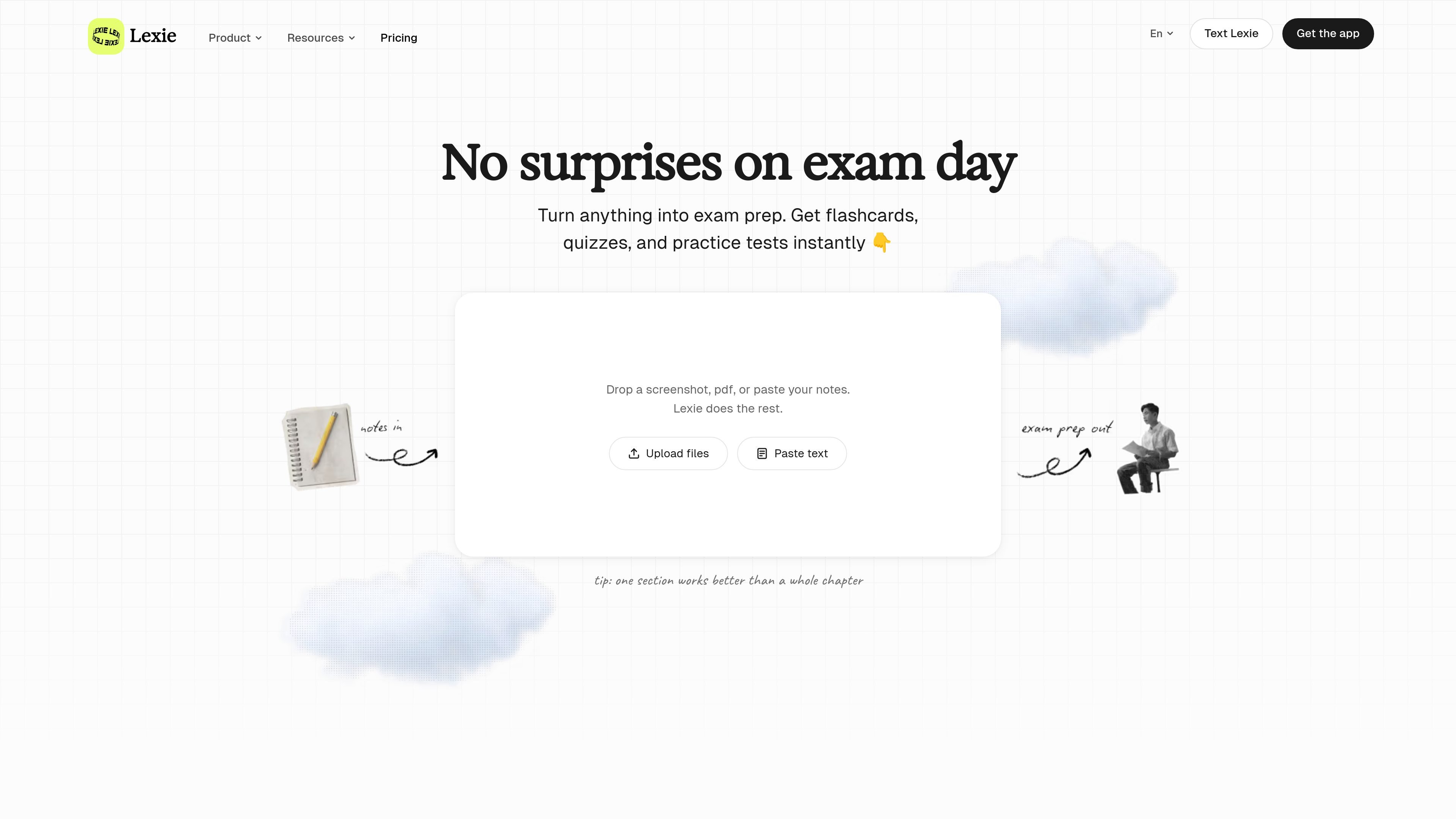
Lexie is an AI study app that turns notes, screenshots, PDFs, and photos of handwritten or printed material into flashcards, quizzes, practice exams, summaries, and audio review. The product is designed to reduce setup time by extracting the content from a single image and converting it into practice material in seconds.
The site positions Lexie as a study-focused alternative to general-purpose chat tools: instead of prompting a model yourself, you photograph your material and start reviewing. It supports active recall and spaced repetition, and it is presented as a no-account, no-ads product with a WhatsApp option called Text Lexie for studying in chat.
Take a photo of handwritten notes, textbook pages, worksheets, screenshots, or PDFs and Lexie identifies the subject and language before turning the content into study material.
Lexie creates flashcards, multiple-choice questions, fill-in-the-blank items, matching pairs, typed recall prompts, summaries, and audio review from the same source material.
The app schedules review with spaced repetition and the FSRS algorithm so cards return at intervals meant to support long-term retention.
Quiz sessions include scaffolded hints, detailed explanations, and reshuffled missed questions so you can focus on weak areas rather than repeat the same material unchanged.
Practise Exams mode generates open-ended questions from your notes and evaluates written responses with feedback, which suits subjects that require explanation or analysis.
Lexie also offers a built-in study timer with 5- to 60-minute blocks, optional app blocking, and WhatsApp-based study through Text Lexie.
Photograph a page of class notes or a worksheet to generate flashcards and quick review questions without manually typing the content.
Use the quiz maker to create multiple-choice, fill-in-the-blank, matching, and typed recall questions from a textbook page or revision sheet.
Switch to Practise Exams when you want open-ended prompts that require explanation, analysis, or written answers instead of recognition.
Study in short sessions with the built-in timer, optional app blocking, and audio review when you want a more controlled study block.
Send photos to Text Lexie in WhatsApp when you want to try the product without downloading the app first or want to study in chat.
Open Lexie, take a photo of your notes, textbook page, worksheet, or slide, and the app extracts the content automatically. It then generates flashcards, quizzes, or practice exams that you can review and edit before studying.
Lexie works best with clearly photographed text materials such as handwritten notes, worksheets, slides, screenshots, and PDFs. The site says it can handle multiple languages and mixed-language content, but advanced math is treated more carefully because equations and formulas are harder to interpret.
Yes. The site says Lexie is used for GCSE, A-Level, AP, IB, and university revision, and it works with text-based subjects such as biology, chemistry, history, French, law, and medicine.
Text Lexie is the WhatsApp version of the product. You send study photos in WhatsApp and Lexie turns them into flashcards and quizzes in chat; the site says you get 5 free study sets before a subscription is needed.
The product pages emphasize that Lexie reads your notes into practice materials instantly, but they do not describe a public pricing structure beyond free-to-try wording, 3 free study sets on the app pages, and 5 free study sets for Text Lexie.

GameGrad turns PDF study material into quiz questions that appear inside arcade games, so users can practice active recall while they play. It offers a free tier with one PDF and a Pro plan with more uploads, more questions, and answer explanations.

recall is an AI flashcard app that turns reading and notes into study cards through Claude, ChatGPT, or another MCP client. It uses one-time lifetime access pricing and spaced repetition review.

Flunkey is a voice-first productivity layer for Windows that converts speech into text, AI-assisted outputs, and remembered context. It is built for users who want to capture ideas and actions without leaving the app they are working in.

LangPanda is a browser extension for learning languages from streaming video and other supported sites. It combines instant subtitle lookup, flashcard creation, vocabulary tracking, and spaced-repetition review for 36 languages.

Yattayo: Slider To-Do Board is a productivity app that turns tasks into a physical-style slider board with sticky notes, widgets, reminders, and iCloud sync. It helps people who want a more tactile way to manage to-dos and, in Premium, recurring habits.

at8pm is an iPhone journaling app that locks each day’s entry after a chosen time so it can’t be edited later. It supports text, voice, photos, locations, and quick video notes, with private iCloud syncing and optional Face ID lock.