
Web content extraction
Retrieve content from static and JavaScript-powered pages through a single request, using an Extract API for structured content or a Dump DOM API for page HTML.

Lexmount provides Web Fetch, remote Cloud Browser sessions, Web Search, and task-oriented Agent workflows for AI applications. Developers can extract content from public pages, automate dynamic or signed-in sites, and inspect browser runs through APIs, SDKs, Playwright, and a Playground.
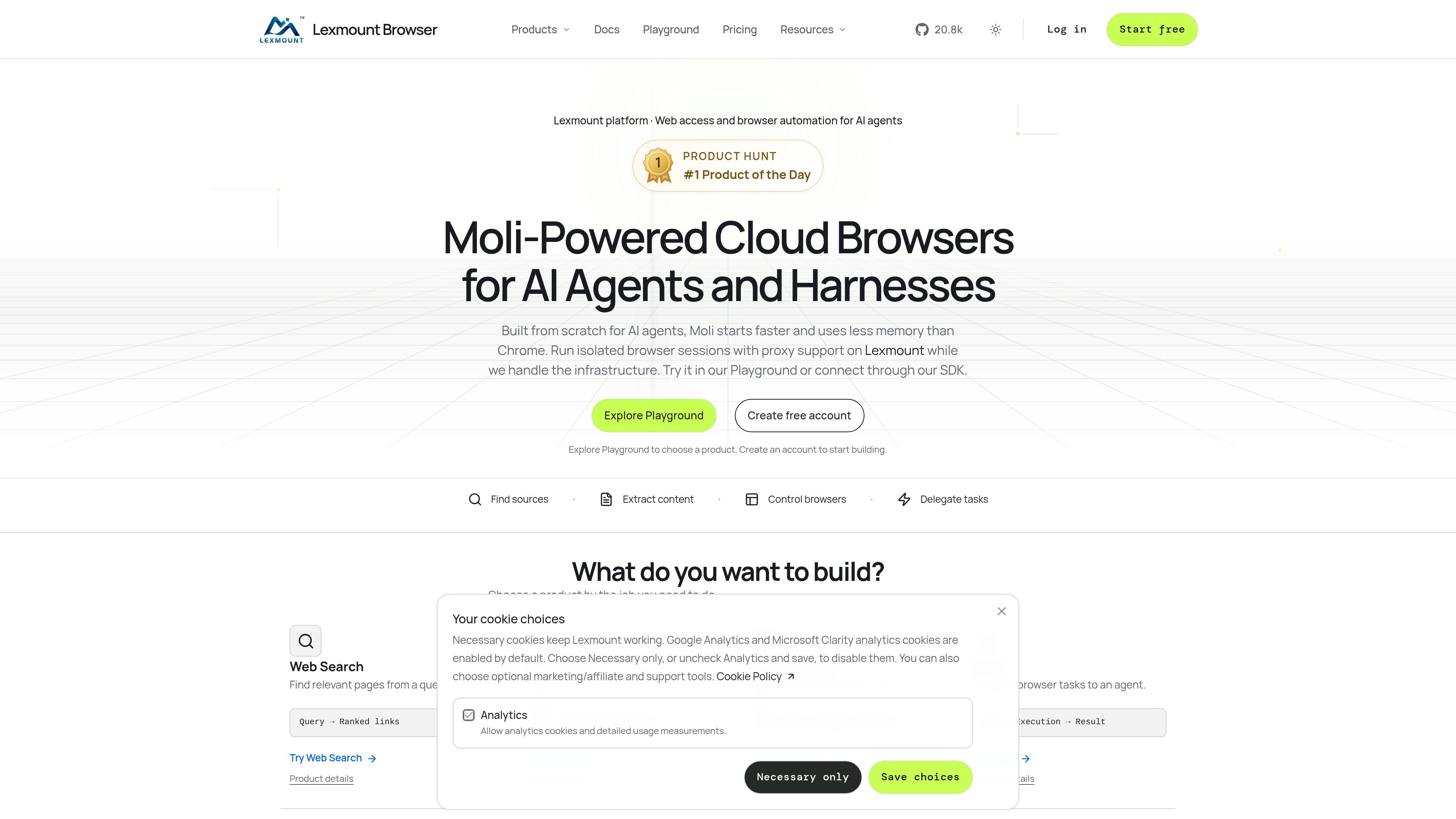
Lexmount is a web-access platform for AI agents and applications. It combines Web Search, Web Fetch, Cloud Browser, and Agent workflows so software can find relevant pages, extract content, control remote browsers, or delegate a browser task and collect its result.
Web Fetch is intended for turning public URLs into usable application context without managing a browser session. Cloud Browser is suited to dynamic pages, signed-in systems, and workflows requiring browser actions, files, extensions, or network configuration. The platform also provides a Playground, CLI and Skill setup paths, HTTP APIs, and TypeScript and Python SDKs for integration.
Retrieve content from static and JavaScript-powered pages through a single request, using an Extract API for structured content or a Dump DOM API for page HTML.
Create isolated remote browser sessions on demand and connect to them from application code or Playwright, without deploying a browser cluster.
Configure viewport, cookies, proxies, extensions, uploads, and downloads; persistent cookies and browser storage can be reused when a workflow needs an existing login.
Inspect live sessions and review execution evidence such as replays, page changes, network requests, snapshots, and logs to investigate browser activity.
Use managed or custom proxy routes, automatic processing for supported CAPTCHA challenges, and a local tunnel proxy for pages reachable from a private network.
Define a reusable task, start an Agent Run, and collect results and sources through the Console, API, or SDK after enabling Agent execution for the project.
Use Web Fetch to turn public URLs into page text, links, structured content, or HTML for retrieval, analysis, summarization, and other application context pipelines.
Run workflows on JavaScript-heavy sites or signed-in business systems when the task requires clicking, form interaction, account state, file upload, or file download.
Create parallel isolated sessions for separate accounts or batches of browser work, with session-level cookies, storage, proxy routes, and environment settings.
Delegate a goal to Lexmount Agent, then inspect the Run's browser activity and collect its result and sources through an application workflow.
Use live views, replays, logs, snapshots, and network information to diagnose why a remote browser workflow did not produce the expected result.
Lexmount offers several ways to work: Web Fetch uses an HTTP API or CLI/Skill to retrieve page content, Cloud Browser can be connected through the TypeScript or Python SDK and Playwright workflows, and Agent uses a Run-based workflow through its SDK or Console. Credentials include an API key and Project ID.
Web Fetch can return structured page content through the Extract API or page HTML through the Dump DOM API. The Extract API example reads the result's main_text field; the exact available output fields depend on the selected endpoint.
Cloud Browser creates isolated remote browser sessions that can be configured with viewport, cookies, proxy, extensions, and file transfers. Sessions can also preserve cookies and browser storage when persistent login state is needed.
Yes. The site provides a free plan with 10 browser hours and 1,000 Web Fetch requests per month, plus three concurrent sessions. It also provides a Playground for trying a representative task before selecting a paid plan.
Capabilities vary by browser engine and session settings. The documentation specifically distinguishes Chromium for persistent contexts, extensions, and compatibility-sensitive visual tasks from Moli for structure and interaction tasks, and advises checking engine support before choosing.

CreateOS Sandbox is an isolated compute environment for running code and agent workloads inside Firecracker micro-VMs. It is designed for workflows that need machine-level isolation, private networking between sandboxes, and programmatic control through SDK, CLI, or MCP.

GitBot is a local browser-based workspace for creating reusable coding bots powered by Claude Code, Codex, or OpenCode. It helps developers run those agents across repository folders with persistent threads and configurable permissions.

AakarDev AI helps teams manage AI provider access, project-level setups, logs, and analytics from one dashboard. It supports BYOK workflows and lists providers including OpenAI, Google Gemini, Anthropic, Groq, Mistral AI, and Perplexity AI.

Trigger.dev chat agent is a durable AI chat backend for developers building stateful conversations that can survive refreshes, crashes, and long-running turns. It connects with the AI SDK `useChat` flow and runs on managed infrastructure with no timeout on a turn.

Mindcase is a web data API and console for extracting structured data from websites and major online platforms. It helps users retrieve clean rows of data through prompt or API access, with prepaid per-record billing.

ByteAsk is a terminal-first AI coding agent for C and C++ that edits repositories and verifies changes with the real compiler, debugger, sanitizers, and tests before showing a diff. It offers a free tier plus paid plans, with editor connectors and zero-retention handling described in the source.