
Library file checks and search
Check for missing, inaccessible, or suspicious Music.app library files, and use file search to locate the physical file on disk or reveal it in Finder.

Local Music Organizer is a macOS toolkit for organizing and diagnosing local Music.app libraries and standalone audio files. It combines inspection, metadata cleanup, duplication checks, and repair/conversion workflows, with a free 3-day trial and a one-time unlock.
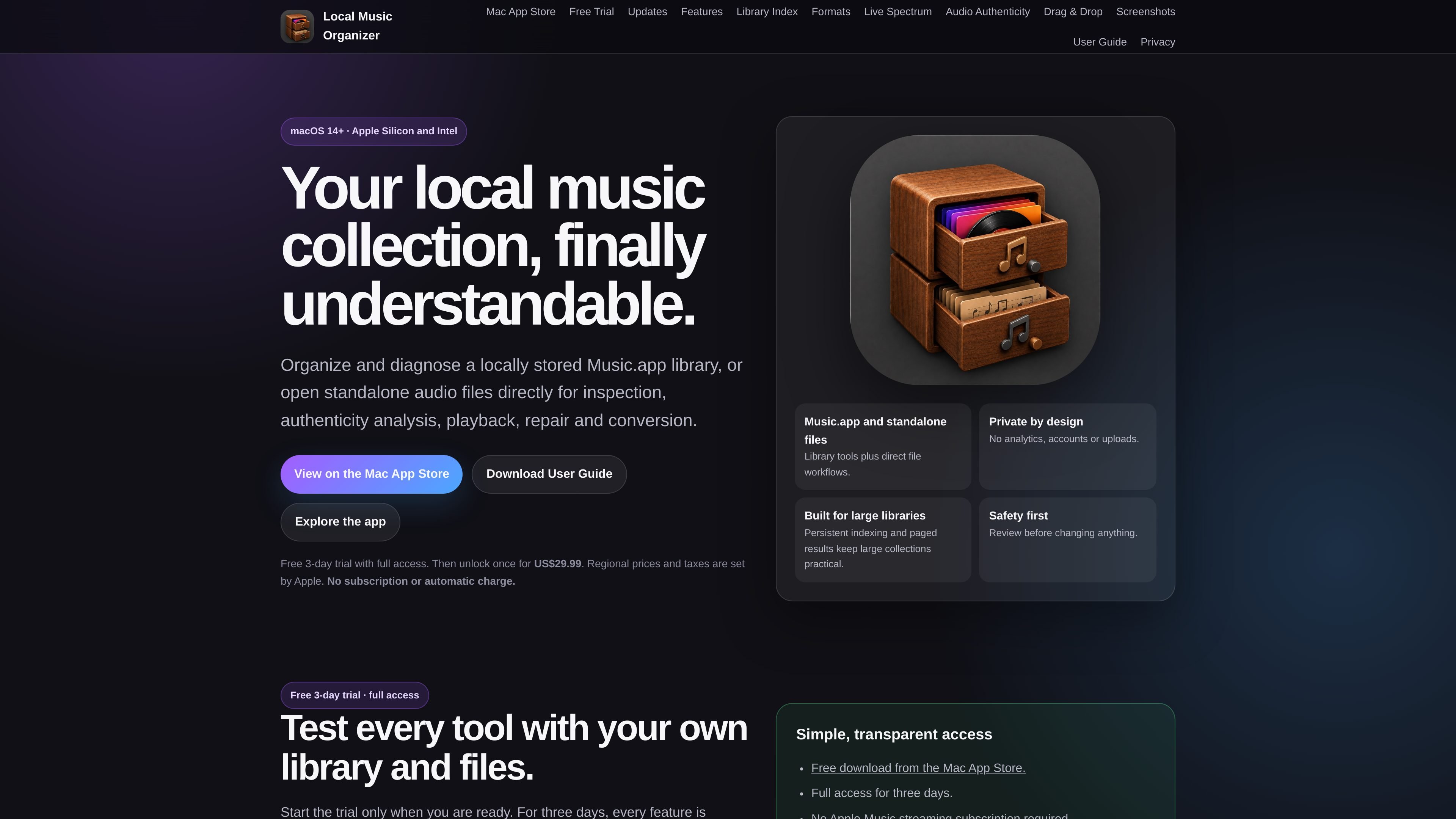
Local Music Organizer is a macOS toolkit for people who manage a local Music.app library and also need direct workflows for standalone audio files. It combines library diagnostics, file inspection, metadata cleanup, playback, and repair/conversion tools in one app, with a focus on review before making changes.
The app is built for macOS 14+ on Apple Silicon and Intel Macs. The site describes it as private by design, with no analytics, accounts, or uploads, and it supports persistent indexing and paged results so large libraries stay manageable.
Check for missing, inaccessible, or suspicious Music.app library files, and use file search to locate the physical file on disk or reveal it in Finder.
Find repeated entries in a playlist, duplicate Music.app records, or similar physical versions of the same recording, then review the results before acting.
See which playlists contain a track, map where repeated recordings occur, and compare two playlists to identify shared and unique items.
Scan for repeated spaces, spacing around parentheses, and other tag and filename formatting issues; review individual rows or batch-fix selected items with undo support for tag edits.
Inspect codec, container, bitrate, sample rate, bit depth, channels, duration, metadata, artwork, waveform, and spectrum, with local playback and Live Spectrum for standalone files.
Repair or convert common and specialist audio formats using built-in engines, with options for batch normalization, verified output, and source-handling choices such as keeping, trashing, or archiving the original.
Use Health Check and File Search to find library entries whose local files are missing, inaccessible, or suspicious, then locate the actual file on disk when you need to investigate.
Use Playlist Duplicates, Library Duplicates, Quality Duplicates, and the playlist comparison tools to understand overlap, repeated records, and repeated recordings before cleaning up a collection.
Use File Maintenance, supported tag editing, and safe filename renaming to correct spacing issues in metadata and local filenames after reviewing the results.
Use Audio Inspector, Audio Authenticity Analyzer, and local playback to examine codec details, cover art, waveform, spectrum, and signs of potential lossy-to-lossless conversion or bitrate mismatch.
Use Repair / Convert, Batch Normalize, and Vinyl De-click to transform or repair local audio while keeping control over the original file through verified output and post-conversion handling choices.
Yes. The app starts with a free 3-day trial that provides full access to the tools for a locally stored Music.app library and for standalone audio files opened from Finder or added by drag and drop. The trial does not renew and does not create an automatic charge.
It is designed for macOS 14+ on Apple Silicon and Intel Macs.
Library organization tools work with a locally stored Music.app library. Audio inspection, authenticity analysis, playback, repair, conversion, and related file workflows can also work on individual local audio files.
No. The site says no Local Music Organizer account or sign-in is required, and no Apple Music streaming subscription is required for use.
Pricing is described as a one-time Full Version unlock for US$29.99 after the trial, with regional prices and taxes set by Apple. The pricing page itself was not available on the site.

ArtDeck is a visual reference board app for iPhone, iPad, and Mac that lets artists collect mixed reference material on one canvas and study it with ToolBox lenses. It works offline, supports optional iCloud sync, and is sold as a one-time purchase with no account required.

Codex Plugins bundle reusable skills, app integrations, and MCP servers into workflows you can install in the Codex app or use from Codex CLI. They help extend Codex with connected-service tasks, reusable instructions, and shared team workflows.

MacSpoof — смена MAC-адреса в macOS: меняйте или рандомизируйте Wi‑Fi MAC, чтобы переподключаться и меньше светить идентификатор в публичных сетях.

CAMB.AI Streams dubs live audio in multiple languages in real time for broadcasts on platforms like YouTube, Twitch, and X. It plugs into existing live workflows using common streaming protocols and avoids a post-production step.

DemoTV is an audience-ranked station for discovering and comparing independent product demos. Founders can submit videos, embed approved demos on their websites, collect viewer inquiries and optionally commission demo production or labelled promotion without buying ranking.

Ship It: Idle Dev Tycoon is an iPhone incremental simulation game about building apps, managing a software studio, and selling it for lasting progression benefits. It supports offline play, automated builds, adviser collection, and optional in-app purchases.