
Agent-driven creative workflow
Luma Agents plan, generate, iterate, and refine creative work with shared context across teams and formats, so concepting and production happen in one workflow.

Luma is an AI creative platform for teams that plan, generate, iterate, and refine image, video, audio, and text work in one workflow. It combines creative agents, production-focused outputs, and team workspace features for studio and marketing use cases.
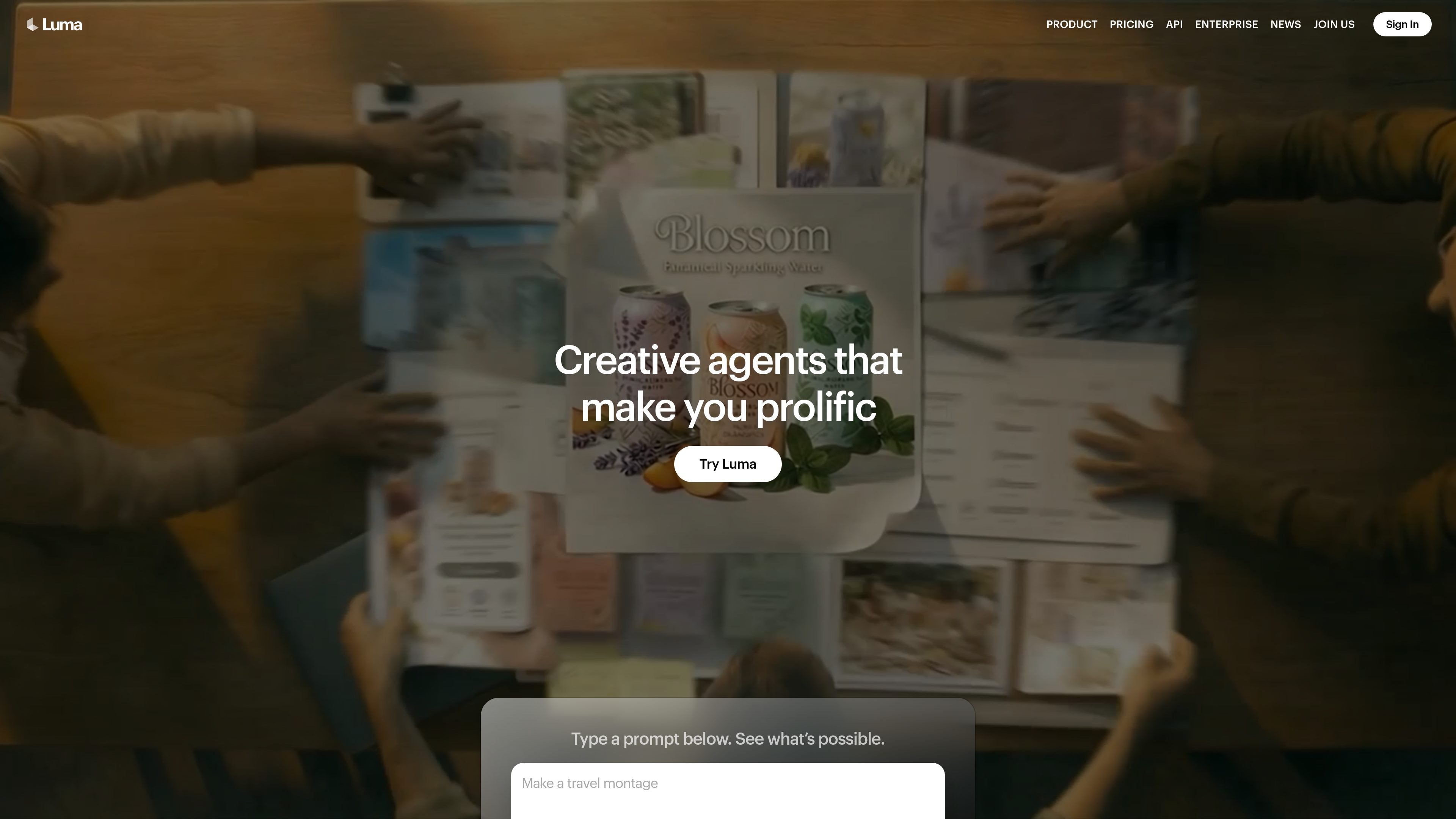
Luma is an AI creative platform for teams that need to move from idea to deliverable across image, video, audio, and text. The site describes it as a set of creative agents that plan, generate, iterate, and refine work with shared context across the workflow.
The product combines Luma’s own models with third-party models and production-focused tools. The public pages emphasize video generation and modification with Ray3.2, image generation, audio generation, team workspaces, and export options such as EXR for professional post-production use.
Luma Agents plan, generate, iterate, and refine creative work with shared context across teams and formats, so concepting and production happen in one workflow.
The platform supports image, video, audio, and text workflows, including turning spoken ideas into prompts, generating video, editing images, and exporting production-ready files.
The Ray3.2 page describes Multi-Keyframe control, Modify Video, Reframe, Motion Transfer, Camera Motion Transfer, and Expressive Facial Performance for more directed video work.
Team plans include managing members, organizing projects, team-wide sharing, usage analytics, shared team credits, and SSO, with enterprise options for training and custom fine-tuning.
The app page highlights export for production, including high-quality EXR files, plus work like stitching clips, adding captions, and preparing polished deliverables.
The learning center provides guided boards and tutorials for workflows such as product campaigns, slide decks, video motion control, lip sync, and character consistency.
Use the agents to take a brief from brainstorm to polished deliverable, with context preserved across planning, generation, and refinement steps.
Create or modify video with keyframes, motion transfer, reframing, and modify-video workflows when a team needs more control over shot direction and continuity.
Build campaign assets such as product visuals, social video ads, and brand variations, then localize or reframe them for different markets and formats.
Prepare team decks, storyboards, lesson plans, and other structured presentations using guided workflows and templates from the learning center.
Organize shared projects for a group that needs credits, usage tracking, and team-wide asset sharing in one workspace.
Luma is an AI creative platform that helps teams plan, generate, iterate, and refine media work in one workflow. The source pages show it supports image, video, and audio generation, as well as editing and production-oriented outputs such as EXR files.
The source highlights creative agents, shared context across formats and workflows, team workspaces, export for production, and support for built-in editing and refinement. The app page also notes spoken ideas can be turned into prompts instantly.
Yes. The pricing page includes Team and Enterprise plans with team member management, project organization, team-wide sharing, usage analytics, shared team credits, and SSO on Team. Enterprise adds dedicated education and training plus custom fine-tuning.
Luma lists Ray3.2 pricing for video generation with different credit costs by mode, resolution, and output format. The pricing page also shows separate pricing for image generation, audio generation, and utility tools such as background removal and image/video reframing.
The source pages point to a learning center with guided workflows for topics such as Video Modify Video & Motion Control, Video LipSync & Captions, Product to Campaign, and Create Slide Decks on Any Topic. That suggests the product is designed to support structured creative workflows, not just one-off generation.

Lasso is an ecommerce product data platform for enriching catalog records, processing supplier files, generating product content, and monitoring competitors. It combines a web app with a REST API, SDK, and MCP server for teams and developers.

Botacts is a web directory for finding AI bots and agents you can contact by phone, email, SMS, WhatsApp, Telegram, or Signal. It also lets creators suggest bots for manual review before publication.

Tavus is an AI video platform for building real-time, face-to-face agents, digital twins, and AI companions. It combines APIs, custom replicas, and multilingual conversational workflows for developers and teams.

HiringPartner.ai is an autonomous AI recruiting platform for sourcing, screening, and interviewing candidates 24/7. It supports ATS-connected workflows, bulk resume uploads, and reviewable interview outputs for hiring teams.

VIDEOAI.ME is an AI video generator for making spokesperson-style videos, ads, explainers, and social content from a script. It is aimed at founders, marketers, agencies, and creators who want to produce videos without filming.

Macuse is a macOS app that lets AI assistants control native Mac apps through MCP and use Computer Use for any app. It works with clients like Claude Desktop, Cursor, and Raycast, and keeps automation on-device.