
Precision touchpad
Move, click, scroll, and right-click on your Mac using iPhone gestures tuned for pointer-style control.

Maccess is an iPhone app that lets you control a Mac with touch, keyboard, file transfer, screen mirroring, and AI-assisted actions. It supports local Wi‑Fi control for free, with Pro adding online access from anywhere.
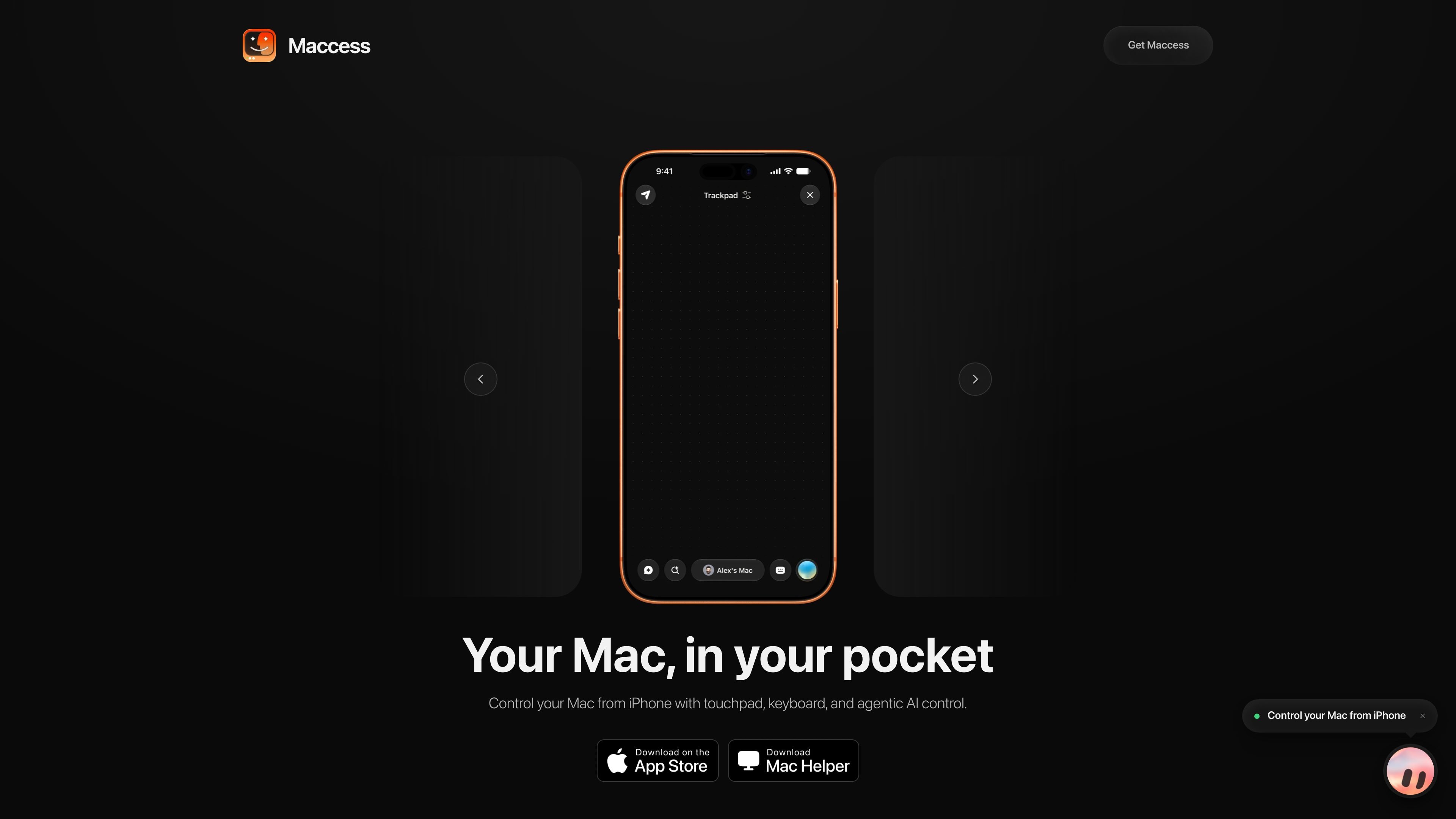
Maccess is an iPhone app for controlling a Mac from your phone. It pairs with a free Maccess Helper app on the Mac, then lets you use touchpad gestures, keyboard input, file transfer, screen mirroring, system controls, and AI-assisted tasks from iPhone.
The app supports local control over the same Wi‑Fi network and, on Pro, Online Access for reaching your Mac when you are away from home. Pricing is offered through App Store subscriptions, with Free, Pro, and Max plans that add remote access, AI allowances, PasteBox, and other premium features.
Move, click, scroll, and right-click on your Mac using iPhone gestures tuned for pointer-style control.
Open apps, search your Mac, switch between windows, and quit apps from a single iPhone interface.
See your Mac screen on iPhone and interact with it by tapping, scrolling, and typing in portrait or landscape.
Send photos and documents to your Mac or browse Mac folders and pull files back to your phone.
Lock, sleep, restart, or shut down your Mac, and check battery, storage, and what’s playing.
Use Mackie for voice or text requests, Terminal commands, automations, and project-based approvals on supported plans.
Use the iPhone as a trackpad and keyboard to control a nearby Mac while working from a couch, desk, or another room on the same Wi‑Fi network.
Open apps, switch windows, browse files, and mirror the screen when you need more than basic pointer control from your phone.
Reach an office or home Mac from outside the network with Pro Online Access when you need to check something while away.
Send commands to Terminal, save repeated steps as automations, and use Mackie for AI-assisted work with approvals and project tracking.
Move photos and documents between iPhone and Mac without relying on a separate file-transfer app.
No. The iPhone app requires the free Maccess Helper app to be installed on your Mac and kept running in the menu bar. Without Helper, the iPhone app cannot control the Mac.
Local control works on the same Wi‑Fi network without routing session traffic through Maccess servers. Pro adds Online Access, which lets you reach your Mac from outside your home network.
Yes, your Mac must be awake, powered on, connected to the network, and running Maccess Helper. A fully powered-off Mac cannot accept new sessions.
The app covers touchpad gestures, keyboard input, volume and media controls, app launching, Spotlight, file browsing and transfer, screen mirroring on Pro, power and system vitals, and Mackie AI-assisted tasks on Pro.
Maccess is built for iPhone and Mac. The source specifies iOS 17 or newer on iPhone and macOS 15.6 or newer for Maccess Helper on Mac.

Malyatko is a baby tracker for logging feeding, sleep, growth, teething, and milestones in one app. It works on iPhone, Apple Watch, and widgets, with no sign-up, offline use, and family sharing through iCloud.

Yattayo: Slider To-Do Board is a productivity app that turns tasks into a physical-style slider board with sticky notes, widgets, reminders, and iCloud sync. It helps people who want a more tactile way to manage to-dos and, in Premium, recurring habits.

ConscioussAI is an AI assistant for macOS, Windows, iOS, and Android that helps execute tasks across apps, files, the browser, and messages. It is aimed at people who want permission-based help on both desktop and mobile.
MealTime — это ваш личный помощник по рецептам, работающий в первую очередь в автономном режиме, который поможет вам сохранять, упорядочивать, планировать блюда и генерировать умные списки покупок, сохраняя при этом конфиденциальность ваших данных.

Goldfish is an AI memory app for macOS that helps you reply, write, summarize, and continue using the context already on your Mac. It stores memory locally and writes in your tone.

ArtDeck is a visual reference board app for iPhone, iPad, and Mac that lets artists collect mixed reference material on one canvas and study it with ToolBox lenses. It works offline, supports optional iCloud sync, and is sold as a one-time purchase with no account required.