
Prompt-based prototype generation
Describe a screen or flow, upload a screenshot, and refine the result in the editor to generate UI quickly from prompts.

Magic Patterns is an AI prototype generator for product teams that turns prompts and screenshots into UI prototypes. It supports design-system-aware output, collaboration, and sharing workflows for product, design, engineering, and customer-facing teams.
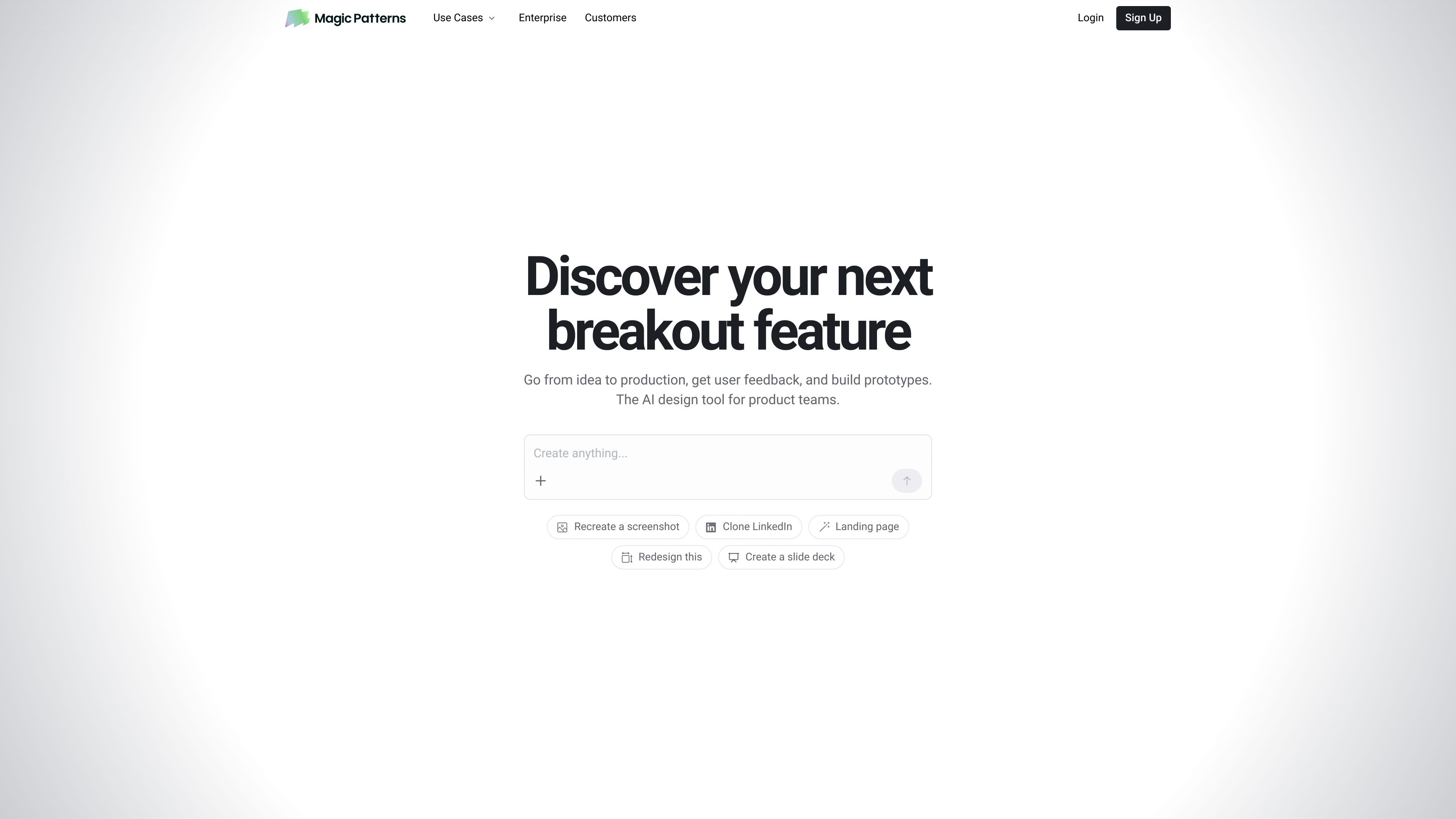
Magic Patterns is an AI design and prototype generator for product teams. It is built to turn prompts, screenshots, and other project context into UI prototypes that can be refined in an editor, shared with collaborators, and handed off to engineering.
The product emphasizes consistency with an existing design system, which helps teams recreate the look of their app instead of starting from a blank canvas. The documentation also positions it as useful for product managers, designers, engineers, and customer-facing teams who need fast prototypes for feedback and iteration.
Describe a screen or flow, upload a screenshot, and refine the result in the editor to generate UI quickly from prompts.
Import your design system and copy existing app styling so generated UI stays aligned with established components and visual patterns.
Use Select Mode and Visual Edit to click a specific element, add context, and change the part of the design you actually want to adjust.
Attach screenshots, PRDs, spec files, or notes as context, with uploaded Markdown stored alongside the design for later prompts.
Work with teammates in real time, share designs, and iterate live together in the editor.
Use publishing options such as shared URLs, password protection, and custom domains to present prototypes to customers and stakeholders.
Product managers can sketch a feature from a prompt, attach context, and create a prototype to gather feedback before committing to build work.
Designers can work from the canvas, import a design system, and keep output aligned with existing visuals while iterating on layouts and flows.
Engineers can use the MCP server and related tools to connect design work to their workflow for roundtrip design and code handoff.
Marketing, sales, and website teams can share polished previews with stakeholders using published URLs, password protection, or a custom domain.
Teams can use real-time multiplayer and team workspaces to collaborate live on edits and reduce back-and-forth across roles.
Magic Patterns is an AI prototype generator for product teams. It helps users describe a screen or flow, refine it in the editor, and turn prompts into UI prototypes that can be shared with stakeholders or handed off to engineering.
The documentation says Magic Patterns works best when prompts are specific. Users can attach screenshots, PRDs, spec files, or notes, and use Select Mode to point the AI at a specific element in the design.
Yes. The product includes real-time multiplayer, so team members can edit, share, and iterate on designs together. The documentation also mentions team workspaces.
The pricing page shows a free tier and paid per-seat plans, including Starter, Business, and Enterprise. Enterprise plans add options such as custom credit pools, custom import design system, priority support, and access controls.
Magic Patterns says it is enterprise-ready and lists SOC 2 and ISO 27001 certification on its site. The documentation also points to a Trust Center for reports and security information.

Biji - это универсальная платформа, разработанная для повышения продуктивности с помощью инновационных инструментов и функций.

Make Real is a Next.js app that turns hand-drawn wireframes into working HTML prototypes using the tldraw SDK and AI models. It helps users sketch on a canvas, generate code, and review the result in an embedded preview.

Carbon Voice is an asynchronous voice messaging app for teams and individuals, with transcripts, AI catch-up, and cross-device access. It helps people and agents communicate without needing a live call.

BotBoard is a task-management layer for AI agents that helps teams assign work, track progress, and review output. It supports CLI, MCP, and HTTP connections for tools like OpenClaw, Codex, Claude Code, and Cursor.

MakerLoft is a chat-first AI app builder for non-developers who want to create static sites or full-stack apps from a GitHub repository. It supports a free GitHub Pages path and a DigitalOcean-backed app path with sign-ins, payments, and an admin dashboard.

Rork is an AI mobile app builder that turns a text description into a production-ready app using AI and Expo (React Native). It focuses on chat-based creation, browser previews, and Apple-platform publishing workflows.