
Two generation modes
The product offers two AI engines: Fast for speed and efficiency, and Advanced for more precise and creative output.

MagickPen is an AI writing tool that generates drafts, templates, and polished text from a topic prompt. It supports configurable roles, languages, tones, and formats, with access across Web, Chrome, Windows, and Mac.
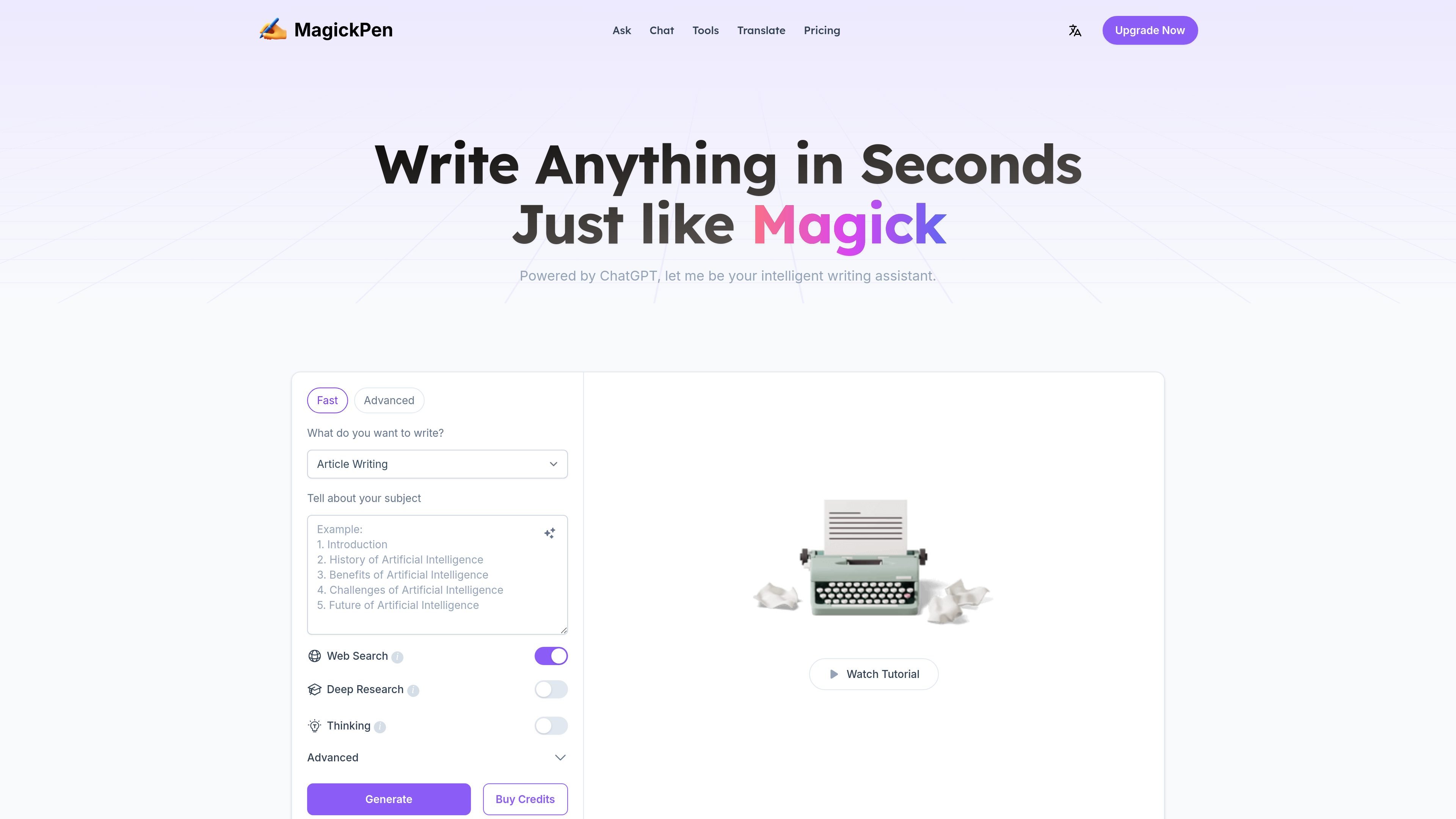
MagickPen is an AI writing tool built around a guided prompt workflow: you describe what you want to write, choose supporting settings, and generate text in seconds. The site positions it as a general-purpose assistant for writing tasks such as articles, papers, reports, stories, ads, jokes, translation, grammar checking, and code repair.
The product emphasizes configurable output. Users can choose a role, language, tone, length, format, and publish target, and can switch between a Fast engine for speed and an Advanced engine for more precise or creative results. The site also highlights a library of 90+ templates and availability across Web, Chrome, Windows, and Mac.
The product offers two AI engines: Fast for speed and efficiency, and Advanced for more precise and creative output.
Users can combine roles, languages, publish targets, tones, lengths, and formats to shape the result before generating text.
The interface supports a subject prompt workflow: enter a topic, choose options, and generate content in seconds.
The site offers 90+ templates covering writing, education, lifestyle, and creativity use cases, with examples such as article writing, article outline writing, article polishing, article continued, title generation, and summarization.
MagickPen says it works across Web, Chrome, Windows, and Mac, so the same writing workflow can be used on multiple platforms.
Pricing and feature pages mention free trial access without login, support for web search on paid plans, and continuous generation.
Use MagickPen to turn a rough topic into a first draft when you need structured output quickly. The role, tone, length, and format controls make it useful for creating a draft that matches a specific assignment or audience.
Use the template library for tasks like outlines, title generation, polishing, continuation, and summarization when you already have text and need help shaping it. These templates support more targeted editing than a blank-page workflow.
Use the role and language controls when you need content adapted to a different speaker, audience, or language. The site explicitly lists many roles and multilingual language options, which makes it suitable for localized or persona-based writing.
Use the product for lightweight writing support beyond long-form drafting, such as ads, jokes, translation, grammar checks, and code repair. The site presents these as supported output types rather than separate products.
Use the paid plans when you need features such as web search, continuous generation, or higher word limits per generation. The pricing page positions these options for heavier writing workflows.
MagickPen is an AI-powered writing tool that can generate articles, papers, reports, stories, ads, and jokes. The source also says it includes translation, grammar check, and code repair functions.
Yes. The site says MagickPen offers 10 trial credits per day for free accounts without requiring login.
Free accounts are limited to 500 words per generation. The pricing page says paid accounts can generate up to 3,000 words per use and include access to exclusive customer service.
You can buy credits from the Buy Credits button near Generate or choose a plan on the Pricing page. The site lists payment methods including credit card, PayPal, Apple Pay, Google Pay, Alipay, and WeChat Pay.
The site says students or teachers with an edu email can request a 40% education discount by emailing support.

ProWritingAid is a writing assistant for storytellers that offers grammar checking, style editing, paraphrasing, and story analysis inside popular writing apps. It includes a free plan, paid tiers, and tools for chapter critique, manuscript review, and collaborative editing.

Dictro is a private AI dictation app for Mac that turns speech into polished text in any editable app. It works on Apple Silicon Macs, processes locally by default, and can also run in an optional cloud Fast Mode.

PaperBetterAI - это интеллектуальный инструмент для написания, который генерирует академические работы и различные письменные материалы на китайском и английском языках с использованием передовых технологий ИИ.

心流AI助手是一款面向知识获取与内容处理的 AI 助手,可用于实时问答、长文总结和写作辅助。公开页面显示它覆盖日常百科、生活信息和学术论文相关场景,并提供 App 体验入口。

Goldfish is an AI memory app for macOS that helps you reply, write, summarize, and continue using the context already on your Mac. It stores memory locally and writes in your tone.

Все-в-одном AI платформа, которая объединяет инструменты для изображения, видео, голоса, письма и чата для повышения креативности и сотрудничества.