
Multiple capture methods
Send a URL, forward a message to the bot, use the Chrome extension, or share from supported mobile apps. MarkIt accepts links, screenshots, text, and other common save formats.

MarkIt is an AI-powered workspace for saving links, posts, screenshots, messages, and documents from apps and browsers into one searchable library. It helps people find saved items later with semantic search, OCR, and AI categorization.
MarkIt is an AI-powered capture workspace for saving and organizing things you find across apps and devices. It is built to replace the scattered habit of bookmarking some items, screenshotting others, and sending links to yourself in chat.
The product accepts posts, links, screenshots, messages, videos, documents, and notes from sources such as WhatsApp, Instagram, TikTok, Telegram, YouTube, LinkedIn, Reddit, Chrome, Safari, and mobile share sheets. Once something is saved, MarkIt categorizes it, adds tags and summaries, and makes it searchable in plain language.
Send a URL, forward a message to the bot, use the Chrome extension, or share from supported mobile apps. MarkIt accepts links, screenshots, text, and other common save formats.
The product reads the content you save, assigns categories and tags, and generates a short summary so each item is easier to browse later.
Saved items are searchable by meaning, so a query like a topic, recipe, or task can surface items even when the original wording is different.
Screenshots and images are processed with OCR, which makes on-screen text part of the searchable record.
MarkIt can send reminders by email, WhatsApp, Telegram, and calendar, so saved items can also become follow-up tasks.
Spaces provide shared libraries for couples, teams, families, or other groups. Members can save into the same Space while keeping their own personal library as well.
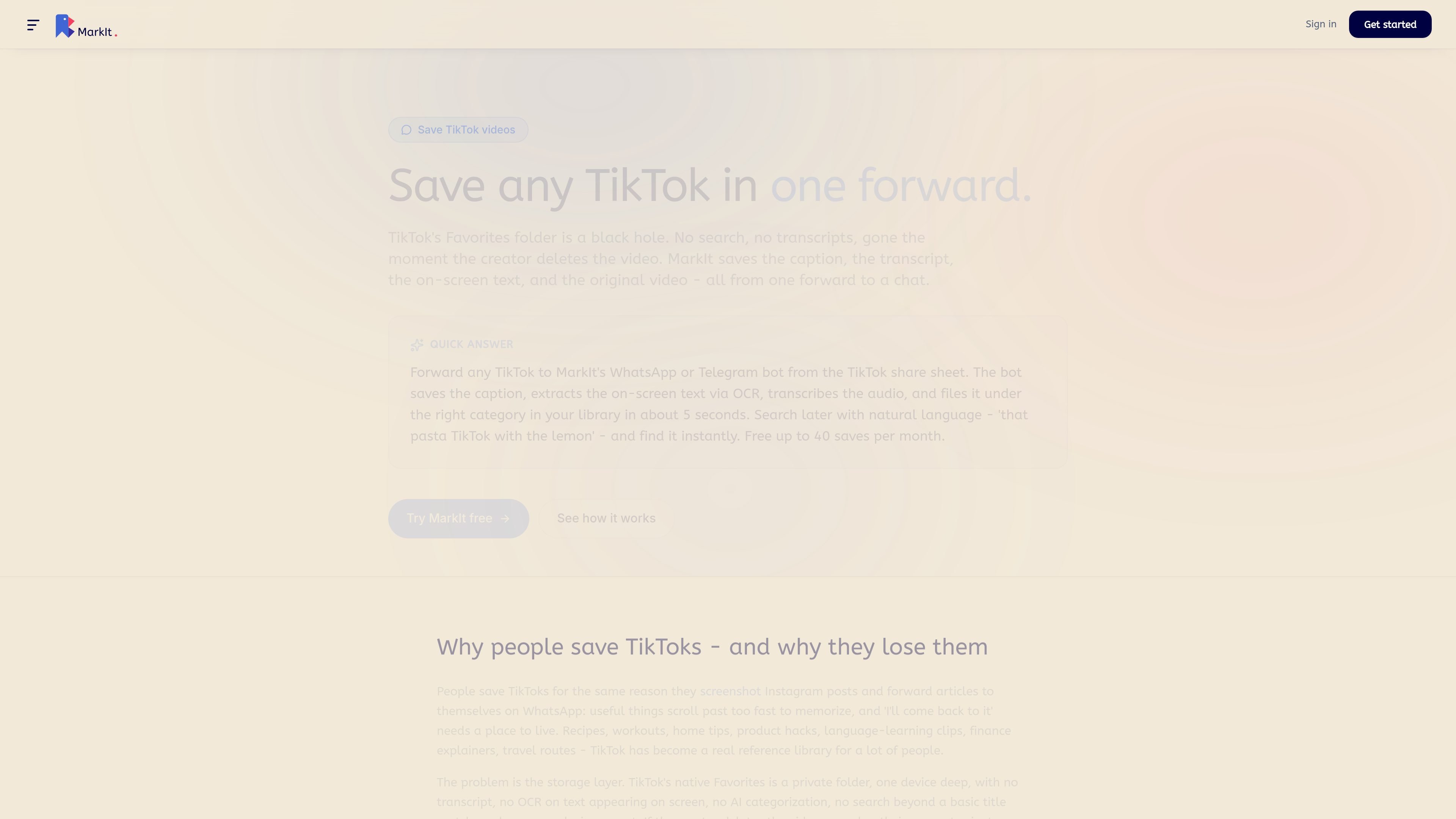
Save a TikTok, Instagram post, or LinkedIn article from the share sheet, then search it later by the topic or a phrase you remember instead of the original caption.
Forward messages, links, or notes to the WhatsApp or Telegram bot when you want a fast, low-friction way to save from chat and search inside the same conversation later.
Store screenshots that contain recipes, instructions, or reference text, then use OCR and meaning-based search to find the image later by what it says.
Collect apartment listings, project links, research notes, or family planning ideas in a shared Space so multiple people can save into the same library.
Use reminders and calendar handoff when a saved item needs action later, such as a follow-up, a deadline, or something you want to revisit.
You can start from the browser, or use the Chrome extension, iOS/Android share sheet, or the WhatsApp and Telegram bots for faster saving. The source pages describe bot setup as a short first-time step.
No. The pricing page says the Free plan includes all capture methods, semantic search, OCR, and AI categorization, with 40 captures per month.
MarkIt creates a shared library called a Space. Each member also keeps a personal library, and items saved into a Space are visible to all members.
The source pages say MarkIt saves links, posts, screenshots, PDFs, docs, notes, and messages from apps such as WhatsApp, Instagram, TikTok, Telegram, YouTube, LinkedIn, Reddit, Chrome, Safari, Facebook, and Pinterest.
MarkIt supports meaning-based search, so you can look up saved items in plain language rather than only by title or exact keywords. The bot can also be queried in chat.

ArtDeck is a visual reference board app for iPhone, iPad, and Mac that lets artists collect mixed reference material on one canvas and study it with ToolBox lenses. It works offline, supports optional iCloud sync, and is sold as a one-time purchase with no account required.

CloudFuze provides a guided workflow for migrating Claude conversation history and context into Gemini for organizations moving their AI assistant. It helps IT teams preserve user continuity by moving exported conversations into Google Drive and making them accessible in Gemini Gems.

Goldfish is an AI memory app for macOS that helps you reply, write, summarize, and continue using the context already on your Mac. It stores memory locally and writes in your tone.

Lasso is an ecommerce product data platform for enriching catalog records, processing supplier files, generating product content, and monitoring competitors. It combines a web app with a REST API, SDK, and MCP server for teams and developers.

Codex Plugins bundle reusable skills, app integrations, and MCP servers into workflows you can install in the Codex app or use from Codex CLI. They help extend Codex with connected-service tasks, reusable instructions, and shared team workflows.

Struere is an AI-native platform for turning spreadsheet data into structured operational software with dashboards, alerts, and automations. It is aimed at teams that want to replace manual spreadsheet workflows without building custom tools from scratch.