
Describe the server in plain language
You provide a plain-English description of the MCP-Server you need, and the service turns that into a production-ready server connected to your systems.

MCP-Builder.ai is a hosted MCP-Server service that connects business data and systems to AI tools through the Model Context Protocol. It is aimed at teams that want a production server built, secured, and hosted for them, with support for multiple AI clients and enterprise deployment options.
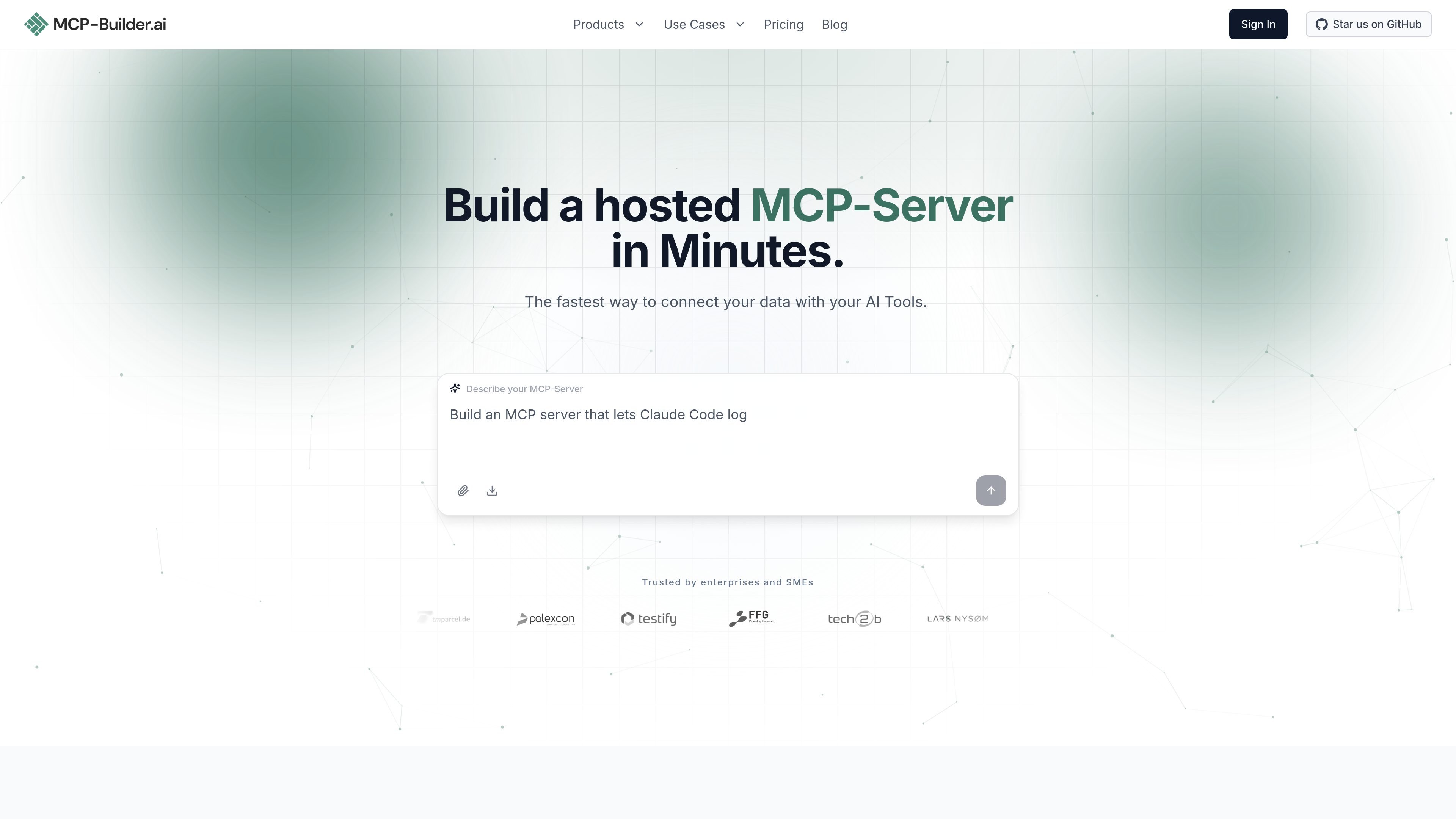
MCP-Builder.ai is a hosted MCP-Server service that helps teams connect their data and systems to AI tools through the Model Context Protocol. The homepage positions it as a way to describe what the server should do, then have the platform build, secure, and host a production server for that use case.
The product is aimed at users who want to expose real systems to tools such as Claude, ChatGPT, Microsoft Copilot, and other MCP clients without setting up and operating the infrastructure themselves. The site emphasizes a quick path from request to live server, support for many data sources, and built-in authentication and audit logging.
On the pricing page, the service is offered in hosted monthly plans with an enterprise option that can be on-premise or fully hosted. Enterprise capabilities listed on the pricing page include custom domain support, team management, public AI agents, a rebrandable frontend, observability stack options, and an MCP cloud gateway.
You provide a plain-English description of the MCP-Server you need, and the service turns that into a production-ready server connected to your systems.
The site says the platform handles building, securing, and hosting, including authentication, so you do not need to manage infrastructure yourself.
The product supports one URL that can be pasted into Claude, ChatGPT, Copilot, or other MCP clients, which simplifies distribution across tools.
Supported connection types listed on the homepage include REST, GraphQL, JSON, XML, CSV, PostgreSQL, MySQL, MSSQL, Oracle, SAP HANA, ERP systems, SharePoint, S3/storage, MongoDB, legacy systems, and custom interfaces.
The homepage says the service includes security features such as OAuth, API keys, JWT, fine-grained access control, audit logs, encrypted credentials, and end-to-end TLS.
The pricing page lists fully hosted and on-premise options, plus enterprise features such as custom domain, team management, public AI agents, rebrandable frontend, observability stack, and an MCP cloud gateway.
Teams can describe an internal workflow and get a hosted MCP-Server that connects AI tools to the required systems, rather than building the server and hosting stack manually.
Developers can expose information from databases, ERP systems, storage, or file-based sources so assistants can query those systems in natural language.
Organizations can let tools like Claude, ChatGPT, or Copilot perform authenticated actions while keeping access controlled and logged.
Companies that need more control can use the enterprise plan for on-premise or fully hosted deployment, custom domains, team management, and compliance-oriented observability options.
Product teams can reuse one MCP server across several AI clients and automation tools instead of creating separate integrations for each platform.
The site says you describe your use case, and MCP-Builder.ai builds, secures, and hosts a production MCP-Server for it. The published workflow is: describe the server, let the platform generate and host it, then connect it to an AI client with one URL.
The homepage lists many source types, including REST APIs, GraphQL, JSON, XML, CSV, PostgreSQL, MySQL, MSSQL, Oracle, SAP HANA, ERP systems, SharePoint, S3/storage, MongoDB, and legacy systems. The site also says it can connect to custom interfaces and many other systems with an interface.
The homepage says the MCP-Server can be used with Claude, ChatGPT, Microsoft Copilot, Mistral, Cursor, Windsurf, Gemini, Perplexity, LangChain, n8n, Zapier, and any MCP client.
The site states that data is read at request time and forwarded rather than persisted on the platform. It also says connections use TLS, credentials are stored encrypted at rest, and authentication options include OAuth, API key, and JWT.
The pricing page offers monthly plans and an enterprise option, with a 7-day risk-free trial mentioned at the top of the page. The enterprise plan is quoted as custom and can be on-premise or fully hosted, with contact sales for details.

CreateOS Sandbox is an isolated compute environment for running code and agent workloads inside Firecracker micro-VMs. It is designed for workflows that need machine-level isolation, private networking between sandboxes, and programmatic control through SDK, CLI, or MCP.

GitBot is a local browser-based workspace for creating reusable coding bots powered by Claude Code, Codex, or OpenCode. It helps developers run those agents across repository folders with persistent threads and configurable permissions.

AakarDev AI helps teams manage AI provider access, project-level setups, logs, and analytics from one dashboard. It supports BYOK workflows and lists providers including OpenAI, Google Gemini, Anthropic, Groq, Mistral AI, and Perplexity AI.

Trigger.dev chat agent is a durable AI chat backend for developers building stateful conversations that can survive refreshes, crashes, and long-running turns. It connects with the AI SDK `useChat` flow and runs on managed infrastructure with no timeout on a turn.

ByteAsk is a terminal-first AI coding agent for C and C++ that edits repositories and verifies changes with the real compiler, debugger, sanitizers, and tests before showing a diff. It offers a free tier plus paid plans, with editor connectors and zero-retention handling described in the source.

Epherem is a static security scanner for web apps built with AI coding tools such as Lovable, Bolt, v0, Replit, Cursor, and Claude Code. It checks source files and dependencies for common security mistakes, then provides categorized findings and suggested fixes without running the app.