
LLM-driven orchestration
Break a request into work items, assign agents, manage dependencies, and launch work in parallel from one orchestrator flow.

Mozzie is a local-first desktop app that orchestrates AI coding agents in parallel, helping developers break work into tasks, run agents in isolated worktrees, and review changes in one window.
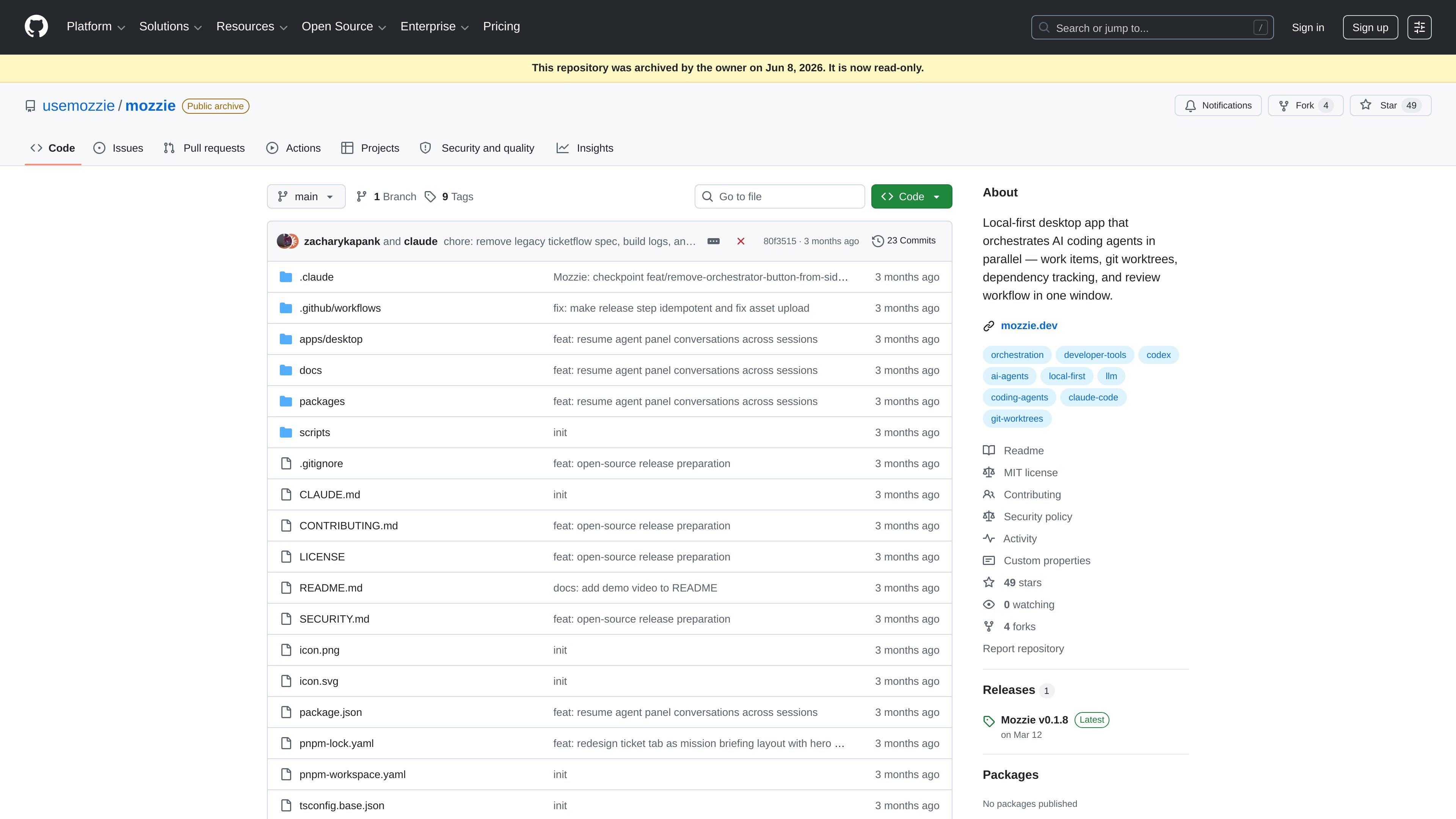
Mozzie is a local-first desktop app for orchestrating AI coding agents in parallel. It turns a natural-language request into work items, assigns agents, and manages the resulting branches, dependencies, and review flow in a single window.
The app is built around isolated git worktrees, so each work item can run independently before its changes are reviewed and merged. The repository also describes live output streaming, persistent conversations, and support for multiple workspaces, making it suited to developers who want to coordinate several coding agents on one machine.
Break a request into work items, assign agents, manage dependencies, and launch work in parallel from one orchestrator flow.
Each work item runs in its own git worktree and branch, which keeps agent changes isolated and reduces conflicts.
Review each completed item with diff viewing and execution context, then approve it to push or reject it with feedback.
Track blocked relationships between work items and auto-launch downstream work when dependencies complete.
Use Claude Code, Gemini CLI, Codex CLI, or custom command-line tools and scripts through ACP or direct CLI execution.
Keep context across sessions with persistent conversations, multi-workspace support, and a command bar for fast control.
Coordinate several coding agents on separate tasks at once, with each task running in its own worktree and moving through review before merge.
Break a larger feature into dependent pieces, then let Mozzie block and auto-launch downstream work as prerequisites finish.
Route changes through a human review step when you want diff inspection, rejection feedback, and a controlled push to origin.
Keep multiple repositories or projects in one interface while preserving per-workspace context and ongoing conversations.
Use local orchestration for agent workflows when you want to avoid cloud dependency and keep execution on your own machine.
Mozzie is designed to run on your machine as a local-first desktop app, and the README says it works fully offline once set up.
The README says Mozzie works with Claude Code, Gemini CLI, Codex CLI, and custom CLI or script-based agents. Supported transports include ACP over stdio when available, with direct CLI invocation as a fallback.
The README says you add API keys for the orchestrator provider in Settings, then add agent configurations and use the command bar or create work items to start a run.
Mozzie can manage multiple workspaces from one app, and work items move through draft, ready, running, review, done, and archived states.
The repository archive and SECURITY.md do not list a product price. The GitHub pricing page only shows GitHub platform plans, so no Mozzie-specific pricing is confirmed in the source.

ByteAsk is a terminal-first AI coding agent for C and C++ that edits repositories and verifies changes with the real compiler, debugger, sanitizers, and tests before showing a diff. It offers a free tier plus paid plans, with editor connectors and zero-retention handling described in the source.

Lasso is an ecommerce product data platform for enriching catalog records, processing supplier files, generating product content, and monitoring competitors. It combines a web app with a REST API, SDK, and MCP server for teams and developers.

GitBot is a local browser-based workspace for creating reusable coding bots powered by Claude Code, Codex, or OpenCode. It helps developers run those agents across repository folders with persistent threads and configurable permissions.

Grok 4.7 is an xAI model for software development and knowledge work, including extended coding tasks and professional analysis. It is available through Grok Build, Cursor, the Grok API, and other developer platforms, with token pricing starting at $2 per million input tokens and $6 per million output tokens.

Botacts is a web directory for finding AI bots and agents you can contact by phone, email, SMS, WhatsApp, Telegram, or Signal. It also lets creators suggest bots for manual review before publication.

Tavus is an AI video platform for building real-time, face-to-face agents, digital twins, and AI companions. It combines APIs, custom replicas, and multilingual conversational workflows for developers and teams.