
One list, three readings
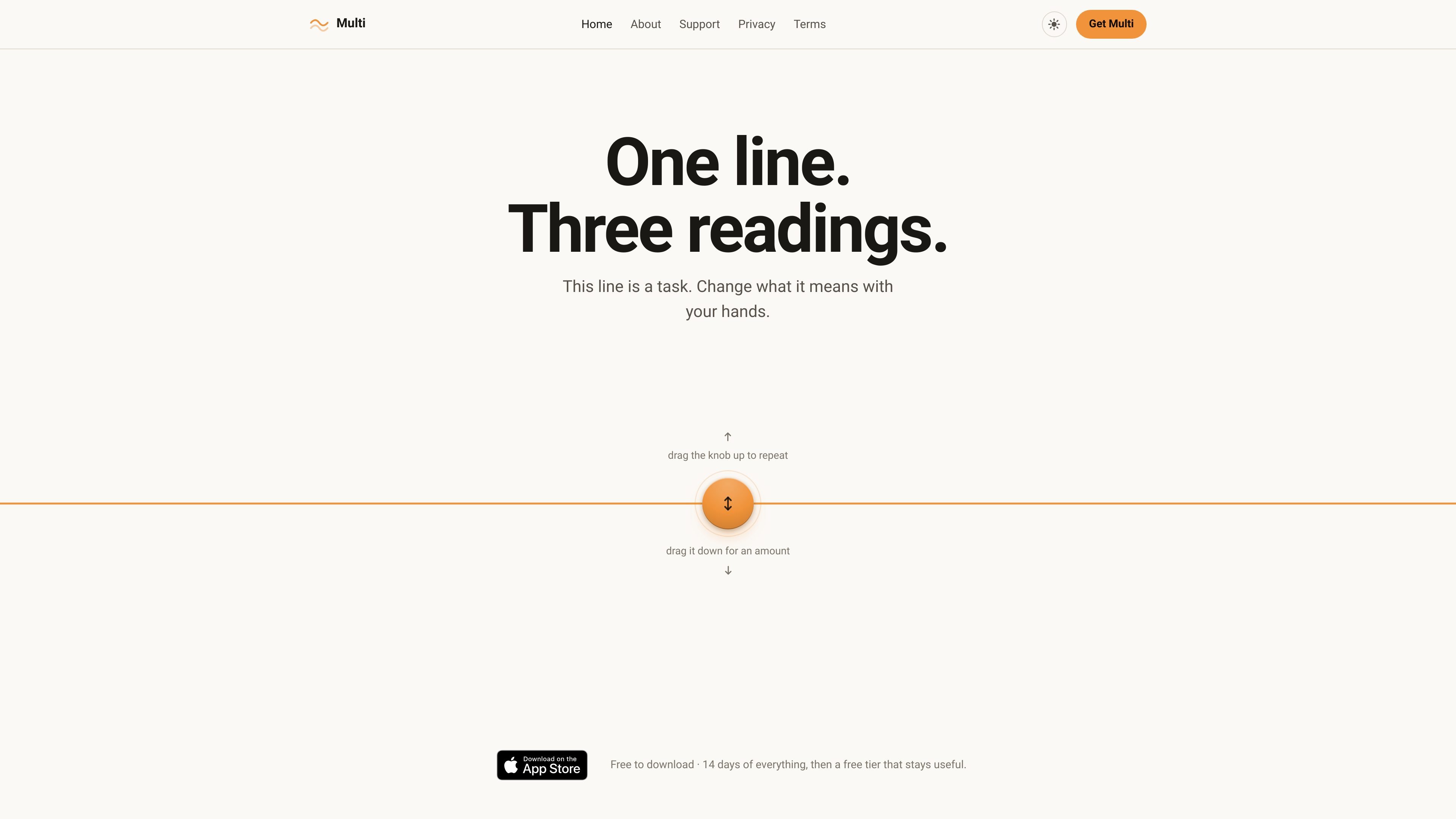
Multi uses one line for each item. Attach a repeat rule to make it a habit, or attach an amount to make it an expense, instead of choosing from separate item types.

Multi is a personal productivity app that keeps tasks, habits, and expenses in one list. It supports voice capture, streak tracking, spending summaries, reminders, and optional iCloud sync through the user’s own account.
Multi is a personal productivity app for tasks, habits, and expenses that keeps all three in one list. The product is built around a simple rule: what you attach to an item changes what it means. A plain line is a task, a repeat rule turns it into a habit, and an amount turns it into an expense.
The app is designed to reduce category switching and manual bookkeeping. It adds voice capture, streak tracking, spending summaries, receipt reading, checklists, reminders, themes, widgets, and iCloud sync while keeping data on your device unless you choose to sync through your own iCloud account.
Multi uses one line for each item. Attach a repeat rule to make it a habit, or attach an amount to make it an expense, instead of choosing from separate item types.
You can speak several items in one pass. Multi splits the request, corrects the grammar, identifies habits, expenses, and reminders, and previews the result before anything is written.
For habits, Multi shows streaks and a year-long history view with one dot per day, so progress is visible at a glance.
For expenses, Multi totals spending by week, month, or year and can compare the current period with the previous one. The page also shows receipt scanning that reads totals on device and offers them rather than overwriting typed amounts.
Any item can have steps, so a task, habit, or expense can include a checklist without becoming a different kind of entry.
Reminders support separate pattern and time settings, which lets Multi represent schedules like twice a day on weekdays. If a reminder cannot be scheduled, it is saved as no reminder instead of implying one will fire.
Capture a run, a bill, and a reminder in one spoken sentence. Multi separates the items, classifies them, and lets you review the parsed list before saving.
Use the habit view to track routines that repeat daily or on weekdays, then check streaks and the year view to see whether you have kept up over time.
Log one-off purchases or recurring bills and review totals by week, month, or year. Receipt reading can help enter the amount from a receipt without replacing what you typed.
Create a shopping list, trip prep list, or routine with steps attached to the same line item. This keeps the checklist connected to the original task, habit, or expense.
Schedule structured reminders such as multiple times per day on weekdays, while keeping the schedule and time settings separate so the item stays readable.
Yes. The homepage states that Multi offers a free tier that stays useful after the initial two-week period, and that plain tasks are never capped on the free tier.
Multi is built around one list and one data model. A task becomes a habit when you attach a repeat rule, and it becomes an expense when you attach an amount.
The page says voice capture runs on device. You can speak multiple items in one go, and Multi splits them, fixes the grammar, and shows the parsed items before saving anything.
Yes. The homepage says you can turn on iCloud Sync to move data between your own iCloud devices, and that export is available any time.
The source does not show a separate team or collaboration mode. The product copy focuses on a personal app that keeps your life on your phone.

Yattayo: Slider To-Do Board is a productivity app that turns tasks into a physical-style slider board with sticky notes, widgets, reminders, and iCloud sync. It helps people who want a more tactile way to manage to-dos and, in Premium, recurring habits.

Malyatko is a baby tracker for logging feeding, sleep, growth, teething, and milestones in one app. It works on iPhone, Apple Watch, and widgets, with no sign-up, offline use, and family sharing through iCloud.

at8pm is an iPhone journaling app that locks each day’s entry after a chosen time so it can’t be edited later. It supports text, voice, photos, locations, and quick video notes, with private iCloud syncing and optional Face ID lock.

ConscioussAI is an AI assistant for macOS, Windows, iOS, and Android that helps execute tasks across apps, files, the browser, and messages. It is aimed at people who want permission-based help on both desktop and mobile.

Goldfish is an AI memory app for macOS that helps you reply, write, summarize, and continue using the context already on your Mac. It stores memory locally and writes in your tone.

Flunkey is a voice-first productivity layer for Windows that converts speech into text, AI-assisted outputs, and remembered context. It is built for users who want to capture ideas and actions without leaving the app they are working in.