
Multiple navigation types
Create Tab Bars, Mega Menus, Slide Menus, and other navigation layouts from a single builder, with independent configuration for mobile and desktop.

Navi+ AI Menu Builder is a no-code navigation builder for Shopify and other websites. It helps store owners create Tab Bars, Mega Menus, and Slide Menus, with AI-assisted design, translation, and menu migration.
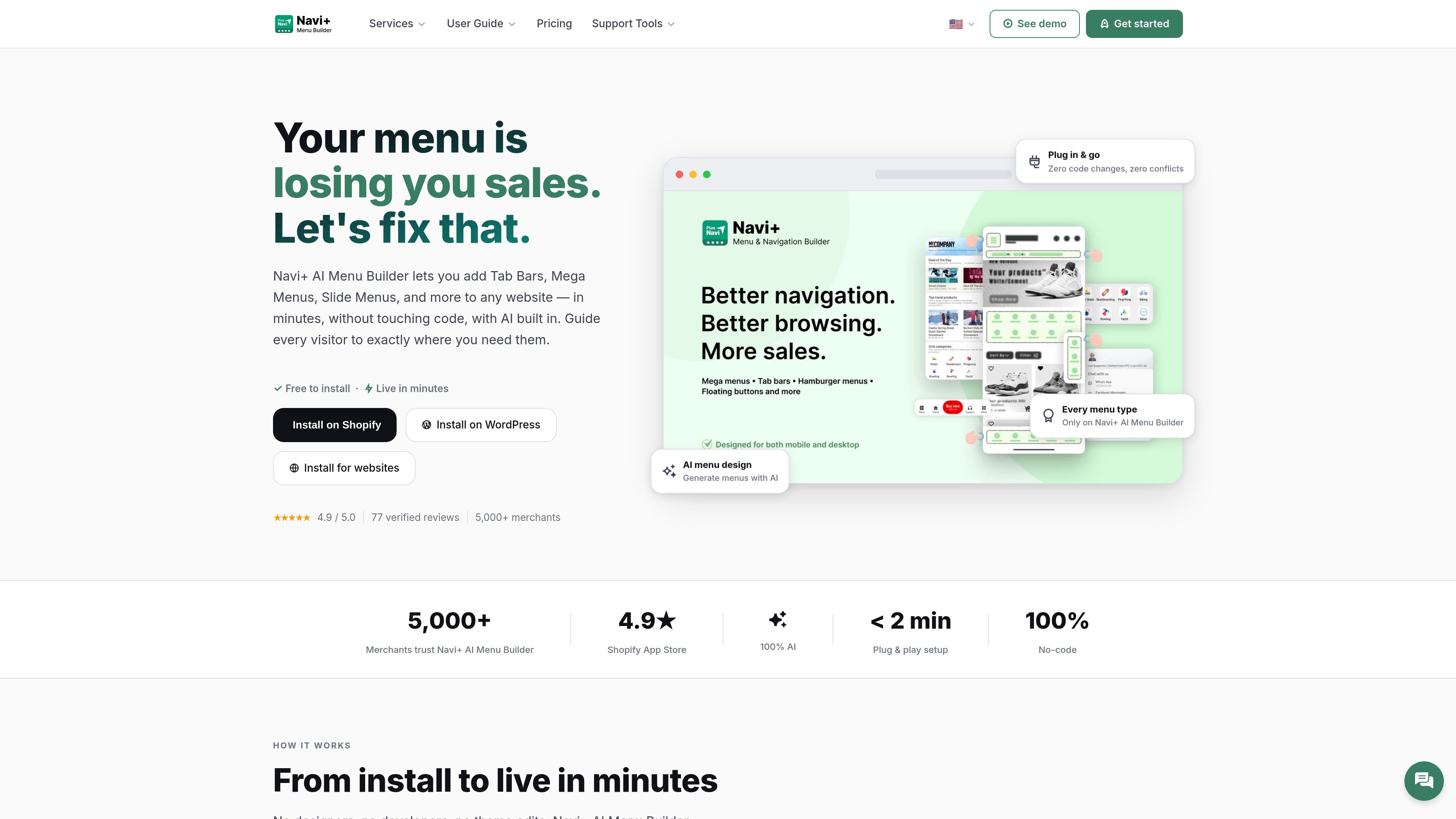
Navi+ AI Menu Builder is a navigation app for Shopify and other websites that lets you create Tab Bars, Mega Menus, Slide Menus, and related menu layouts from one editor. The product is positioned as a no-code way to replace a basic store menu with a more structured navigation experience.
It supports platform-specific installation for Shopify and WordPress, and it can also be added to Wix, Webflow, Squarespace, or any site through an embed snippet. The site emphasizes quick setup, separate mobile and desktop configurations, and AI-assisted tools for designing, translating, and migrating menus.
Create Tab Bars, Mega Menus, Slide Menus, and other navigation layouts from a single builder, with independent configuration for mobile and desktop.
Generate or rewrite menu structure, colors, and content with AI tools, including support for ChatGPT, Claude, or Gemini accounts.
Import an existing site menu and rebuild it inside Navi+ without manual re-entry, so you can move from an old navigation structure faster.
Translate menu content into 9 languages automatically, making it possible to maintain multilingual navigation from the same editor.
Choose from 20+ templates and customize layout details, item images, icons, badges, animation, and positioning.
Deploy through Shopify, WordPress, or a site-wide embed snippet, with a CDN-backed setup designed to work without theme edits.
Use the Mega Menu when a store has many product categories and needs a structured dropdown with columns, images, and featured links.
Use the Tab Bar for mobile shoppers who need a fixed bottom navigation bar with the most important pages kept one tap away.
Use the Slide Menu when you want a panel-style hamburger menu that can include icons, badges, and visual hierarchy instead of a plain link list.
Use the AI migration workflow when you already have a site menu and want Navi+ to import and rebuild the structure without starting over.
Use the multi-platform install path when you need the same navigation system on Shopify, WordPress, or another website platform.
Yes. The site says Navi+ AI Menu Builder works on any website through a simple embed code, and it also offers platform-specific installs for Shopify and WordPress.
The site states that the app is built with pure HTML5 and CSS3 and does not use external JavaScript libraries, which it says helps avoid theme conflicts.
Yes. The product is designed for separate mobile and desktop configurations, so you can use different navigation types for different screen sizes.
The free plan includes one menu, up to 50,000 views per month, core features, and email support. Paid plans add higher limits and additional features such as more menus, analytics, image upload, and stronger support.
No. The site says the menu is fully drag-and-drop, with optional advanced customization through CSS, HTML, or JavaScript for users who want more control.

Fronty is an AI-powered web app that converts screenshots and image files into HTML and CSS, then lets you refine and publish the result with a no-code editor and hosting. The pricing page says it is free for now, but no paid plan details are provided.

Lasso is an ecommerce product data platform for enriching catalog records, processing supplier files, generating product content, and monitoring competitors. It combines a web app with a REST API, SDK, and MCP server for teams and developers.

DailyPlay.ai is a behavioral growth platform that uses AI site scanning and micro-games to help brands improve engagement and conversion. It supports web, mobile, and other digital touchpoints, with a one-line script setup and a free engagement scan.

Make Real is a Next.js app that turns hand-drawn wireframes into working HTML prototypes using the tldraw SDK and AI models. It helps users sketch on a canvas, generate code, and review the result in an embedded preview.

EchoTik - это платформа анализа данных электронной коммерции TikTok, разработанная для помощи продавцам и создателям электронной коммерции в принятии решений на основе данных для выбора продуктов и анализа рынка.

PicCopilot is an AI content platform for e-commerce that turns product photos into marketing visuals, model shots, videos, and social content. It offers a free plan plus paid tiers for templates, model swap, virtual try-on, and batch-oriented creation.