
Smart notch shelf
Drag files, images, videos, text, links, and color cards into the notch for temporary staging, then drag them back into other apps when needed.

NotchSpace is a Mac utility that turns the notch into a temporary workspace for staging files, text, links, colors, and apps. It supports local drag-and-drop workflows, menu bar organization, and quick previews on macOS 15.0 or later.
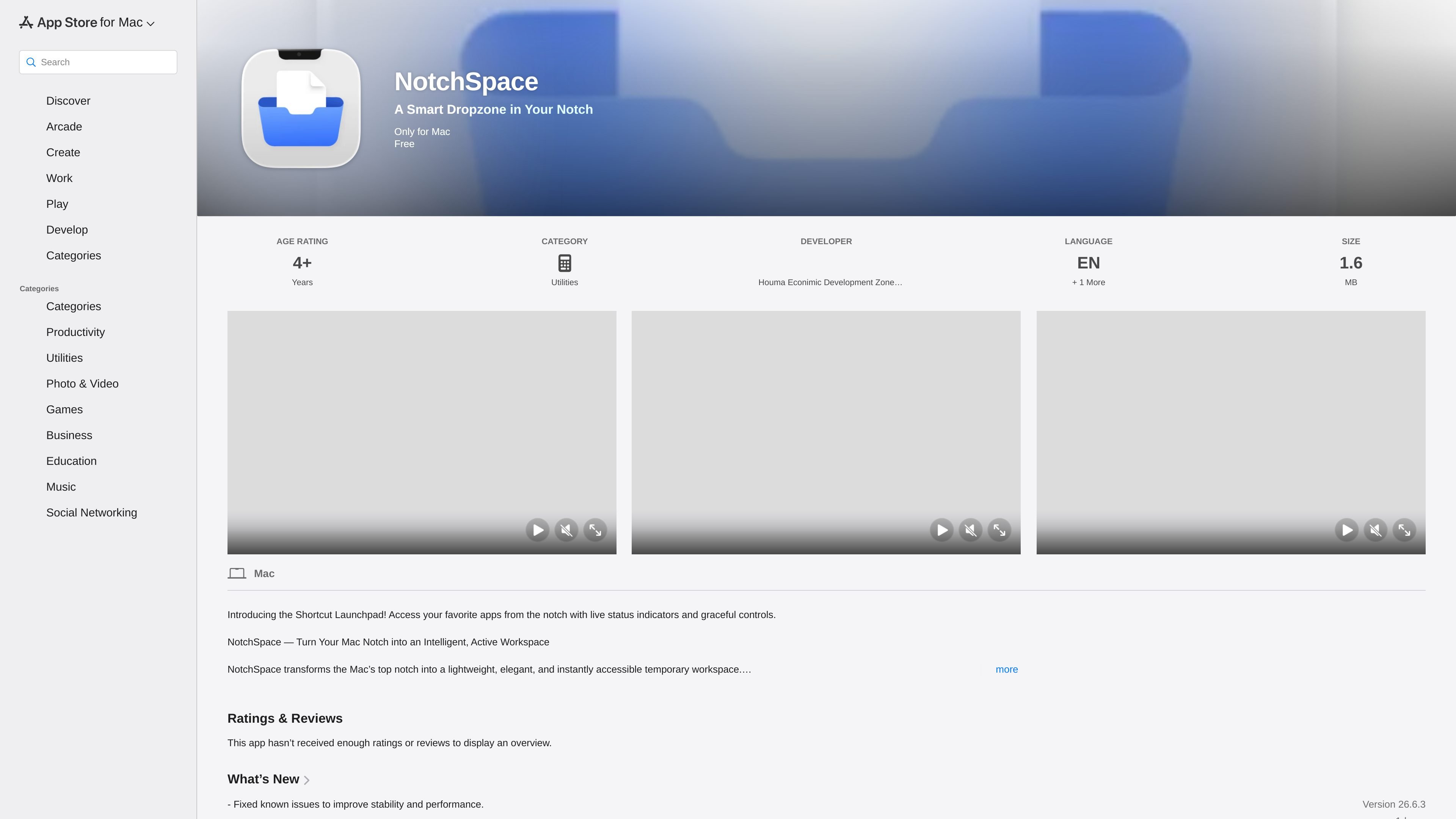
NotchSpace is a Mac utility that uses the notch area as a lightweight workspace for staging content, launching apps, and managing parts of the menu bar. The App Store page positions it as a deliberate alternative to clipboard-style tools: you choose what to place there, rather than having it collect data automatically in the background.
Its main workflow is to drag items into the notch when you need them and drag them back into another app later. That can include files, images, videos, text, links, and color cards. The page also describes app pinning, menu bar organization, Quick Look previews, image compression, and developer-focused helpers such as HEX detection and formatted code snippets.
Apple lists NotchSpace in the Utilities category for Mac. The page shows macOS 15.0 or later, language support for English and Simplified Chinese, a 1.6 MB download size, and a free listing on the App Store page text provided.
Drag files, images, videos, text, links, and color cards into the notch for temporary staging, then drag them back into other apps when needed.
Pin frequently used apps to the notch for one-click access without opening Launchpad or using the Dock.
Hold the Command key to rearrange menu bar icons and use the collapse control to move left-side items into the notch area.
Automatically detect HEX color values and create color cards, with one-click HEX or RGB copying for design work.
Show code snippets in a terminal-style monospaced view and support native Quick Look previews for files, images, and web content.
Provide balanced or extreme image compression modes, with optional EXIF retention or removal, while keeping processing local on the Mac.
Keep temporary assets close at hand while moving between apps, then drag them back into a document, browser, editor, or design tool without searching through folders.
Launch a set of frequently used Mac apps from the notch instead of switching to Launchpad or keeping every app visible in the Dock.
Tidy the menu bar by rearranging icons and collapsing items when you want a cleaner top area during focused work.
Inspect images, files, and web content quickly with native previews, or compare code snippets and color values while working on a project.
Compress images locally and decide whether to keep metadata, which is useful when preparing assets that should be smaller and easier to move between apps.
NotchSpace is a Mac utility that turns the notch area into a temporary workspace, launch area, and menu bar manager. It is designed for users who want quick access to apps and content without relying on the Dock or a traditional clipboard tool.
The source says NotchSpace requires macOS 15.0 or later.
NotchSpace is described as free on the App Store page, and the product listing also shows no in-app purchases on the NotchSpace page text provided.
The app is built for Mac and is listed under the Utilities category. The page also says it supports English and Simplified Chinese.
The page describes local processing and storage on the Mac, with no data uploaded, but that privacy statement is based on the developer’s disclosure shown by Apple and has not been verified by Apple.

Goldfish is an AI memory app for macOS that helps you reply, write, summarize, and continue using the context already on your Mac. It stores memory locally and writes in your tone.

Biji - это универсальная платформа, разработанная для повышения продуктивности с помощью инновационных инструментов и функций.

Codex Plugins bundle reusable skills, app integrations, and MCP servers into workflows you can install in the Codex app or use from Codex CLI. They help extend Codex with connected-service tasks, reusable instructions, and shared team workflows.

Dirac is an AI email assistant that prepares a morning brief, prioritizes important threads, and drafts replies in your voice. It is positioned for founders and other busy professionals who use Gmail and want to reduce morning inbox triage.

Snapmark is a VS Code extension that lets you annotate clipboard screenshots before pasting them into AI chats. It supports blur redaction, numbered callouts, and automatic resizing for large images.

Carbon Voice is an asynchronous voice messaging app for teams and individuals, with transcripts, AI catch-up, and cross-device access. It helps people and agents communicate without needing a live call.