
AI workout generation
Describe a workout by voice or text, including duration, focus, and equipment. Pasta generates the exercises, sets, reps, and rest for the session.

Pasta is an AI personal training app for iPhone that creates voice- or text-directed workouts and longer-term plans, then guides sessions with spoken instructions and on-device timers. It is intended for people who want structured training with Apple Health and heart-rate data support.
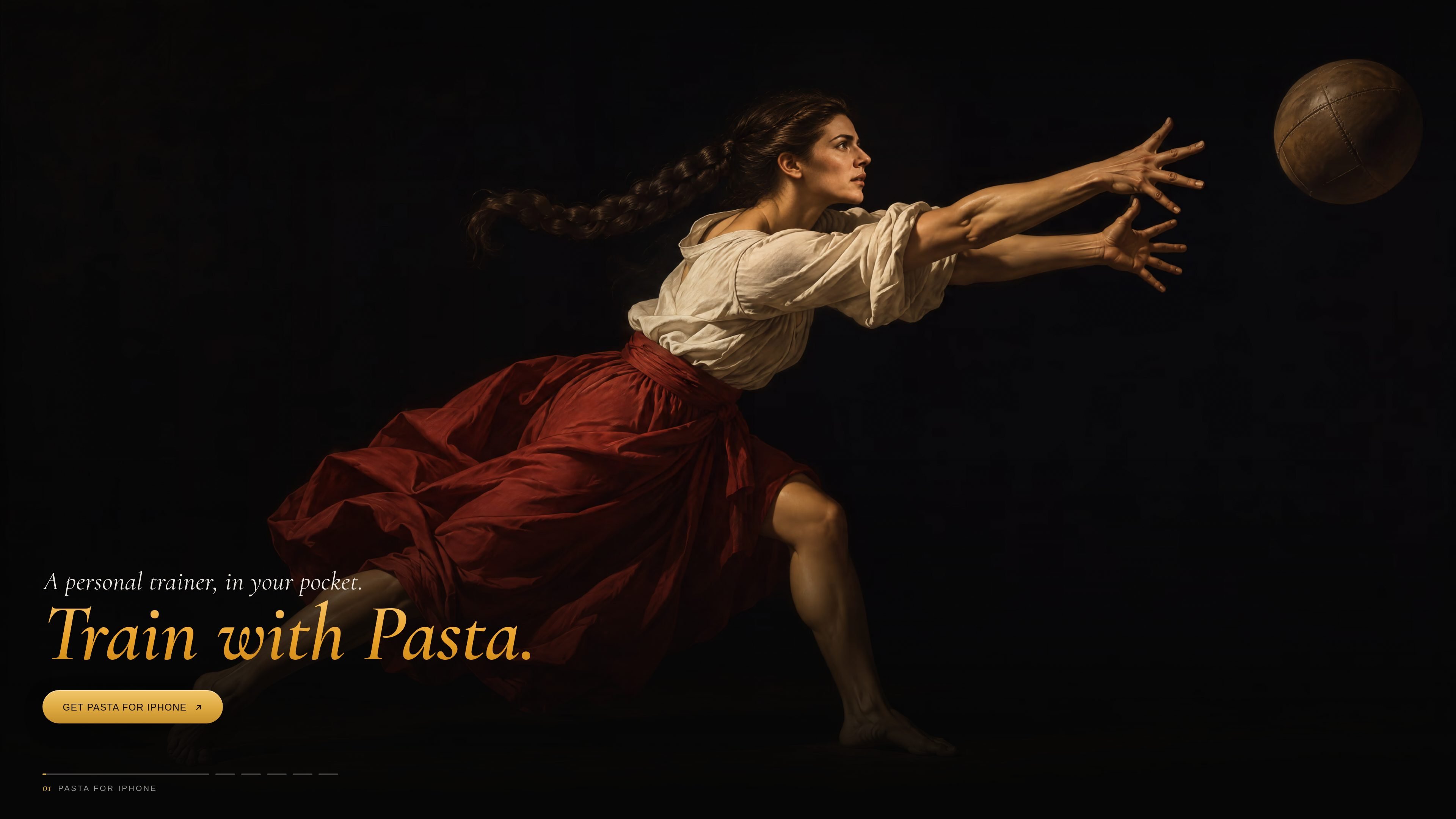
Pasta is an AI personal training app for iPhone that creates workouts and longer training plans from natural-language requests. Users can hold to talk or tap to type a goal such as a 30-minute upper-body session with dumbbells, then receive a session with exercises, sets, repetitions, and rest periods.
The app is designed to keep the phone out of the way during exercise. It gives spoken set and rest instructions, displays the timer on iPhone surfaces and Apple Watch, saves workouts to Apple Health, and uses available heart-rate, sleep, and HRV information for reporting and readiness features. The site states that Apple Intelligence builds workouts on the iPhone and that recorded data stays on the device.
Describe a workout by voice or text, including duration, focus, and equipment. Pasta generates the exercises, sets, reps, and rest for the session.
Ask Pasta to change an exercise you do not want to perform, and it swaps the movement within the session.
Paste a YouTube or webpage link to convert an existing workout into a session when Pasta can process the source.
Pasta speaks each set and rest interval. The running timer is available on the Lock Screen, Dynamic Island, widgets, and Apple Watch.
Set a goal such as a half marathon or a bigger deadlift. Pasta schedules training around available days and can continue without an end date, adding a lighter week every fourth week.
View weekly reports with records, resting heart rate, sleep, and estimated VO₂ max. Insights also includes heart-rate zones, training load, readiness, and HRV-based information.
Give Pasta a time limit, target area, and equipment constraints to receive a ready-to-follow session without manually selecting exercises or rest periods.
Use spoken coaching and the timer on Apple Watch or the iPhone’s Lock Screen while the phone stays in a pocket or bag during a gym session.
Set an endurance or strength objective and let Pasta arrange the weeks around the days you can train, using weights you have already lifted as a starting point.
Paste a workout found on YouTube or a webpage to turn an external routine into a Pasta session when the link can be processed.
Review weekly records and health signals, including sleep, resting heart rate, heart-rate zones, training load, and readiness, to decide whether to push or take it easier.
Pasta is designed for iPhone and requires an iPhone with Apple Intelligence; the site specifies iPhone 15 Pro or newer.
Describe the session you want by voice or text, such as a duration, target area, and available equipment. Pasta generates exercises, sets, reps, and rest, and can swap an exercise when asked.
Yes. You can paste a YouTube or webpage link, and Pasta turns it into a workout session when it can.
Pasta provides spoken instructions for sets and rest. The timer can appear on the Lock Screen, Dynamic Island, widgets, and Apple Watch, allowing the phone to remain in a bag during training.
Workouts save to Apple Health. The site also says that Apple Watch, Fitbit and other trackers can contribute data through Apple Health, while Bluetooth heart-rate straps can pair directly.

Teloframe is an AI-powered football coaching platform for building tactics, editing drills, planning sessions, and managing player development in one workspace. It includes a Free tier plus Pro and Club plans for coaches and analysts who need more collaboration and team features.

LeanUp is an AI calorie tracker and meal-planning app for logging meals, tracking macros, and getting personalized nutrition guidance. It supports barcode scanning, photo-based food recognition, manual search, and recipe reuse.

TrakMac is a voice-first macro tracking app for fitness-focused users on iOS. It estimates calories and macros from spoken meal descriptions, then helps users log food and stay aligned with their training goals.

Padel Chess is a web-based learning platform for improving padel tactical skills through puzzle-based practice. It helps players work on positioning, shot selection, and decision-making in realistic court scenarios.

Kilo is an AI-assisted fitness coach for consistent lifters and hybrid athletes. It delivers programs, workouts, logging, check-ins, and context-aware adjustments through iMessage, with a focused web link for structured workout entries.
PitchHighway helps singers learn songs with real-time pitch feedback, guided drills, and free browser tools for range testing, warm-ups, key finding, and note practice. It works in the browser and on iPhone and iPad.