
Photo enhancement
Enhances image clarity and detail for portraits, old photos, family photos, animals, and landscape photography. The tool is positioned as a fast way to improve photo quality without manual retouching.

PicMa Studio is an AI photo and video editor for enhancing, restoring, removing, and generating images, plus creating short AI videos. It runs on the web and also offers iOS and Android apps.
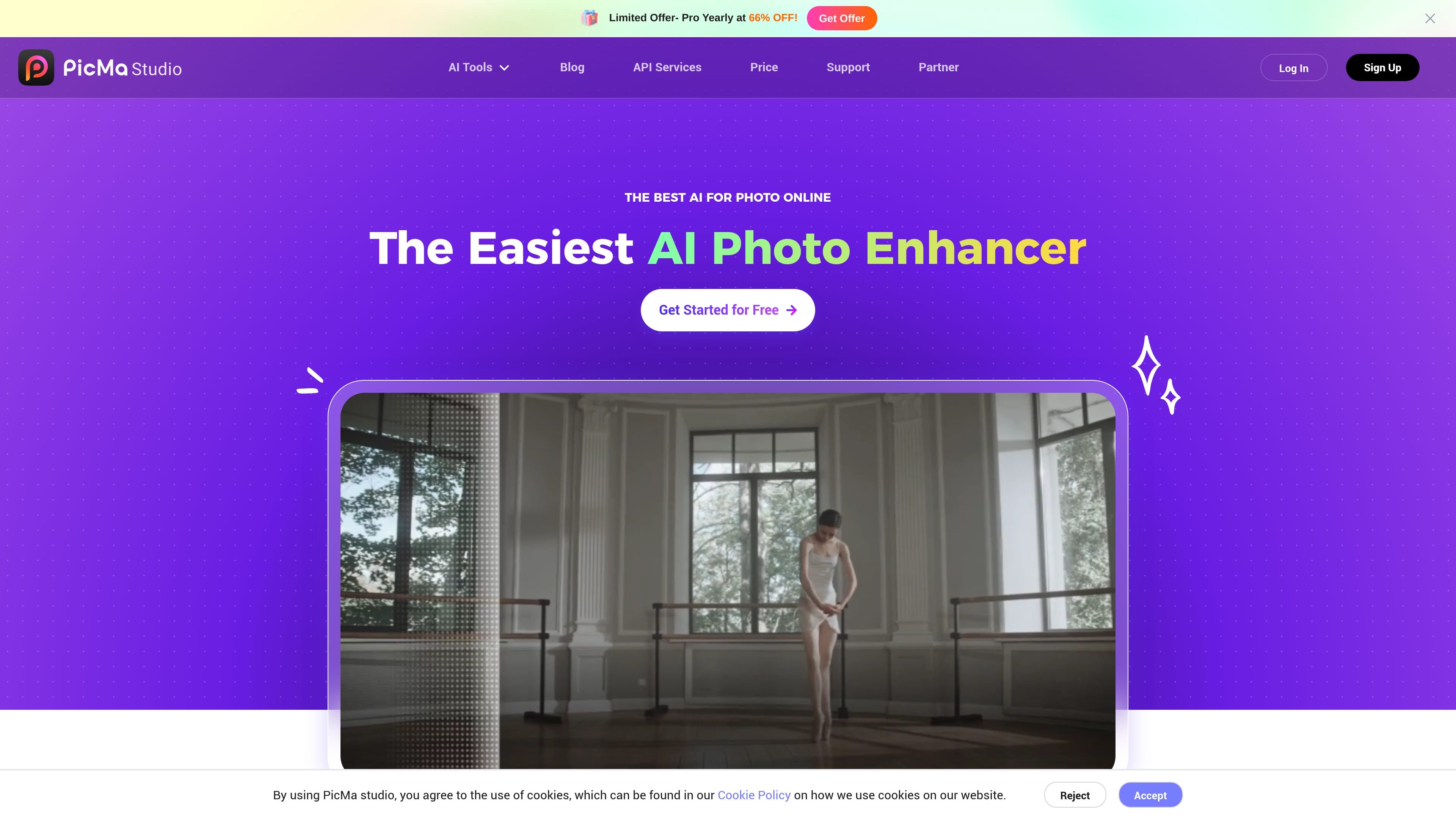
PicMa Studio is an AI photo and video editor that combines enhancement, restoration, removal, generation, and short-form video tools in one browser-based product. The site positions it as an online photo editor with separate workflows for image enhancement, AI art generation, video creation, and e-commerce image editing.
The product includes a broad set of specialized tools such as Photo Enhancer, Smart Restore, AI Removal, Color Master, Text Enhancer, Seedance 2.0, and GPT-Image 2. The source also indicates that PicMa offers mobile apps for iOS and Android and provides a free entry point for many of its tools.
Enhances image clarity and detail for portraits, old photos, family photos, animals, and landscape photography. The tool is positioned as a fast way to improve photo quality without manual retouching.
Repairs old photos and increases resolution while preserving quality. The homepage frames this as a one-tap workflow for restoring cherished images.
Removes backgrounds and objects, extracts faces, and supports faster cleanup work for editing tasks that need quick subject isolation.
Generates AI images from text prompts, style templates, or reference image uploads. GPT-Image 2 is presented as a one-click art generation workflow.
Creates cinematic short videos from images or text. Seedance 2.0 supports 4-second and 8-second videos and is described as a next-generation image-to-video model.
Improves e-commerce product images and clarifies text in images for documents, web design, subtitles, and print materials.
Improve portraits, family snapshots, landscape images, or older photos when you want clearer detail and stronger visual quality without manual editing steps.
Repair damaged or faded images, or convert black-and-white photos into colorized versions for personal archives and historical family photos.
Remove backgrounds or unwanted objects, or extract faces for cleaner visual assets and faster cleanup work.
Generate original artwork or concept images from text prompts, style templates, or a reference image when you need a fast AI-assisted starting point.
Turn images into 4-second or 8-second cinematic clips for social content, visual experiments, or promotional motion assets.
PicMa Studio is an online AI photo and video editor. It provides tools for enhancing photos, restoring old images, generating AI art, removing objects or backgrounds, and creating short AI videos.
The source shows free access prompts such as “Get Started for Free” and “Start Now For Free,” and the explore page includes a “FREE” AI Enhancer entry. The pricing page itself is unavailable, so no plan details can be confirmed from the provided evidence.
PicMa Studio works in the browser and also offers mobile apps for iOS and Android. The site invites users to download the app to access more features.
Its tools accept different workflows depending on the feature: some use a text prompt, some use a reference image, and some let you upload an image directly. Seedance 2.0 supports image-to-video and text descriptions, while GPT-Image 2 supports style templates, text prompts, and reference image uploads.
The site lists output-oriented tools such as 4-second or 8-second short videos, image enhancement, AI-generated art, product images, and text enhancement. Specific export formats are not stated in the source.

Upscale.media is an AI image upscaling and enhancement tool from Pixelbin that enlarges low-resolution or pixelated images and improves clarity in the browser. It offers free individual image use, paid credit plans, and team-oriented workflows such as bulk processing and API integration.

Pixelcut is an AI photo editor for creating and editing product images, social content, and video assets. It offers free and paid plans, plus mobile app and browser access for individual users and teams.

PhotoAid’s AI Image Enlarger is a free browser-based tool for upscaling images without a standard blur-heavy resize. It supports JPEG, WEBP, and PNG uploads and is described as working best for photos with faces.

Let's Enhance is an online AI image app for enhancing, upscaling, and restoring photos. It helps users clean up images, increase resolution, and process files through free credits, subscriptions, or pay-as-you-go bundles.

Airbrush is an AI-powered photo and portrait editor for web, desktop, and mobile. It helps creators, everyday users, and professionals retouch portraits, remove backgrounds, and enhance images with credit-based AI tools.

Aaavatar is a macOS portrait editor for teams that need consistent staff photos. It removes backgrounds, applies backgrounds or brand colors, and exports finished portraits to common professional channels.