
AI coding agent for Pine Script and MQL5
Generate Pine Script and MQL5 code from text prompts or chart screenshots, with support for strategies, indicators, and EAs. The coding agent also claims syntax checking, automatic fixes, and context memory.

Pineify is a web-based AI editor and generator for TradingView Pine Script and MT5/MQL5. It helps traders build indicators, strategies, and research workflows with a visual editor, AI coding agent, and related analysis tools.
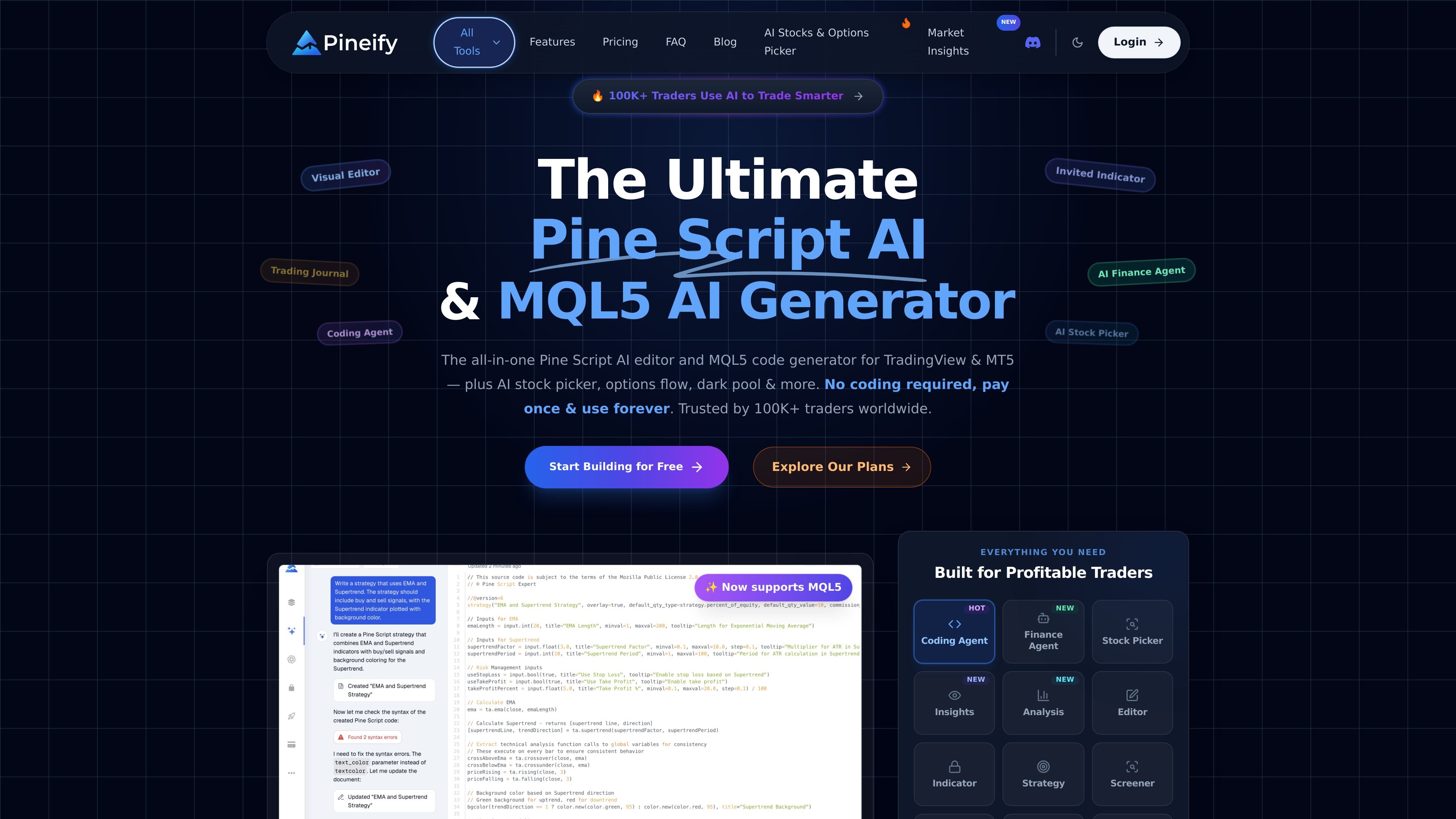
Pineify is a web-based AI platform for traders that combines a Pine Script editor, an MQL5 code generator, and several adjacent research and workflow tools. It is positioned around TradingView and MT5 use cases, with options to build indicators and strategies through either a visual editor or an AI coding agent.
The product site also surfaces add-on modules for chart screenshot analysis, backtesting review, strategy optimization, stock selection, market insights, and trading journaling. Across those tools, the common workflow is to turn a trading idea, chart image, or market question into structured output that can be reviewed, tested, and used in TradingView or MT5 workflows.
Generate Pine Script and MQL5 code from text prompts or chart screenshots, with support for strategies, indicators, and EAs. The coding agent also claims syntax checking, automatic fixes, and context memory.
Build indicators, strategies, and screeners with a no-code drag-and-drop editor. The site says the editor supports 235+ technical indicators and can combine multiple indicators into one script.
Analyze a candlestick screenshot to extract symbol, timeframe, market structure, support and resistance, entry, stop-loss, target zones, and confidence context. Analyses are saved for later review.
Run market research with live quotes, financial statements, estimates, web search, social sentiment, and chart analysis in one finance-focused agent. The product also describes natural-language screening and research workflows.
Optimize TradingView strategy inputs with a Chrome extension that performs multi-parameter grid searches. Results can be ranked by metrics such as net profit, win rate, profit factor, and maximum drawdown, with CSV export mentioned in the manual.
Track trades, strategies, and sessions in a journal with mindset notes, mood tracking, PnL aggregation, and recurring performance reports. The site also mentions weekly and monthly summaries.
Describe a trading idea or upload a chart screenshot, then generate Pine Script or MQL5 code that can be refined in TradingView or MT5.
Build indicators, strategies, or screeners without starting from scratch by using the visual editor and combining technical indicators into one script.
Run parameter sweeps on a TradingView strategy to compare settings by profit, win rate, profit factor, or drawdown, then export or review the results.
Review trades, notes, sessions, and performance summaries in a journal to identify recurring patterns in setups, behavior, and outcomes.
Research a ticker with live quotes, financial statements, sentiment, and web results, then compare it with AI stock rankings and market insights.
Pineify is a web-based AI editor and generator for TradingView Pine Script and MT5/MQL5. It can generate indicators, strategies, and EAs from text prompts or chart screenshots, and it also includes tools for chart analysis, backtesting reports, stock picking, and market research.
The source describes no-code visual editing plus an AI coding agent. The visual editor is aimed at building indicators, strategies, and screeners without writing code, while the coding agent can generate scripts from prompts or screenshots and help fix syntax errors.
The source says Pineify supports TradingView Pine Script and now also MQL5 for MT5. It also mentions a Chrome extension for the Strategy Optimizer and workflows that connect to TradingView charts and strategy settings.
The pricing page at /pricing returns a 404 in the collected sources. However, the site copy states that users can start building for free and that the product is paid once and used forever, so the exact plan structure is not available here.
The source highlights chart screenshot analysis, strategy optimization, backtest reporting, a trading journal, premium scripts, AI stock selection, and market insights. Those tools appear to be separate modules inside the Pineify platform rather than unrelated products.

ByteAsk is a terminal-first AI coding agent for C and C++ that edits repositories and verifies changes with the real compiler, debugger, sanitizers, and tests before showing a diff. It offers a free tier plus paid plans, with editor connectors and zero-retention handling described in the source.

Ghost — терминальный AI-ассистент для чата, генерации кода и запуска задач в командной строке. Бесплатные модели, Linux, macOS, Windows, open source.

Devin is an AI coding agent and software engineer that helps developers and engineering teams plan and execute complex software tasks. It is available through desktop, cloud, JetBrains, and CLI surfaces, with plans for individuals, teams, and enterprises.

imgcook is a design-to-code tool that converts design drafts into front-end code. It supports plugin-based and developer workflows for Sketch, Photoshop, VS Code, and CLI usage.

Pi Coding Agent is a terminal-based coding agent for developers who want a minimal, extensible harness for interactive work and automation. It supports model switching, session branching, and multiple run modes including TUI, print/JSON, RPC, and SDK.

Представляем лучшую модель в мире для кодирования, агентов, использования компьютеров и корпоративных рабочих процессов.