
Image and video AI tools
Generate and edit images and videos from the same product interface, including creation tools and editing tools such as background removal and image upscaling.

Pixelbin is an AI media studio for generating and editing images and videos online. It offers a free-to-start workflow, a free background remover, and paid credit-based plans for higher-volume use.
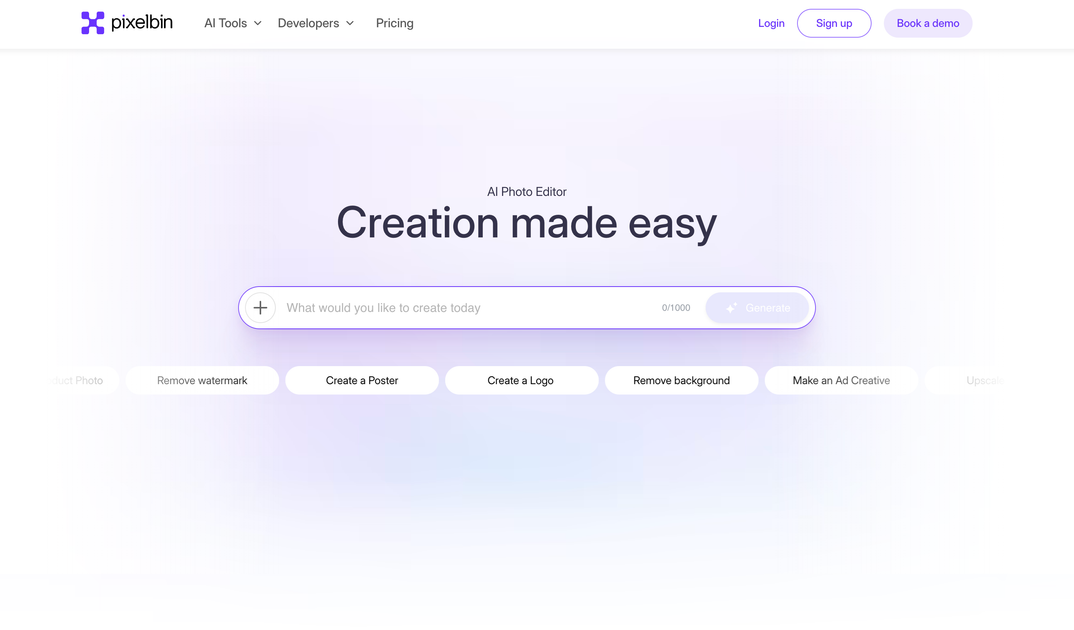
Pixelbin is an AI media studio for generating and editing images and videos online. The site presents it as a free-to-start tool for creating images, videos, camera-angle variants, and image edits from a single web experience.
The product also includes focused editing tools such as background removal, image upscaling, watermark removal, resizing, and prompt-based edits. On the pricing page, Pixelbin positions these tools behind a credit system, with a free plan and paid plans for higher usage, plus enterprise options for higher-volume workflows and API-driven use.
Generate and edit images and videos from the same product interface, including creation tools and editing tools such as background removal and image upscaling.
Remove backgrounds automatically from uploaded images, with support for common formats like PNG, JPG, JPEG, WEBP, and HEIC.
Process multiple images at once and use API support for bulk transformations, which is useful for catalog updates and repetitive edits.
Create or replace backgrounds by choosing a solid color, uploading a custom background, or generating one from a prompt.
Use credit-based pricing across models and features, with the pricing page listing per-generation credit costs and estimated generation times.
Access developer documentation, SDKs, APIs, and webhooks for integrating Pixelbin into different backend, frontend, and mobile stacks.
Create product images, concept visuals, or social-ready graphics using the image generation tools, then refine them with editing features in the same studio.
Remove image backgrounds quickly for product shots, portraits, or catalog images, then download the result or continue editing inside Pixelbin Studio.
Use batch processing and APIs to update large image sets or catalogs without handling each file manually.
Generate or edit video content with Pixelbin’s video tools when you need AI-assisted clips for campaigns or experiments.
Work with developer tools, SDKs, and webhooks to connect Pixelbin into existing applications and media pipelines.
Yes. The pricing page includes a free plan and a prompt to sign up for 10 free credits to explore the product.
Yes. The pricing page says subscription changes can be managed anytime from account settings.
Pixelbin uses credits for AI generations, transformations, and processing tasks. Different actions consume different amounts of credits depending on model and complexity.
The background remover page describes a workflow of uploading an image, letting Pixelbin process it with AI, and downloading the result or continuing into Pixelbin Studio for more edits.
Pixelbin says it offers documentation, email support, and priority assistance for billing, plan changes, and AI transformation issues.

Pixelcut is an AI photo editor for creating and editing product images, social content, and video assets. It offers free and paid plans, plus mobile app and browser access for individual users and teams.

Airbrush is an AI-powered photo and portrait editor for web, desktop, and mobile. It helps creators, everyday users, and professionals retouch portraits, remove backgrounds, and enhance images with credit-based AI tools.

Aaavatar is a macOS portrait editor for teams that need consistent staff photos. It removes backgrounds, applies backgrounds or brand colors, and exports finished portraits to common professional channels.

Upscale.media is an AI image upscaling and enhancement tool from Pixelbin that enlarges low-resolution or pixelated images and improves clarity in the browser. It offers free individual image use, paid credit plans, and team-oriented workflows such as bulk processing and API integration.

PhotoAid’s AI Image Enlarger is a free browser-based tool for upscaling images without a standard blur-heavy resize. It supports JPEG, WEBP, and PNG uploads and is described as working best for photos with faces.

BgSub is a browser-based AI tool for removing or replacing image backgrounds. It supports automatic cutouts, background replacement, and color adjustment for people editing product images, photos, or web visuals.