
AI garden planning
Build and manage garden plans with AI-supported plant recommendations and an interactive garden canvas. The register page also calls out season-aware task planning and plant care reminders.

Plantory is an AI gardening app that helps users plan layouts, identify plants, and time garden care. It offers a free Hobby plan, a 14-day Gardener trial, and a Studio option for team workflows.
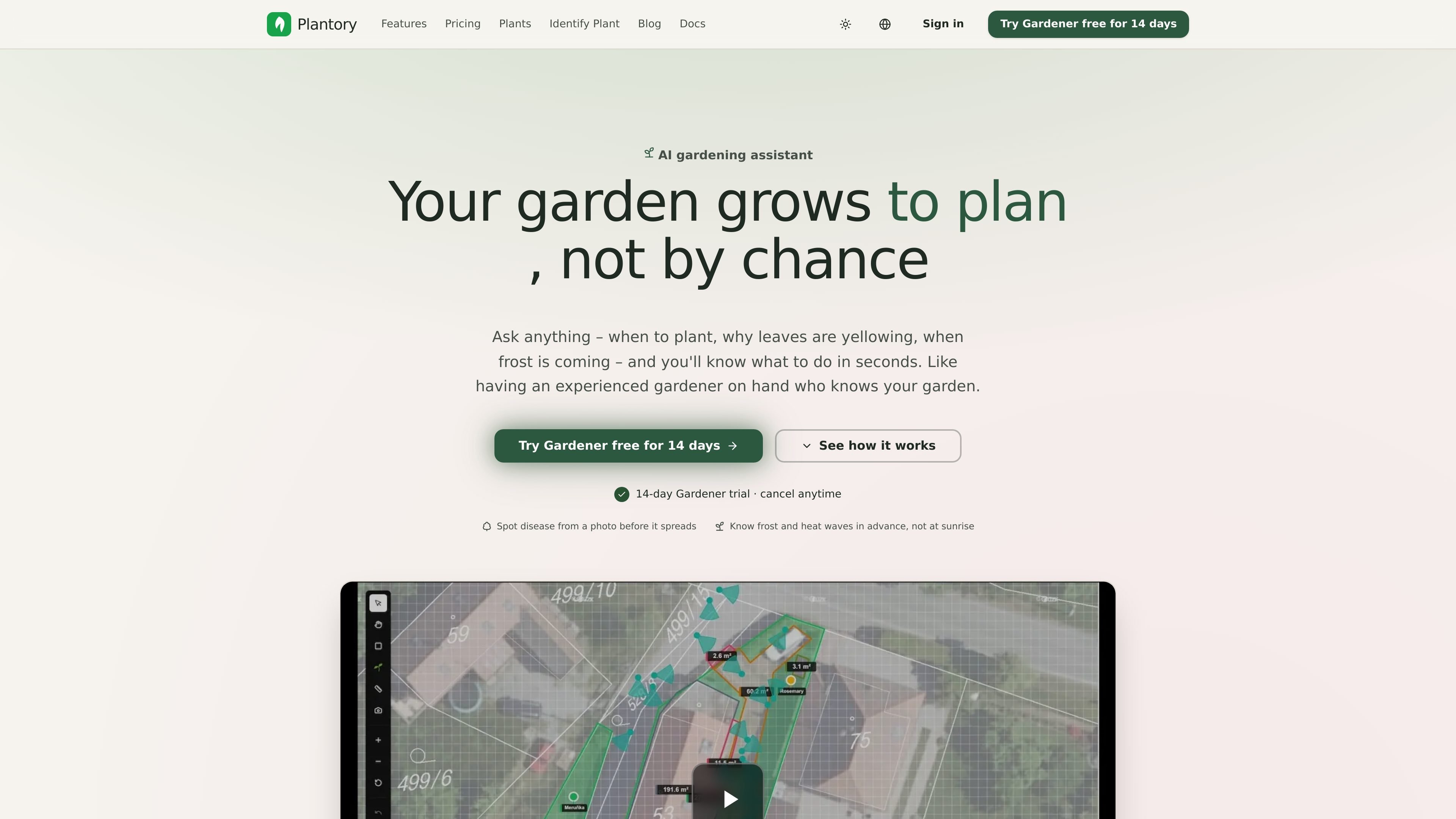
Plantory is an AI-powered garden planning app for people who want help deciding what to plant, where to place it, and when to take care of it. The site presents it as a garden assistant that can answer planting questions, suggest layouts, and help users manage care tasks over time.
The product is built around practical garden workflows: identifying plants from photos, organizing what grows where, receiving seasonal reminders, and planning with weather-aware alerts. Pricing starts with a free Hobby plan, while the Gardener plan adds more AI capacity, unlimited gardens and plants, and family sharing. Studio is positioned separately for landscape architects and other teams that need a custom rollout.
Build and manage garden plans with AI-supported plant recommendations and an interactive garden canvas. The register page also calls out season-aware task planning and plant care reminders.
Identify plants from photos, track plant health, and keep a record of what you planted and where. The pricing page limits this on Free to one identification per day.
Create a visual layout of your garden and generate future previews or visualizations. The home page emphasizes design and layout ideas, while the pricing page separates visual AI features by plan.
Get reminders and weather-based alerts for watering, pruning, frost, hot waves, heavy rain, and sowing windows. These are positioned as timed guidance rather than general notifications.
Ask garden-specific questions and receive responses from the AI advisor or global garden chat. The Gardener plan includes 300 AI advisor messages per month and priority answers in global garden chat.
Share gardens with other people. Free includes garden sharing, while Gardener adds family sharing with up to 5 members.
Use Plantory when you know the size and conditions of your space but need help deciding what will fit, where each plant should go, and how to combine herbs, vegetables, and flowers.
Take a photo of an unknown plant or check a plant's condition from an image, then use the app to identify it and log it in your garden inventory.
Set up reminders and weather-based alerts so you can act at the right time for watering, pruning, sowing, or protecting plants from frost and heat.
Share a garden plan with family members or coordinate a larger workflow with a team using the Studio path when multiple people need visibility into the same plan.
Start with Free to test the app, then move to Gardener if you need more AI usage, unlimited gardens and plants, and image or voice-based input.
Yes. New signups can choose a plan during onboarding and get 14 days of full Gardener access without a card. If they do not subscribe, the account moves to Free automatically.
Yes. Plantory says you can change or cancel anytime, and canceled subscriptions remain active until the end of the paid period.
Yes. The pricing page says garden data is preserved after a downgrade, and the new plan limits apply to newly created gardens or content added over the limit.
The pricing page says payments are handled via Stripe, with credit/debit cards, Apple Pay, and Google Pay supported. Invoice billing is available for annual plans.
The contact and pricing pages describe Studio as a rollout for teams with real coordination needs, including landscape design teams, public and botanical gardens, schools, universities, and community or nonprofit projects.

Work Life Panda is a task, calendar, notes, and coordination app for individuals, families, groups, and small teams. It combines existing calendars with to-dos, shared spaces, item-specific chats, and on-device AI task capture across mobile and web.

Biji - это универсальная платформа, разработанная для повышения продуктивности с помощью инновационных инструментов и функций.

Liam is an AI copilot for managing inboxes, writing replies, prioritizing email, and scheduling meetings. It is offered free for individuals, with custom pricing for teams and enterprise.

Gemma AI is a phone call reminder app that calls you with scheduled reminders instead of push notifications. It helps people who want a more direct way to stay on schedule, with Google Calendar sync and conversational call interactions.

Starlie is a native macOS desktop client for Jira Cloud and self-hosted Jira. It helps Jira users search with JQL, manage sprint boards, review issue context, and make selected updates from a Mac app.

ClawTick is an AI agent automation platform for scheduling jobs from the CLI, dashboard, or REST API. It is aimed at developers and teams running LangChain, CrewAI, webhook, or custom agent workflows that need monitoring, alerts, and logs.