
One-click prompt improvement
Turns rough text into improved prompts with a single click, with the site describing the output as more structured and better suited for AI tools.

Pretty Prompt is a Chrome extension that helps turn rough text into clearer prompts for AI tools. It is designed for people who want better prompt structure, easier reuse, and less manual rewriting.
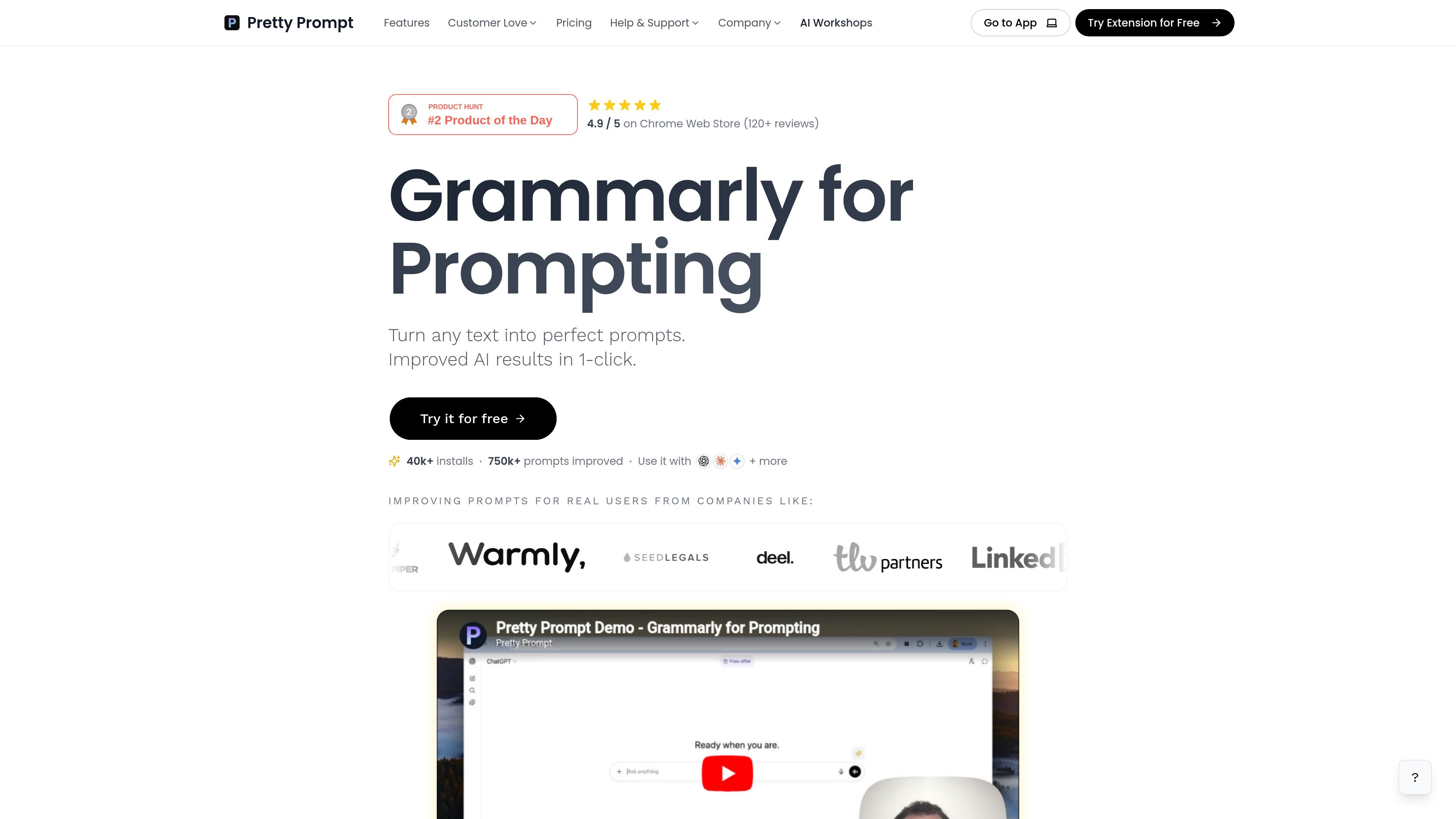
Pretty Prompt is a browser-based prompting helper described on the site as “Grammarly for Prompting.” Its core job is to take plain or rough text and turn it into a more polished prompt that is easier to use with AI tools.
The homepage frames the product as a one-click way to improve prompts and get better AI results. Supporting pages show a Chrome extension, a getting-started flow, a docs library, and help content for setup, prompt reuse, team sharing, languages, and supported AI sites such as Perplexity, Lovable, and v0.
The product is aimed at people who already use AI tools but want clearer prompts, more context, and less time spent iterating manually. Public site signals also show review and install counts on the homepage, but the main product value is the prompt-improvement workflow rather than a broad AI suite.
Turns rough text into improved prompts with a single click, with the site describing the output as more structured and better suited for AI tools.
The homepage highlights giving prompts more context and improving AI results, while the docs include a workflow for your first improved prompt.
Docs include guidance for saving prompts to a Prompt Library, which points to reuse instead of rebuilding prompts from scratch.
The docs include a team-sharing article, and the help page includes company and expense questions, indicating support for collaborative use cases.
The docs mention use on Perplexity, Lovable, v0, and more, and a language article indicates prompts can be written in any language.
Draft a rough prompt in natural language and use Pretty Prompt to turn it into a cleaner version before sending it to an AI assistant.
Use the extension when you need more context or structure for content, analysis, or ideation prompts and do not want to rewrite them by hand.
Save prompts to the Prompt Library when you reuse similar requests often, such as recurring work tasks or repeated content workflows.
Share prompts with teammates when a group needs a consistent way to ask AI tools for help and wants to reuse proven prompt patterns.
Write prompts in languages other than English when your workflow or audience requires it, then use the tool in supported AI sites.
Pretty Prompt is a browser extension that helps turn rough text into more structured prompts for AI tools. The site’s help and docs pages also point to getting started, using it on supported AI sites, saving prompts, sharing with a team, and using it in multiple languages.
The site positions it as a way to improve prompts in one click, which can save time when you want clearer instructions or more context before sending a prompt to an AI tool.
The help page lists support topics for “Where can I use Pretty Prompt?” and the docs mention using it on AI sites such as Perplexity, Lovable, and v0, plus “and more.” The site also references Chrome extension installation.
The docs specifically mention writing prompts in any language, and the help page includes a question about whether it works in languages other than English.
The help page includes team-related questions such as how the tool helps a company team and whether a subscription can be expensed, suggesting it is used individually and in team settings. The docs also include an article about sharing prompts with your team.

Creativly is a web-based AI creative studio for generating visual concepts, mockups, and stylized images from short inputs. It is aimed at designers, creators, and entrepreneurs who want fast visual ideation without writing long prompts.

PaperBetterAI - это интеллектуальный инструмент для написания, который генерирует академические работы и различные письменные материалы на китайском и английском языках с использованием передовых технологий ИИ.

心流AI助手是一款面向知识获取与内容处理的 AI 助手,可用于实时问答、长文总结和写作辅助。公开页面显示它覆盖日常百科、生活信息和学术论文相关场景,并提供 App 体验入口。

Goldfish is an AI memory app for macOS that helps you reply, write, summarize, and continue using the context already on your Mac. It stores memory locally and writes in your tone.

Все-в-одном AI платформа, которая объединяет инструменты для изображения, видео, голоса, письма и чата для повышения креативности и сотрудничества.

Slidesgo is a presentation template platform for Google Slides, PowerPoint, and selected Canva workflows. It offers free and Premium templates, plus AI-assisted presentation creation and team-friendly access options.