
AI-assisted spreadsheet analysis
Ask questions in natural language and use formulas, Python, or SQL when you need more control. The product emphasizes readable, editable outputs instead of opaque generated results.

Quadratic is an AI spreadsheet that combines natural-language analysis, live data connections, and code cells for individuals and teams. It also offers a REST API and MCP support for agent workflows and spreadsheet automation.
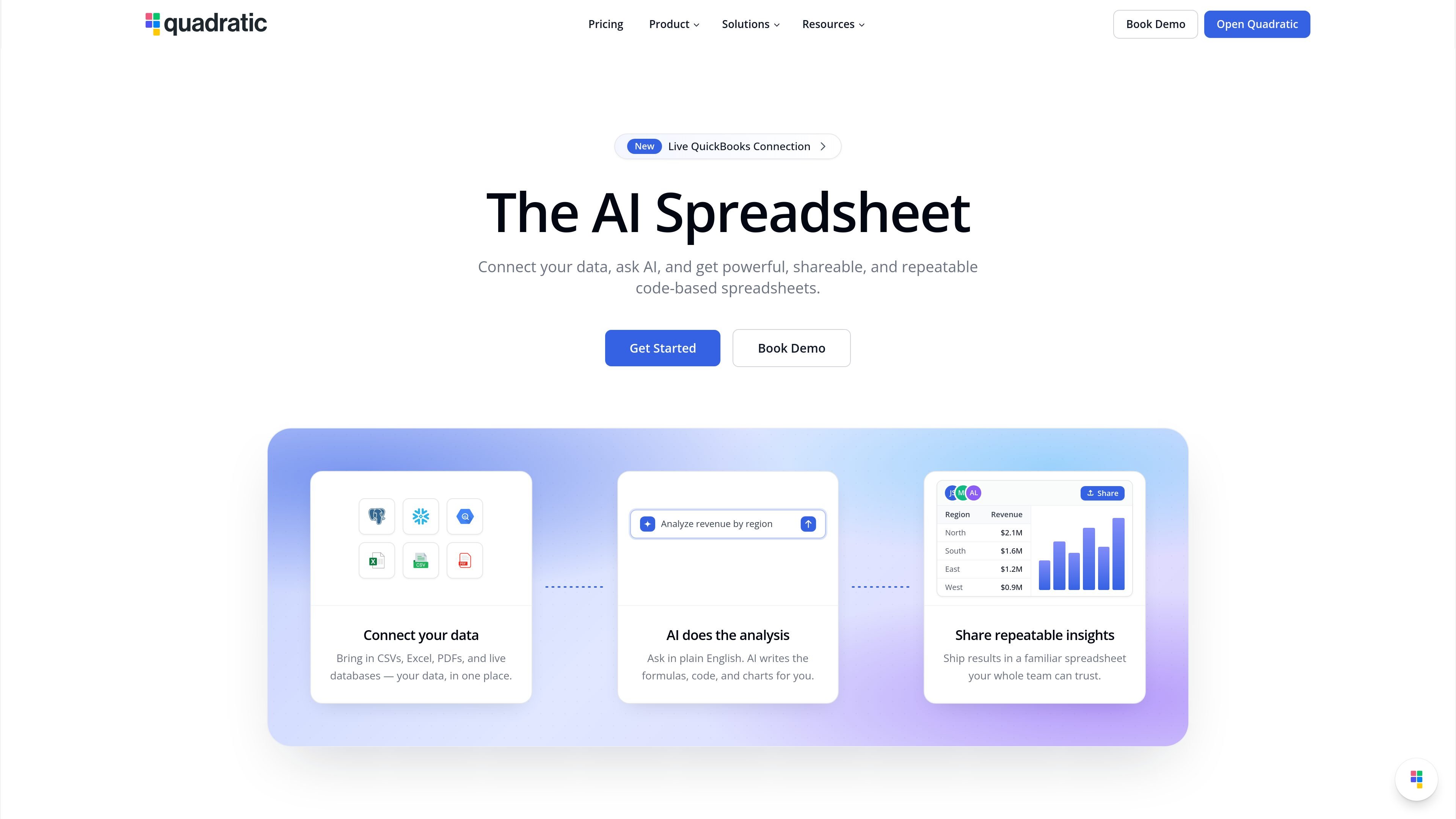
Quadratic is an AI spreadsheet built to combine spreadsheet workflows with live data connections, code cells, and agent-friendly automation. The product is designed for people who want to ask questions in natural language, work with formulas or code when needed, and keep results visible inside editable cells.
The site positions Quadratic as a tool for analysis across databases, files, APIs, and business systems. It supports live connections, an API for programmatic spreadsheet control, and MCP for connecting external AI clients, while keeping changes auditable in the spreadsheet grid.
Ask questions in natural language and use formulas, Python, or SQL when you need more control. The product emphasizes readable, editable outputs instead of opaque generated results.
Connect live data sources so a sheet can pull in current values from databases, warehouses, files, and SaaS tools. The site highlights sources such as Postgres, Snowflake, BigQuery, QuickBooks, Google Analytics, Mixpanel, CSV, Excel, and PDF.
Use the Spreadsheet API to read and write cells, run Python, SQL, and formulas, and manage sheets, tables, and validations from REST. The API also supports atomic batches and undo/redo for safer agent workflows.
Connect MCP-enabled clients like Claude, ChatGPT, Cursor, and VS Code so an external agent can read, write, and verify work in a live spreadsheet. Access is secured through a signed-in Quadratic account and can be revoked from settings.
Work with auditable results that stay in the spreadsheet grid. The product states that users can inspect, edit, and approve changes cell by cell.
Choose a plan that matches individual, team, or enterprise needs. The pricing page shows Personal Free, Pro, Business, and Enterprise tiers with different sharing, AI usage, and support levels.
Build forecasts, summaries, and other analysis in a spreadsheet while asking for help in plain language. Users can start with prompts and then refine results with formulas, Python, or SQL where needed.
Connect databases, warehouses, and SaaS tools to keep spreadsheet models tied to current data. This is useful when teams need to work from sources such as Postgres, Snowflake, BigQuery, QuickBooks, or analytics platforms without repeated CSV exports.
Use the API to automate spreadsheet operations from backend code or agent pipelines. The API supports reading and writing cells, running code cells, creating sheets and tables, and batching operations with undo support.
Let Claude, ChatGPT, Cursor, or another MCP client work directly with a Quadratic spreadsheet. This fits workflows where an AI assistant needs to read context, update cells, and verify calculations in a shared file.
Share a workspace with colleagues who need auditable answers rather than exported snapshots. The product’s sharing and team-oriented plans are aimed at collaborative review and approval inside the sheet.
Quadratic is a spreadsheet product with AI features, live data connections, an API, and MCP support for AI clients.
The source shows a free Personal plan, plus Pro and Business plans billed per user, and an Enterprise option with custom features and support.
Quadratic supports database, warehouse, file, and API-style connections. The source explicitly lists sources such as Postgres, MySQL, Snowflake, BigQuery, CSV, Excel, PDF, QuickBooks, Google Analytics, Mixpanel, Plaid, and several banking or market-data connectors.
Yes. Quadratic supports an API for reading and writing spreadsheet data and running code, and it also supports MCP for connecting AI clients such as Claude, ChatGPT, and Cursor.
Quadratic positions itself for individuals, small teams, and enterprises, with features such as unlimited sharing on Pro and SSO, self-hosting, and dedicated support on Enterprise.

Hype is a web tool for finding trending YouTube topics by category, time range, and scoring mode. It helps creators spot emerging ideas, inspect source videos, and decide what to cover next.

Radar is a self-hostable media intelligence and social listening app for monitoring public sources, analyzing mentions, and generating briefs or content outputs with optional Claude AI. It is aimed at individuals and small teams that want an enterprise-style workflow without a cloud account.

PromptScout tracks how ChatGPT, Gemini, Google AI Overviews, and Perplexity mention your brand or competitors, then pairs those results with source analysis and website audits. It helps teams decide what to fix in content, positioning, or site readiness next.

SaveMRR is a Stripe retention tool for SaaS teams that scans billing data for churn and MRR leaks, then automates recovery through dunning, cancel-save offers, win-back emails, and onboarding nudges. It is built for founders and bootstrapped teams using Stripe.

Sleek Analytics is a privacy-friendly web analytics tool with real-time visitor tracking, Core Web Vitals, and revenue attribution. It helps site owners understand traffic and conversions without cookie banners or a heavy setup.

Struere is an AI-native platform for turning spreadsheet data into structured operational software with dashboards, alerts, and automations. It is aimed at teams that want to replace manual spreadsheet workflows without building custom tools from scratch.