
Versioned product context
Store positioning, ideal customer profile, messaging, customer language, proof points, and hypotheses in a shared context that sessions and connected agents can use.

Quiver is an agentic developer marketing system for technical founders and developer marketing teams. It connects product context, customer research, campaigns, content, publishing, and performance in a versioned workflow that can be hosted or self-hosted.
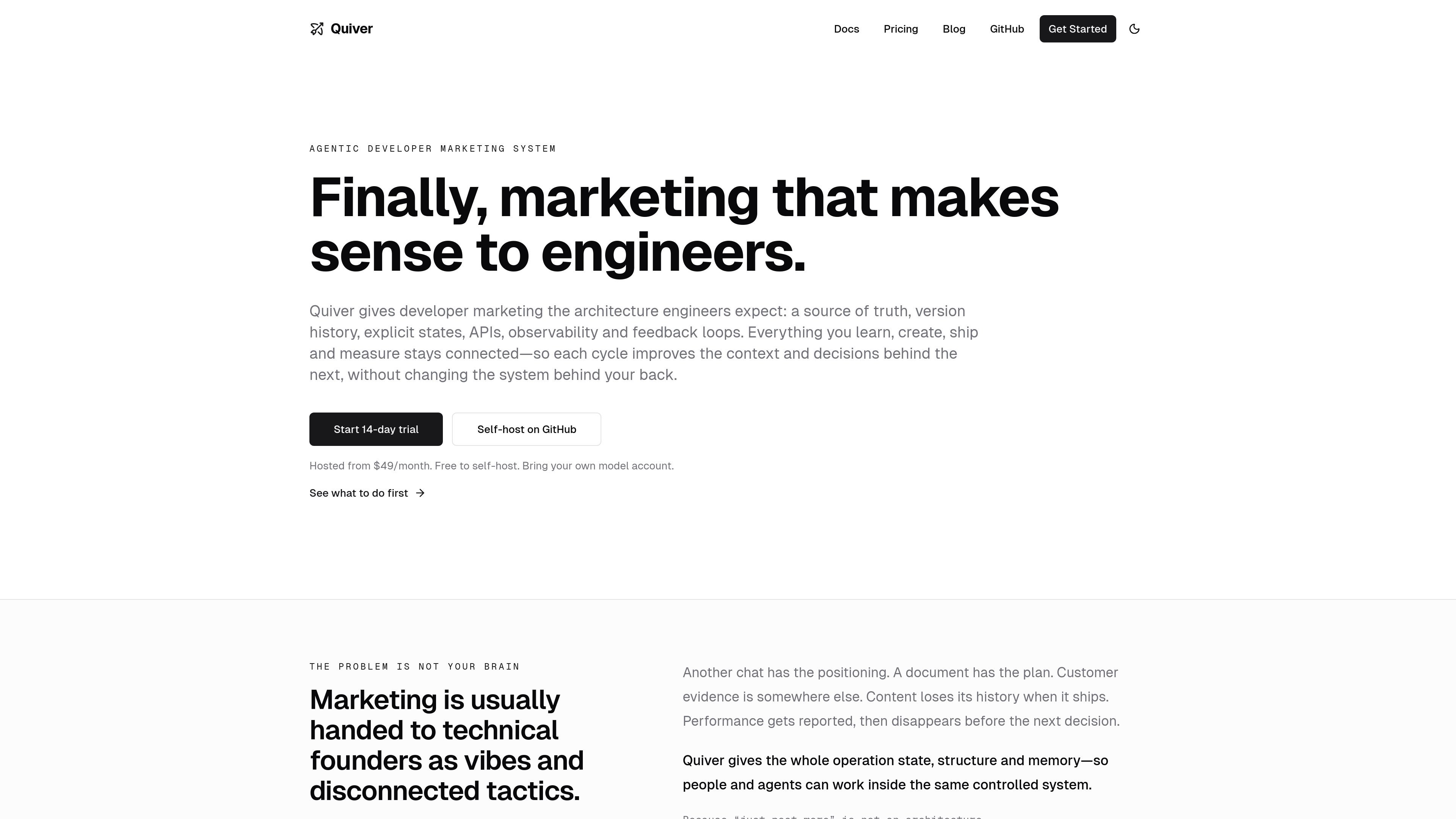
Quiver is an agentic developer marketing system for technical founders and developer marketing teams. It organizes product context, customer evidence, campaigns, content, publishing, tasks, and performance in one controlled workspace rather than leaving decisions and drafts scattered across chat conversations and documents.
The system is built around a versioned source of truth and explicit production states. Teams can review assumptions, preserve decision history, approve artifacts, publish approved content through an API, and feed measured results back into later research and marketing work. Quiver can be self-hosted or used as a hosted shared workspace, and it requires users to bring their own model provider account.
Store positioning, ideal customer profile, messaging, customer language, proof points, and hypotheses in a shared context that sessions and connected agents can use.
Move artifacts through Draft, Review, Approved, Live, and Archived states, while preserving version history and allowing approved content to be published as structured JSON.
Connect plans, research, sessions, artifacts, content, tasks, and results to the campaign or initiative they support, making the path from work to outcome traceable.
Turn calls, surveys, reviews, support threads, and field notes into themes, Voice of Customer quotes, product signals, and evidence for or against active hypotheses.
Use Strategy, Create, Feedback, Analyze, and Optimize sessions, or connect an external agent through MCP, while keeping work inside Quiver’s approved context and system records.
Record quantitative results and qualitative notes after work goes live, then review proposed context updates before they influence future sessions. Hosted plans also turn next steps into assigned tasks with due dates and reminders.
Review a product description, positioning, audience, proof points, and hypotheses before production work begins. Versioned saves let the team refine the context without erasing prior decisions.
Add a raw call transcript, survey, support conversation, review, or sales objection, then synthesize themes and Voice of Customer language to test active hypotheses.
Create a campaign for a real initiative, run a Strategy or Feedback session before Create, and save the resulting artifacts or content against that campaign.
Publish approved content through the Content API while retaining SEO and social metadata, distribution history, repurposing lineage, and associated performance records.
After work ships, log quantitative results and qualitative notes, review proposed context updates, and—on hosted plans—assign resulting tasks with due dates and reminders.
Quiver is an agentic developer marketing system for technical founders, developer marketing teams, and the agents working with them. It connects product context, research, campaigns, content, publishing, and performance in one controlled system.
Start by providing a website or short product description. Quiver drafts an initial context, which you review and correct. Then add raw customer evidence, create a real campaign, run a focused Strategy or Feedback session, save useful work, and log results after publishing.
You bring an account from Anthropic, OpenAI, Google, OpenRouter, or an OpenAI-compatible provider. Model costs are separate from Quiver, and you can choose models by job.
No. Quiver is designed to complement those systems as a context and decision layer. Its Content API, MCP interface, and publishing workflows connect approved work and its supporting reasoning to external tools.
The open-source edition is self-hosted and intended for technical founders or startups comfortable operating the application and database. Hosted plans provide managed infrastructure, authentication, updates, shared workspaces, invitations, and hosted-only built-in tasks.

Topple.lol is a public pay-to-rank leaderboard where listings start at $1 and their bid balance decays over time and with clicks. It helps makers and marketers buy short-term visibility for product sites or X profiles while tracking live board stats.

DailyPlay.ai is a behavioral growth platform that uses AI site scanning and micro-games to help brands improve engagement and conversion. It supports web, mobile, and other digital touchpoints, with a one-line script setup and a free engagement scan.

Codex Plugins bundle reusable skills, app integrations, and MCP servers into workflows you can install in the Codex app or use from Codex CLI. They help extend Codex with connected-service tasks, reusable instructions, and shared team workflows.

Struere is an AI-native platform for turning spreadsheet data into structured operational software with dashboards, alerts, and automations. It is aimed at teams that want to replace manual spreadsheet workflows without building custom tools from scratch.

Wysera is an AI business platform that combines PostWyse for content and OpsWyse for CRM and revenue workflows, powered by the shared Wyse AI. It is built for solo operators, teams, and agencies that want approval-first automation across publishing, lead follow-up, and related operations.

OpenFlags is an open-source, self-hosted feature flag platform for modern JavaScript teams. It supports local evaluation, targeted rollouts, and controlled launches while keeping flag data in your own infrastructure.