
AI Script Generator
Generate or write a video script with AI, including support for automatically generating the script from a prompt or topic.

Revid AI is an AI video generator for turning prompts, scripts, links, and other source material into short-form videos for TikTok, Instagram, and YouTube. It combines script generation, editing, and publishing in one workflow, with a free-start offer mentioned on the site.
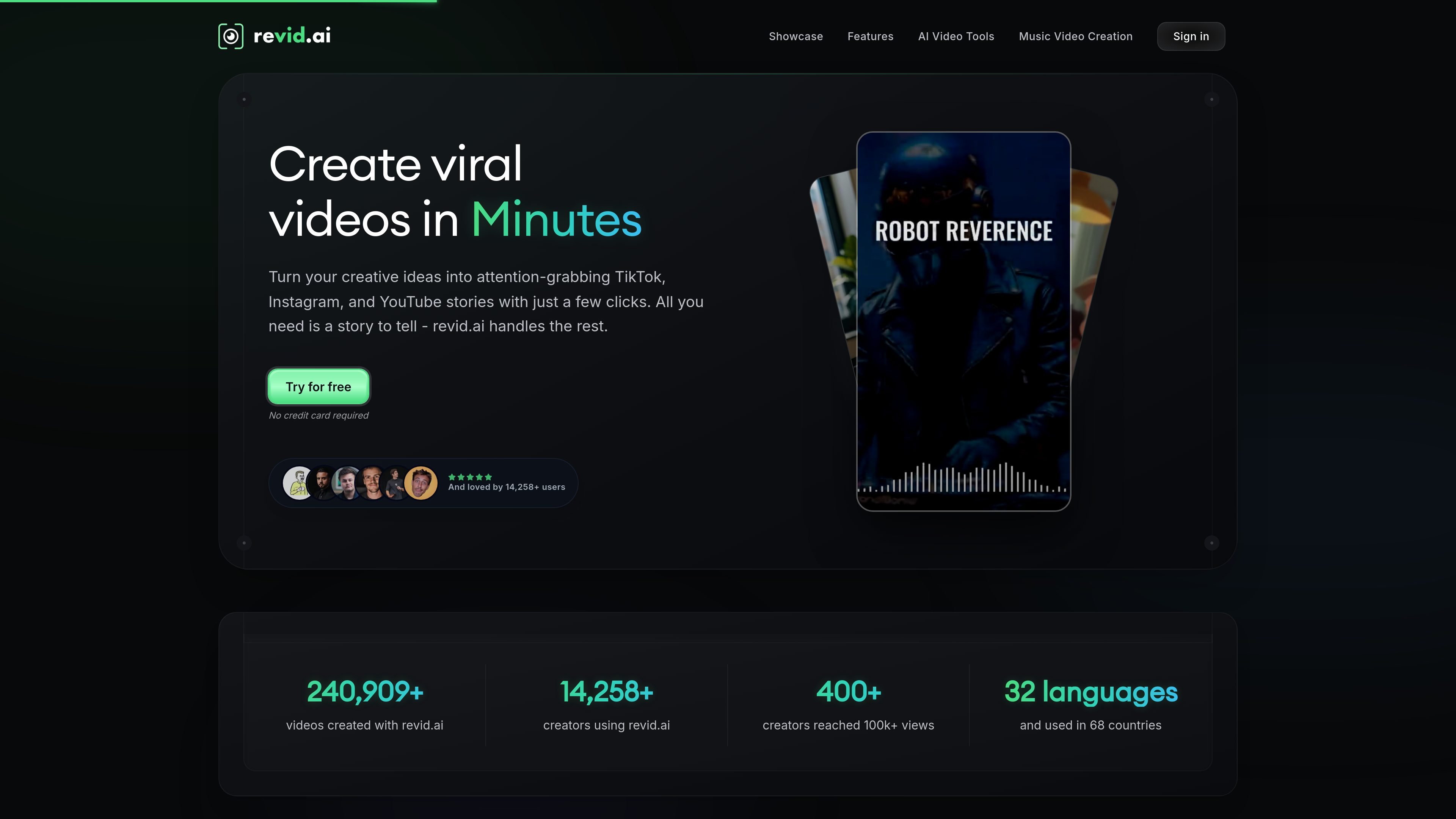
Revid AI is an AI video generator for creating short-form videos for platforms such as TikTok, Instagram, and YouTube. The site positions it as an end-to-end workflow for ideating, creating, editing, and publishing videos without requiring prior production skills.
The product combines script generation, multiple creation tools, and a lightweight editor. The rendered site text also emphasizes publishing and reuse of content, with support for turning text, images, documents, audio, or links into videos and for exporting in formats suited to short social content.
Generate or write a video script with AI, including support for automatically generating the script from a prompt or topic.
Create videos from different inputs and workflows, including text, images, documents, links, audio, and specialized tools such as PDF to Video and Text to Video.
Choose from formats mentioned on the site such as TikTok, YouTube, or an AI-generated talking avatar, depending on the output you want.
Work in an editor described as ultra-intuitive, with customization focused on simplicity rather than complex timelines.
Use more than 50 ultra-realistic voices, with male and female options highlighted in the product copy.
Export videos in high resolution without watermarks, with the site stating the videos are yours for life.
Creators can turn a topic, story, or rough prompt into a short video without starting from a blank timeline. The site highlights automatic script generation and fast creation for social content.
Artists and music creators can use the music-video workflow shown on the site to import audio and generate a video synced to the track. The rendered testimonials describe use with Spotify links, WAV files, and beat-reactive animations.
People with existing assets such as PDFs, documents, images, or links can reuse that material as video content. The product pages specifically call out PDF to Video, Text to Video, and link-based analysis.
Users who want a simpler production process can use the built-in editor and template/style choices to assemble a publishable video with minimal manual editing. This fits first-time creators or anyone moving quickly.
Creators looking for a social-ready output can export in formats intended for TikTok, YouTube, and Instagram, then publish from the same workflow described on the homepage.
Revid AI is designed to turn a topic, script, link, image, or document into a short video, then let you edit and publish it from the same workflow. The source text shows AI script generation, multiple video formats, an editor, and publishing to TikTok, YouTube, and Instagram.
The source describes a four-step workflow: find an idea, generate or write a script, turn it into a video, and publish it to social platforms. It also says the tool can analyze a link and turn it into a video.
The site says you can create videos for TikTok, Instagram, YouTube, and more, and it highlights formats such as TikTok/YouTube formats and AI-generated talking avatars. The rendered text also mentions tools like AI Movie Maker, Animate Photo, PDF to Video, Kids Song, and Text to Video.
The landing page says 'Try for free' and 'No credit card required,' but the collected pricing page text does not include actual plan prices or limits. That means the presence of a free trial or free start is supported, while paid plan details are not visible in the provided source text.
The source does not provide detailed team or collaboration features. It does show that the product is used by creators and can be used in a workflow that ends with publishing, but team-specific permissions or shared workspaces are not confirmed in the provided text.

Все-в-одном AI платформа, которая объединяет инструменты для изображения, видео, голоса, письма и чата для повышения креативности и сотрудничества.

Slidesgo is a presentation template platform for Google Slides, PowerPoint, and selected Canva workflows. It offers free and Premium templates, plus AI-assisted presentation creation and team-friendly access options.

VIDEOAI.ME is an AI video generator for making spokesperson-style videos, ads, explainers, and social content from a script. It is aimed at founders, marketers, agencies, and creators who want to produce videos without filming.

Wysera is an AI business platform that combines PostWyse for content and OpsWyse for CRM and revenue workflows, powered by the shared Wyse AI. It is built for solo operators, teams, and agencies that want approval-first automation across publishing, lead follow-up, and related operations.

Grok — это бесплатный ИИ-помощник, разработанный xAI, который ставит во главу угла правдивость и объективность, предлагая расширенные возможности, такие как доступ к информации в реальном времени и генерация изображений.

Creativly is a web-based AI creative studio for generating visual concepts, mockups, and stylized images from short inputs. It is aimed at designers, creators, and entrepreneurs who want fast visual ideation without writing long prompts.