UStackUStack
Revolink icon

Revolink

Revolink is a smart link routing platform that redirects visitors based on location, device, browser, operating system, and time. It also includes A/B testing, conversion attribution, QR code generation, and cookieless analytics.

Revolink

Smart link routing and conversion tracking

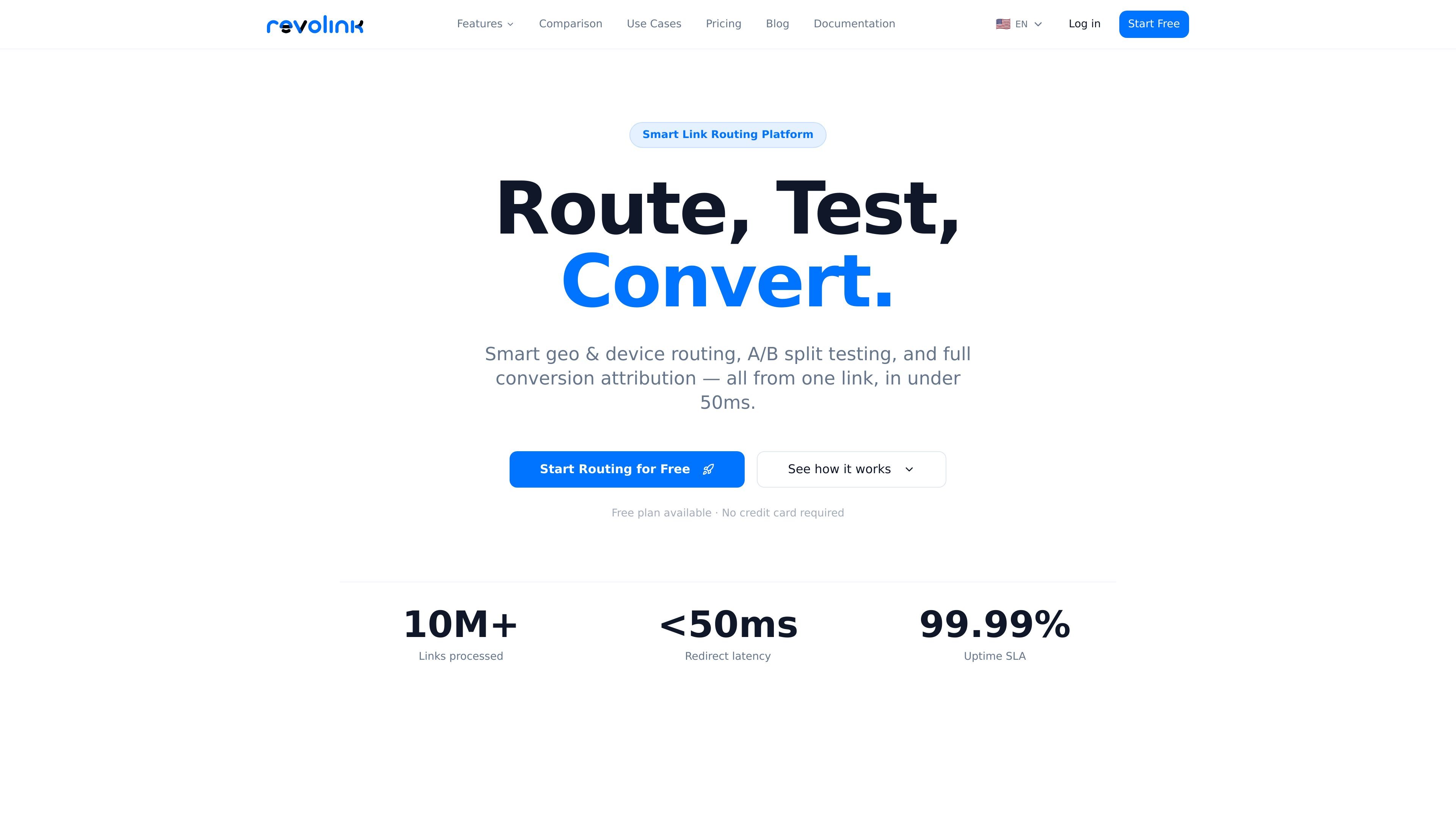
Revolink is a smart link routing platform that sends visitors to different destinations from a single URL based on context such as location, device type, browser, operating system, and time of access. It is positioned as an alternative to traditional URL shorteners that map one link to one destination.

The product combines conditional routing, A/B testing, conversion tracking, and analytics so teams can manage campaigns and measure results from the same link. The site also states that the platform is GDPR-first, does not rely on cookies for its core analytics, and offers a free plan with no credit card required to start.

Core capabilities

Conditional routing

Create one smart link and send visitors to different destinations based on country, city, device type, browser, operating system, time of day, or day of week. The platform is built for conditional redirects rather than fixed one-to-one URL shortening.

A/B testing

Run split tests on destinations with configurable traffic weights, then let the platform switch toward the better-performing option when enough data comes in. The source describes 50/50 splits, custom weights, and auto-winner behavior.

Conversion attribution

Record leads, sales, signups, and other events back to the exact link, rule, and variant that brought the user in. Attribution is described as real time and cookieless, with revenue support in any currency.

Analytics without cookies

Inspect click sources, devices, locations, and funnel performance without relying on cookies. The privacy policy and product page both emphasize GDPR-oriented analytics and click-level context.

QR codes and UTM builder

Generate QR codes for each smart link and build UTMs with reusable templates and custom parameters. The source also mentions per-rule configuration and export options for the QR codes.

Common workflows

  • App deep linking

    Send iPhone visitors to the App Store, Android visitors to Google Play, and desktop users to a web app from the same URL. This is the clearest fit for app campaigns and deep-link routing.

  • Flash sales and seasonal campaigns

    Run a time-limited promotion that changes destinations after a deadline or on a schedule. The product page gives time-of-day and day-of-week routing as examples.

  • Localized marketing

    Serve localized landing pages or region-specific offers from one link. The source explicitly mentions country, city, and language-aware marketing workflows.

  • A/B testing landing pages

    Split traffic between two landing pages or offer variants, then compare which version converts better. Revolink’s attribution can report results by link, rule, and variant.

  • Lead and revenue attribution

    Track signups, demo bookings, purchases, and subscription events back to the link that initiated the visit. The conversion tracking page emphasizes a one-script setup and per-event attribution.

Pros and Cons

Pros

  • Routes users by multiple context signals, including location, device, browser, operating system, and time.
  • Combines routing, split testing, and conversion attribution in one workflow.
  • Supports cookieless analytics and emphasizes GDPR compliance.
  • Offers a free plan with no credit card required to start.
  • Includes built-in QR code generation and a UTM builder.

Cons

  • The pricing page was unavailable in the collected sources, so plan details beyond the existence of a free tier are not confirmed here.
  • The available pages do not list third-party integrations beyond the platform's own tracking script and built-in tools.

FAQ

What does Revolink do?

Revolink is a smart link routing platform. You create a link and define rules so visitors are sent to different destinations based on context such as location, device type, browser, operating system, or time of access.

How does conversion tracking work?

The source shows a lightweight script-based conversion tracking flow. Install the script in your site head, call `revolink.track('event_name', { value: 49 })` where a conversion happens, and review attribution in the dashboard.

How long does setup take?

The site says setup works without a tag manager or plugin, and the tracking feature notes it can work on any platform in under two minutes. It also presents a free plan with no credit card required.

Can teams use Revolink to measure campaigns?

Yes. The source describes attribution per smart link, routing rule, and A/B variant, plus a team-oriented funnel from clicks to leads to sales. The privacy policy also describes workspace pictures and support for account and workspace data.

What is the pricing model?

The pricing page was not available in the collected sources, but the home page and feature pages state that a free plan exists and that no credit card is required to start.

Quick Facts

Product type
Smart link routing platform
Primary use
Conditional redirects and conversion attribution
Tracking model
Cookieless analytics and event tracking
Starting option
Free plan available; no credit card required
Site domain
revolink.link
Setup note
Script-based conversion tracking with `revolink.track(...)`

Альтернативы Revolink

Tuck icon

Tuck

Tuck is a free menu bar manager for macOS 27 or later that lets users arrange, hide, search, and conditionally reveal Mac menu bar icons. It helps keep frequently used controls visible while preserving the layout across restarts and software updates.

Rank Kiwi icon

Rank Kiwi

Rank Kiwi is a Chrome extension for researching creator content on Instagram and YouTube. It ranks visible posts and channel uploads by a creator-relative Outlier Score, with filters and CSV or JSON export for content research workflows.

Letra icon

Letra

Letra is a menu bar OCR utility for macOS Sonoma 14 or later that copies text from screen regions, videos, PDFs, screenshots, and screen shares to the clipboard. It also supports on-device recognition, QR and barcode decoding, searchable capture history, and copied image or file input.

The Computer Game icon

The Computer Game

The Computer Game is a browser-based strategy and simulation game in which players progress from gathering raw materials to designing chips and building computers. It supports solo play, trading and world visits with other players, and optional collaboration with AI applications such as Claude or ChatGPT.

Naarchy icon

Naarchy

Naarchy is a free, open-source Linux desktop utility that gathers files, clipboard content, music controls, a timer, calendar access, and configurable widgets in one compact on-screen island. It is built with Rust and GTK4 for a Wayland-oriented workflow.

KernelAI icon

KernelAI

KernelAI is a mobile AI app that runs 53 open-weight models locally on iPhone, iPad, and Android devices. It helps users chat, work with documents and images, code, and use AI offline without an account or subscription.