
Persistent, isolated profiles
Each profile has its own browser, cookies, logins, device values, and seeded identity. The identity is designed to persist across restarts, allowing recurring runs to return to the same browser context.

Scalebrowser gives AI agents isolated browser profiles with persistent identity, session data, and authenticated sign-in support. It connects through MCP, Python or Node SDKs, REST, or direct CDP for browser-based automation and supervised workflows.
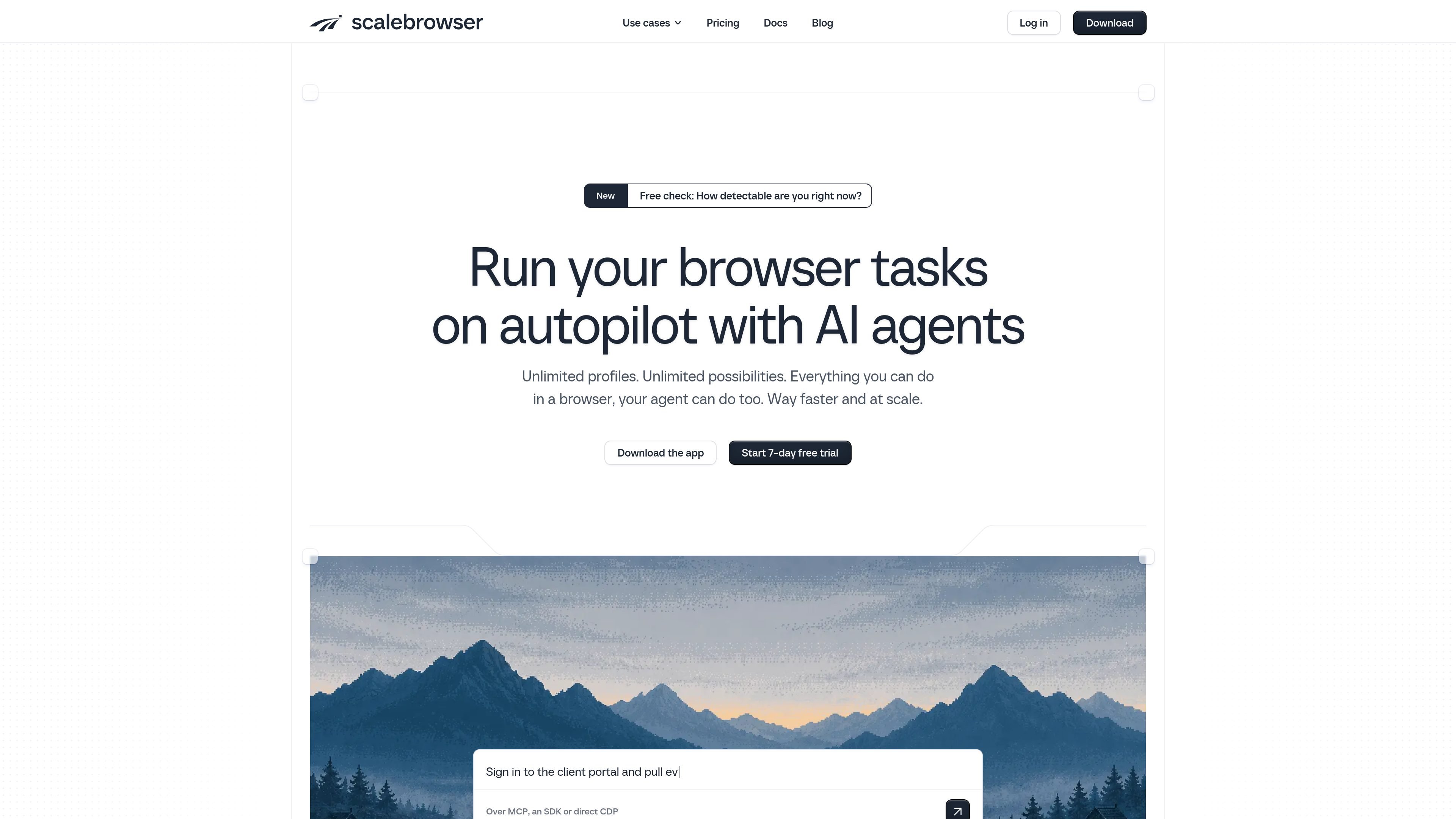
Scalebrowser provides isolated, persistent browsers for AI agents. Each profile maintains its own browser identity, cookies, stored logins, passkeys, and other session state, so an agent can return to an authenticated workflow without sharing context with another profile.
Agents can use the browser through MCP, Python or Node SDKs, a REST API, or direct CDP. The product is designed for tasks that require a real browser session, including page interaction, sign-in flows, confirmation codes, captcha handling, and supervised human input. Plans are organized around concurrent browsers and machines rather than profile counts.
Each profile has its own browser, cookies, logins, device values, and seeded identity. The identity is designed to persist across restarts, allowing recurring runs to return to the same browser context.
The product supports encrypted stored logins, per-profile inboxes for email confirmation codes, two-factor codes, passkeys, and handling for permission prompts and device pickers.
Agents can operate pages through MCP using text maps and element references. The MCP toolset includes page navigation and actions such as click, text entry, key presses, scrolling, and waiting; later responses can return only page changes.
Users can connect through MCP, Python or Node clients, the REST API, or direct CDP. The SDK documentation describes typed REST wrappers and a CDP driver with profile launch and page attachment helpers.
Scalebrowser documents humanized input and support for captcha interactions, while its run trails record tool calls, results, and screenshots. The pricing page also lists human input and captcha handling as included capabilities.
Plans include browser-engine updates, and the product supports pinning, verifying, or rolling back an engine version. Concurrency and machine allowances vary by plan, with unlimited profiles on the published plans.
Run separate agents against social, marketplace, messaging, or business accounts when each account needs its own cookies, login state, and browser identity. The site lists platforms including TikTok, YouTube, Facebook, Reddit, Airbnb, eBay, Etsy, Gmail, LinkedIn, Shopify, and Upwork.
Automate recurring authenticated tasks that depend on more than an API connection, such as navigating a web application, entering credentials, handling confirmation codes, or responding to passkey and permission prompts.
Keep existing agent logic while changing the browser connection layer. Developers can use MCP with an agent client, the typed Python or Node SDKs, REST routes, or a CDP endpoint for browser-use-style integrations.
Inspect what happened during a run through step-level results and screenshots, and take over browser activity when a workflow needs human input or review.
Scalebrowser can be connected through MCP over HTTP or stdio, Python or Node SDKs, a plain REST API, or direct CDP. The MCP workflow uses a daemon that leases a profile, opens a page, returns a text map, and accepts actions such as clicking, typing, scrolling, and waiting.
Stored passwords are encrypted on disk and typed into forms without exposing the value to the agent. Profiles can also retain cookies, passkeys, email confirmation inboxes, and two-factor-code support according to the product documentation.
Plans are based on concurrent browsers and the number of machines, while profiles are unlimited. The published plans include Start at $19 per month for one browser on one machine, Solo at $39 for five browsers on one machine, Studio at $99 for 20 browsers on three machines, and Fleet at $249 for 50 browsers on 10 machines; each includes a 7-day free trial.
The MCP server refuses stale element references, covered elements, and addresses outside the public web, but its documentation says tool calls are final: it does not provide a confirmation step, dry run, or undo. Agents should therefore be given appropriate permissions and supervision for consequential actions.

CreateOS Sandbox is an isolated compute environment for running code and agent workloads inside Firecracker micro-VMs. It is designed for workflows that need machine-level isolation, private networking between sandboxes, and programmatic control through SDK, CLI, or MCP.

GitBot is a local browser-based workspace for creating reusable coding bots powered by Claude Code, Codex, or OpenCode. It helps developers run those agents across repository folders with persistent threads and configurable permissions.

AakarDev AI helps teams manage AI provider access, project-level setups, logs, and analytics from one dashboard. It supports BYOK workflows and lists providers including OpenAI, Google Gemini, Anthropic, Groq, Mistral AI, and Perplexity AI.

Trigger.dev chat agent is a durable AI chat backend for developers building stateful conversations that can survive refreshes, crashes, and long-running turns. It connects with the AI SDK `useChat` flow and runs on managed infrastructure with no timeout on a turn.

Mindcase is a web data API and console for extracting structured data from websites and major online platforms. It helps users retrieve clean rows of data through prompt or API access, with prepaid per-record billing.

ByteAsk is a terminal-first AI coding agent for C and C++ that edits repositories and verifies changes with the real compiler, debugger, sanitizers, and tests before showing a diff. It offers a free tier plus paid plans, with editor connectors and zero-retention handling described in the source.