
Task or day-long recording
Record a single task or an entire workday on macOS with a shortcut. The page says you can narrate while working normally, and capture starts from the keyboard.

ScreenCap is a local-first screen recording app for macOS that keeps recordings on your machine unless you choose to share them. It adds capture-time privacy controls, automatic task labeling, and searchable workflow memory for teams and individuals.
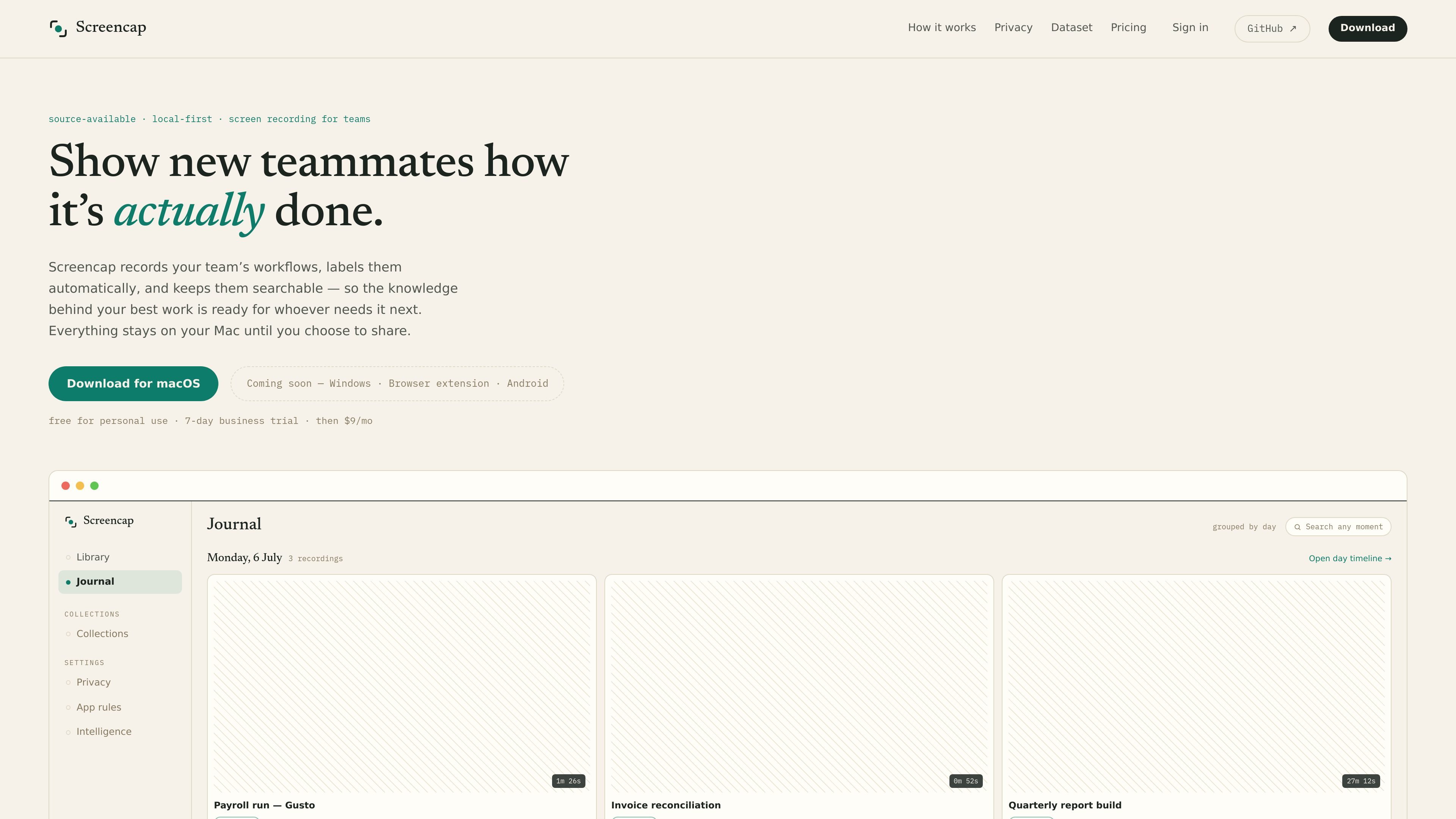
ScreenCap is a local-first screen recorder for macOS that is designed to keep recordings on your machine unless you decide to share them. It is positioned as private, source-available software for capturing work in a way that remains searchable and reviewable later.
The product records single tasks or whole workdays, then uses an on-device model to split footage into labeled workflows. It also adds capture-time privacy controls, including masking or blocking sensitive apps, and can attach contextual data from connected MCP servers while you record.
Record a single task or an entire workday on macOS with a shortcut. The page says you can narrate while working normally, and capture starts from the keyboard.
Sensitive apps are blocked or masked during capture. Password managers and banking are cut before a frame is written, while email and chat are masked as they record.
An on-device model splits footage into labeled tasks and indexes spoken words plus on-screen moments. That makes workflows searchable later by what was said or shown.
ScreenCap queries connected MCP servers during recording to attach live context to what is on screen. Viewers can open the current live record directly from the recording.
Shared recordings are scrubbed before leaving your machine. The page says names, secrets, and PII are redacted before export or sharing.
The application is source available on GitHub, with capture engine, encryption, agent, and anonymizer visible in the repository. Releases are notarized and reproducible.
Capture a payroll run, invoice reconciliation, or other repeatable process so a new teammate can review the exact steps later without asking for a live walkthrough.
Record a day of operations and automatically split it into labeled tasks, making it easier to find a specific decision, action, or explanation months later.
Share one scrubbed task or an ordered collection of recordings when you need to hand off knowledge while keeping names, secrets, and PII out of the exported copy.
Attach live context from connected MCP servers so recordings preserve the record or object referenced on screen, not just the raw video.
Contribute selected recordings to the open dataset after reviewing them frame by frame and opting in per recording.
ScreenCap records on your Mac and stores recordings locally by default. The page says everything stays on your machine until you choose to share, and it only leaves your device when you export or share a recording.
ScreenCap uses an on-device model to split footage into labeled tasks and index spoken words and on-screen moments. The result is a searchable library of recordings and workflows.
The site says ScreenCap can block password managers and banking before a frame is written, and it masks email and chat as they record. It also redacts names, secrets, and PII before anything is shared.
The site says ScreenCap is available for macOS, with Windows, browser extension, and Android listed as coming soon. It also notes macOS 14+ and Apple silicon at the download prompt.
Yes. The page says ScreenCap is source available on GitHub, with releases that are notarized and reproducible. It also states that building from source is free for personal use.

Goldfish is an AI memory app for macOS that helps you reply, write, summarize, and continue using the context already on your Mac. It stores memory locally and writes in your tone.

ArtDeck is a visual reference board app for iPhone, iPad, and Mac that lets artists collect mixed reference material on one canvas and study it with ToolBox lenses. It works offline, supports optional iCloud sync, and is sold as a one-time purchase with no account required.

Dcyde is a decision log for product teams that captures what was decided, the reasoning behind it, and the source in one shared place. It supports pinning decisions from Slack, Figma, or inside Dcyde and keeps the record searchable over time.

Lasso is an ecommerce product data platform for enriching catalog records, processing supplier files, generating product content, and monitoring competitors. It combines a web app with a REST API, SDK, and MCP server for teams and developers.

MeetStream is a meeting bot API for Zoom, Google Meet, Microsoft Teams, and Webex. It helps developers record, stream, and analyze meetings programmatically, with usage-based pricing and a $5 free credit to start.

Biji - это универсальная платформа, разработанная для повышения продуктивности с помощью инновационных инструментов и функций.