
Planning and decision support
Soloop says it can turn ideas into a clear sequence of work and decisions, helping founders move from vague plans to an ordered next step.

Soloop is a one-person company OS for solo founders, with AI-assisted planning, research, coding, and growth workflows. It offers a free plan and paid tiers with approval controls, recurring runs, and team capacity.
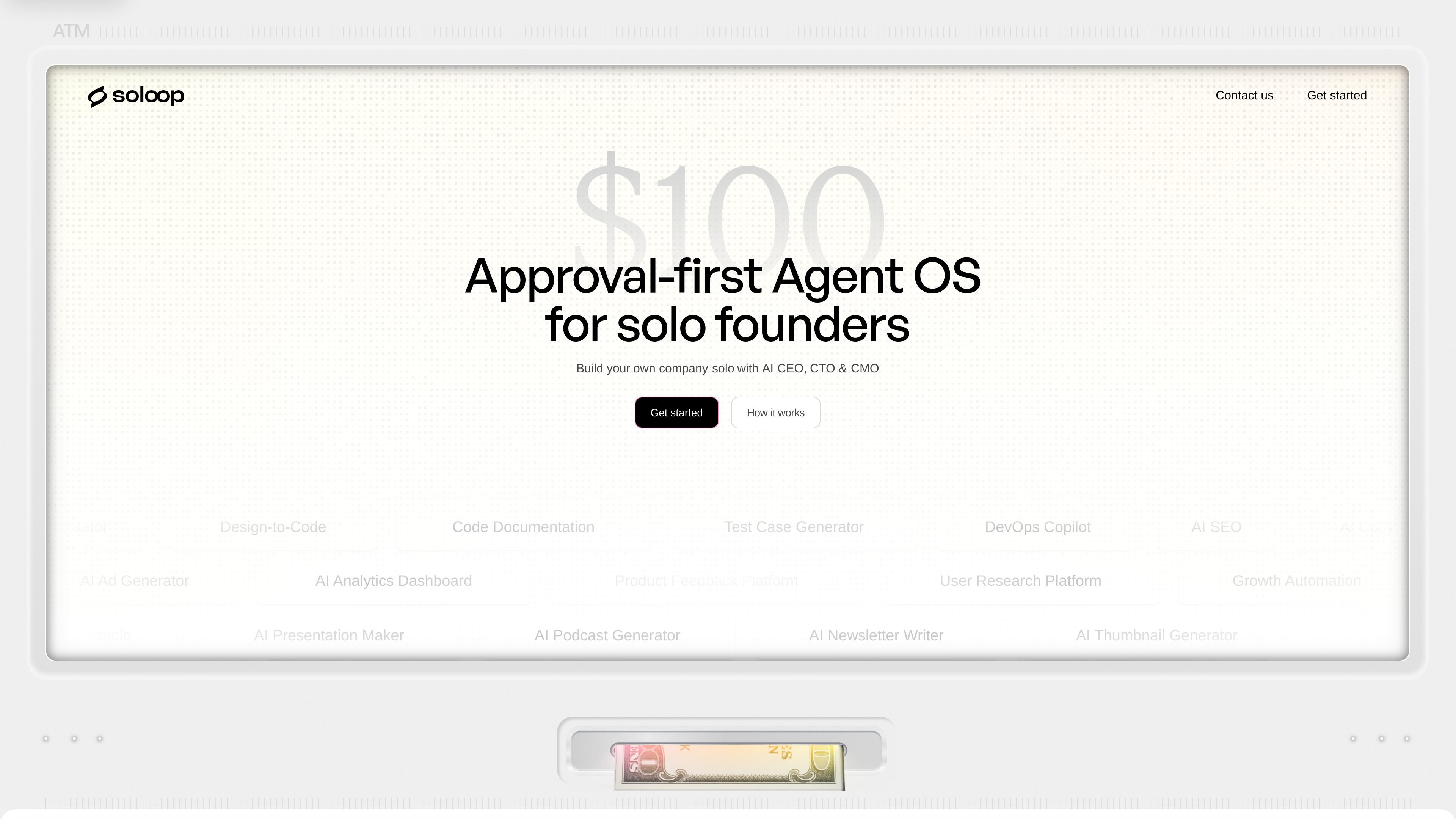
Soloop is a one-person company OS for solo founders who want an AI-assisted way to plan, build, and grow a product. The homepage frames it around an AI founding team, with roles such as CEO, CTO, CMO, and Analyst handling different parts of the work.
Its pricing page shows a credit-based model that covers planning, research, coding, and growth workflows. Free, Builder, Operator, and Team plans differ by monthly credits, review controls, recurring execution, and shared capacity.
Soloop says it can turn ideas into a clear sequence of work and decisions, helping founders move from vague plans to an ordered next step.
The pricing page says monthly credits can be used for research work, which lets Soloop gather evidence before a team commits to building or launching.
Paid plans include coding workflows, so Soloop can carry out product work rather than only drafting plans or notes.
The pricing page includes growth workflows, indicating that Soloop can be used for launch and demand-generation tasks as part of the same monthly balance.
Builder and Operator introduce approval-first external actions and an approval queue, so users can review work before it is applied outside the system.
Operator adds recurring operating runs and monitoring, which supports repeatable work instead of one-off tasks only.
Use Soloop when you need to turn a product idea into a concrete sequence of decisions, research, and next actions before spending time on execution.
Use the platform to gather market and customer evidence, then use the same monthly credit balance for coding or product changes once the direction is clearer.
Choose Builder or a higher plan when you want Soloop to handle product and growth workflows with review-first external actions instead of using it only as a planning assistant.
Use Operator when you need recurring operating runs and a monitoring queue for repeatable tasks such as ongoing launch or growth routines.
Use Team when multiple people need shared execution across projects and want a larger monthly capacity than an individual plan provides.
Soloop is positioned as a one-person company OS for solo founders. The pricing page says its work can cover planning, research, coding, and growth workflows, while the homepage describes AI roles such as CEO, CTO, CMO, and Analyst.
The pricing page says plans include Free, Builder, Operator, and Team. Free starts without a credit card and includes 15 credits per month, while paid plans add more credits and more advanced workflow capabilities.
Builder includes research, coding, and growth workflows with approval-first external actions. Operator adds recurring operating runs plus a monitoring and approval queue, and Team adds shared execution with a team review step.
The source pages do not show a detailed setup guide, but the pricing page indicates that work is run against monthly credits and that outputs can be reviewed before external actions are used, depending on plan.
The collected pages do not list specific third-party integrations or connected tools. The available evidence only confirms that Soloop can run planning, research, coding, and growth work, and that some actions require approval before they are used.

Biji - это универсальная платформа, разработанная для повышения продуктивности с помощью инновационных инструментов и функций.

Goldfish is an AI memory app for macOS that helps you reply, write, summarize, and continue using the context already on your Mac. It stores memory locally and writes in your tone.

CreateOS Sandbox is an isolated compute environment for running code and agent workloads inside Firecracker micro-VMs. It is designed for workflows that need machine-level isolation, private networking between sandboxes, and programmatic control through SDK, CLI, or MCP.

ArtDeck is a visual reference board app for iPhone, iPad, and Mac that lets artists collect mixed reference material on one canvas and study it with ToolBox lenses. It works offline, supports optional iCloud sync, and is sold as a one-time purchase with no account required.

Codex Plugins bundle reusable skills, app integrations, and MCP servers into workflows you can install in the Codex app or use from Codex CLI. They help extend Codex with connected-service tasks, reusable instructions, and shared team workflows.

Wallie is an open-source AI streamer that watches your screen, hears chat, and generates live commentary in a configurable persona. It runs locally on your machine with your own keys and is aimed at faceless content, autonomous streams, and real-time reactions.