UStackUStack
Stackness icon

Stackness

Stackness is a social platform for people in IT to publish the tools they use, organize them into public stacks, and describe the workflows behind their choices. Visitors can discover tools, trends, members, and practical “moves,” while account holders can publish and interact with the community.

Stackness

A social platform for tools and working practices

Stackness is a social discovery platform for people in IT, including engineers, designers, data professionals, DevOps practitioners, product managers, and QA specialists. It combines public profiles, tool collections, and written workflow practices so users can show not only what they use, but how they use it.

Users assemble and maintain a stack, customize its visual layout, and publish moves describing the switches, setups, habits, and workflow changes behind their choices. Visitors can browse tools, trends, stacks, and moves, while account holders can publish content and participate through reactions, comments, and follows.

Features

Customizable stack profiles

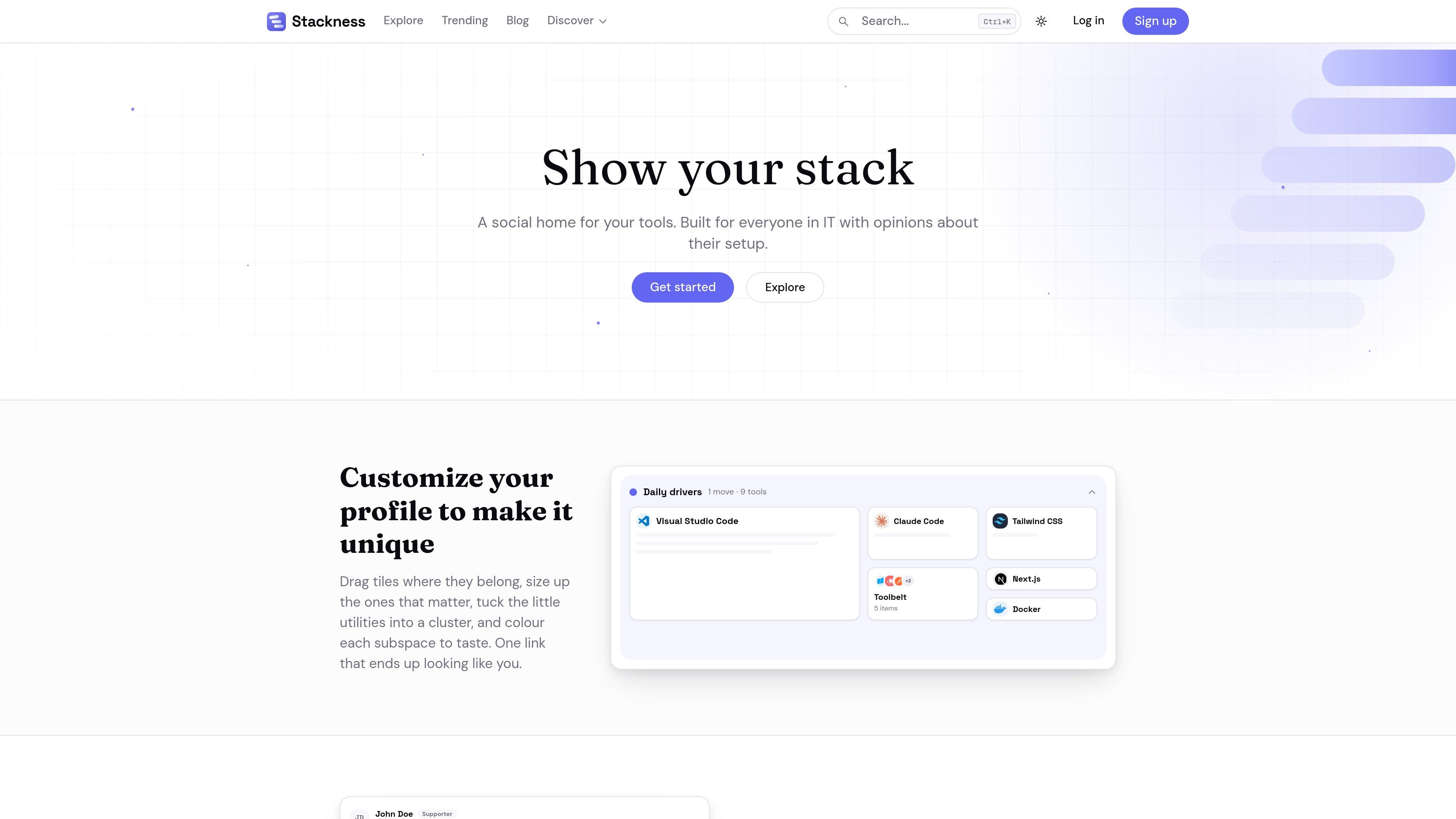
Create a public profile that represents your working setup, including a stack of tools and a customizable tile layout. The site describes dragging tiles, resizing important tools, grouping smaller utilities, and coloring subspaces.

Workflow moves

Publish moves that document switches, setups, habits, and workflow changes, including concrete step-by-step practices such as reviewing a staged Git diff before committing.

Discovery and following

Browse trending tools, popular moves, rising stars, top members, and developer stacks to compare how other people in IT work.

Tool pages and trend views

Tool pages show usage on Stackness, twelve-week popularity movement, related tools that members keep nearby, and members who list the tool in their stacks.

Public reading and community interaction

Public stacks and moves are readable by anyone. Signed-in users can publish, react, comment, and follow, with login options through GitHub, Google, or email.

Supporter extras

Optional supporter membership includes a weekly trends newsletter, historical popularity charts, subscribers-only stacks and moves, a supporter badge, and early access to new features.

Use cases

  • Document a personal tool stack

    Present the tools behind a personal setup in a public profile, then arrange the stack visually so frequently used tools and smaller utilities are easy to distinguish.

  • Share practical moves

    Explain a repeatable workflow change or working habit, such as a testing sequence, context-management practice, or pre-commit review, instead of sharing only a tool list.

  • Evaluate tools through community context

    Research unfamiliar tools by checking their Stackness usage, twelve-week popularity movement, neighboring tools, and the members who use them.

  • Track peers and emerging practices

    Follow people whose tooling preferences are useful to you and monitor trending tools, moves, and rising members for ideas to investigate.

  • Compare approaches across IT roles

    Use public stacks and moves as readable references when comparing approaches across engineering, design, data, DevOps, product, or QA work.

Pros and Cons

Pros

  • Combines tool discovery with the workflow practices behind tool choices.
  • Public stacks and moves can be read without an account.
  • Profiles support visual organization through draggable, resizable, grouped, and color-coded tiles.
  • Tool pages connect popularity trends with related tools and members using them.
  • Supports multiple IT disciplines rather than focusing only on software developers.

Cons

  • The site provides limited public detail about the exact setup and editing workflow for stacks and moves.
  • Team features are described as early-stage, with more team perks expected as the service develops.
  • Some exploration views may show monthly activity when weekly activity is insufficient, as indicated on the Explore page.

FAQ

What is Stackness?

Stackness is a social platform for people in IT to show the tools they use, explain how they work, and discover other people's stacks and workflow practices.

Do I need an account to use Stackness?

Public stacks and moves can be read without an account. An account is required to publish your own stacks and moves, react, comment, and follow other users.

What is the difference between a stack and a move?

A stack is a collection of tools a person uses. A move is a switch, setup, adoption, or workflow change that explains how the person works, rather than simply listing installed tools.

What can I discover on Stackness?

You can explore trending tools, popular moves, rising members, tool usage over time, related tools, and the people who list a tool in their stacks.

Is Stackness free?

Stackness states that the service is free for everyone. A CHF 5-per-month supporter option is described as including extras such as a weekly trends newsletter, historical trend waves, subscribers-only stacks and moves, a supporter badge, and early access to new features. Team support is also mentioned, but further team perks are still developing.

Quick Facts

Category
Developer Tool / IT Community
Primary users
Engineers, designers, data professionals, DevOps, PMs, QA, and other IT practitioners
Core outputs
Public stacks, workflow moves, tool pages, trend views, and community discussions
Access
Public browsing; account required to publish and interact
Free access
Free for everyone
Supporter option
CHF 5 per month, with additional subscriber features