
Tap-based shortcut triggers
Bind two-tap, three-tap, or four-tap rhythms to different actions so each pattern can trigger a specific workflow from the MacBook chassis.

tapcut is a macOS app for Apple silicon MacBooks that turns tap rhythms on the chassis into shortcuts. It can trigger Shortcuts, launch apps, send keyboard combos, type text snippets, or show a calm overlay.
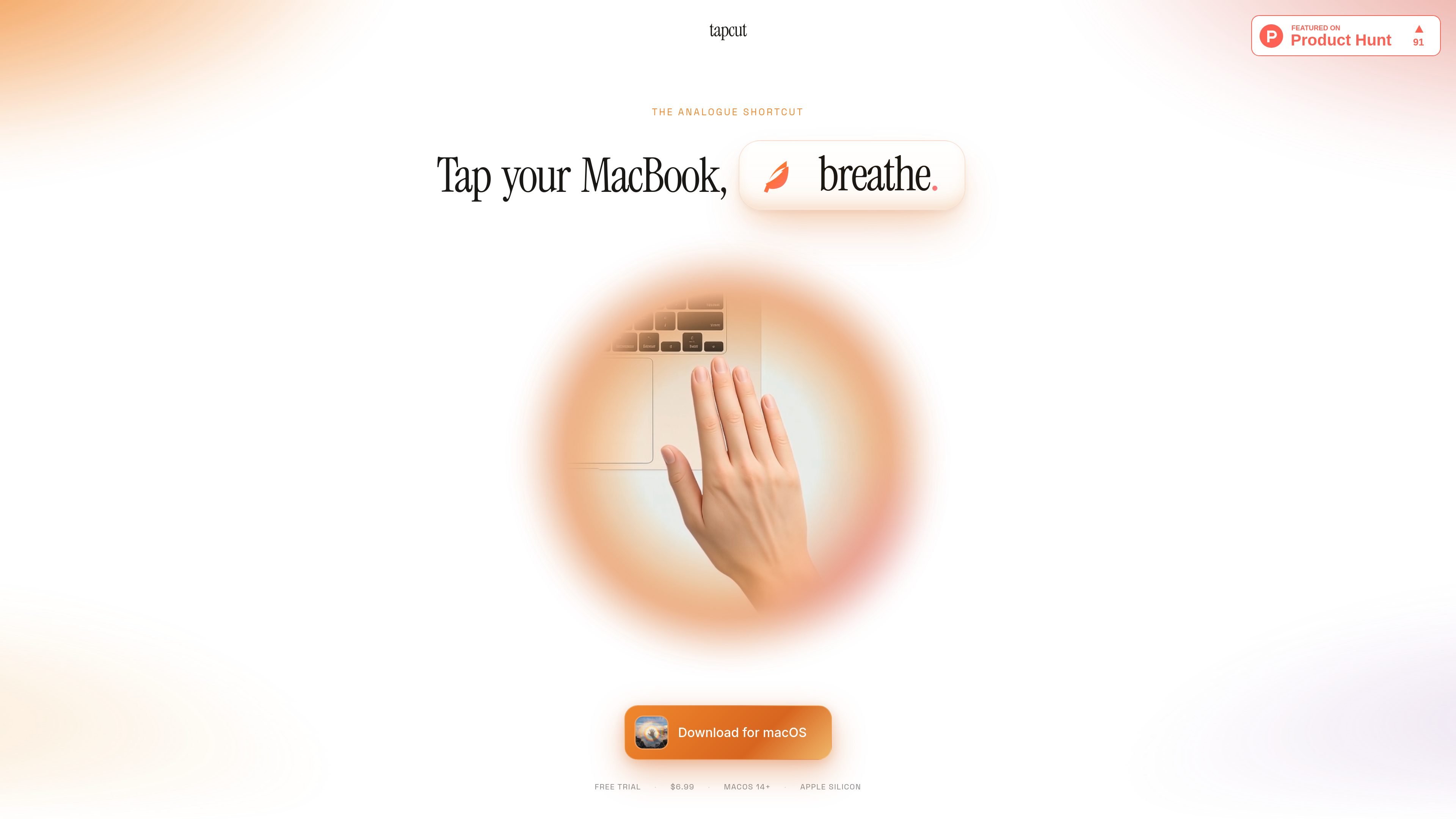
tapcut is a macOS app for Apple silicon MacBooks that turns taps on the chassis into shortcuts. It listens for two-, three-, and four-tap rhythms using the built-in accelerometer, then fires the action you bind to each pattern.
The app is meant to make frequently used actions available from anywhere in the system, including when you are typing or on a call. Supported actions include macOS Shortcuts, app launches, keyboard combinations, text snippets, and a fullscreen calm overlay.
Bind two-tap, three-tap, or four-tap rhythms to different actions so each pattern can trigger a specific workflow from the MacBook chassis.
Fire any macOS Shortcut already in your Shortcuts library, including multi-step automations such as turning lights off or sending a summary.
Launch installed apps from a tap rhythm, letting you open tools such as Claude without switching through Cmd-Tab.
Send keyboard combinations from a tap, including shortcuts the app may already have claimed, by choosing modifiers and up to three keys.
Type saved text into the active cursor position, which can insert phrases or quick messages without moving focus away from the current app.
Show a fullscreen calm overlay with a message and animated visual for a timed pause such as a nine-second breathing prompt.
Trigger a saved Shortcut from a tap rhythm when you want to run an automation without opening the Shortcuts app or changing windows.
Open a frequently used app, such as a writing or AI tool, with a three-tap rhythm instead of using Cmd-Tab or the Dock.
Send a keyboard shortcut from the chassis when you want to paste, format, or run an app-specific command without reaching for the keyboard chord.
Type a saved phrase into the active field for repeat messages, quick acknowledgements, or standard responses while keeping focus in place.
Start a short breathing break or attention reset by binding a tap rhythm to the fullscreen calm overlay.
tapcut is a macOS app that turns tap rhythms on a MacBook chassis into actions. It listens for two-, three-, or four-tap patterns and can fire a macOS Shortcut, launch an app, send a keyboard combo, type a text snippet, or show a fullscreen calm overlay.
tapcut runs on Apple silicon MacBooks with macOS 14 or later. Desktop Macs are not supported because they do not have the built-in accelerometer tapcut uses.
tapcut is designed to recognize deliberate tap rhythms rather than accidental bumps. The site says typing should not normally trigger it, and the detection threshold can be tightened in settings if needed.
The app uses motion input only. The site says it does not use the microphone or camera, and that nothing leaves the machine except an internet connection for update checks.
The site states that tapcut includes a free trial and is priced at $6.99 one-time with lifetime updates and no subscription. It also says the license activates on up to five MacBooks.
MealTime — это ваш личный помощник по рецептам, работающий в первую очередь в автономном режиме, который поможет вам сохранять, упорядочивать, планировать блюда и генерировать умные списки покупок, сохраняя при этом конфиденциальность ваших данных.

Goldfish is an AI memory app for macOS that helps you reply, write, summarize, and continue using the context already on your Mac. It stores memory locally and writes in your tone.

ArtDeck is a visual reference board app for iPhone, iPad, and Mac that lets artists collect mixed reference material on one canvas and study it with ToolBox lenses. It works offline, supports optional iCloud sync, and is sold as a one-time purchase with no account required.

Biji - это универсальная платформа, разработанная для повышения продуктивности с помощью инновационных инструментов и функций.

Gemma AI is a phone call reminder app that calls you with scheduled reminders instead of push notifications. It helps people who want a more direct way to stay on schedule, with Google Calendar sync and conversational call interactions.

Redline is a budgeting tool for Claude Code that paces sessions to stay within time, token, cost, or plan-percentage limits. It uses Claude Code’s native hooks and statusline to help sessions finish with a usable result instead of stopping abruptly.