
Text-to-UI generation
Generate projects, screens, and themes from simple text prompts, then refine the result inside Uizard's editor. The Autodesigner flow is designed to move from idea to multi-screen mockup quickly.

Uizard is an AI-powered UI design tool for generating and editing app, web, and tablet interfaces from prompts, screenshots, and sketches. It is built for product teams, designers, marketers, founders, and developers who want to move from idea to editable mockup quickly.
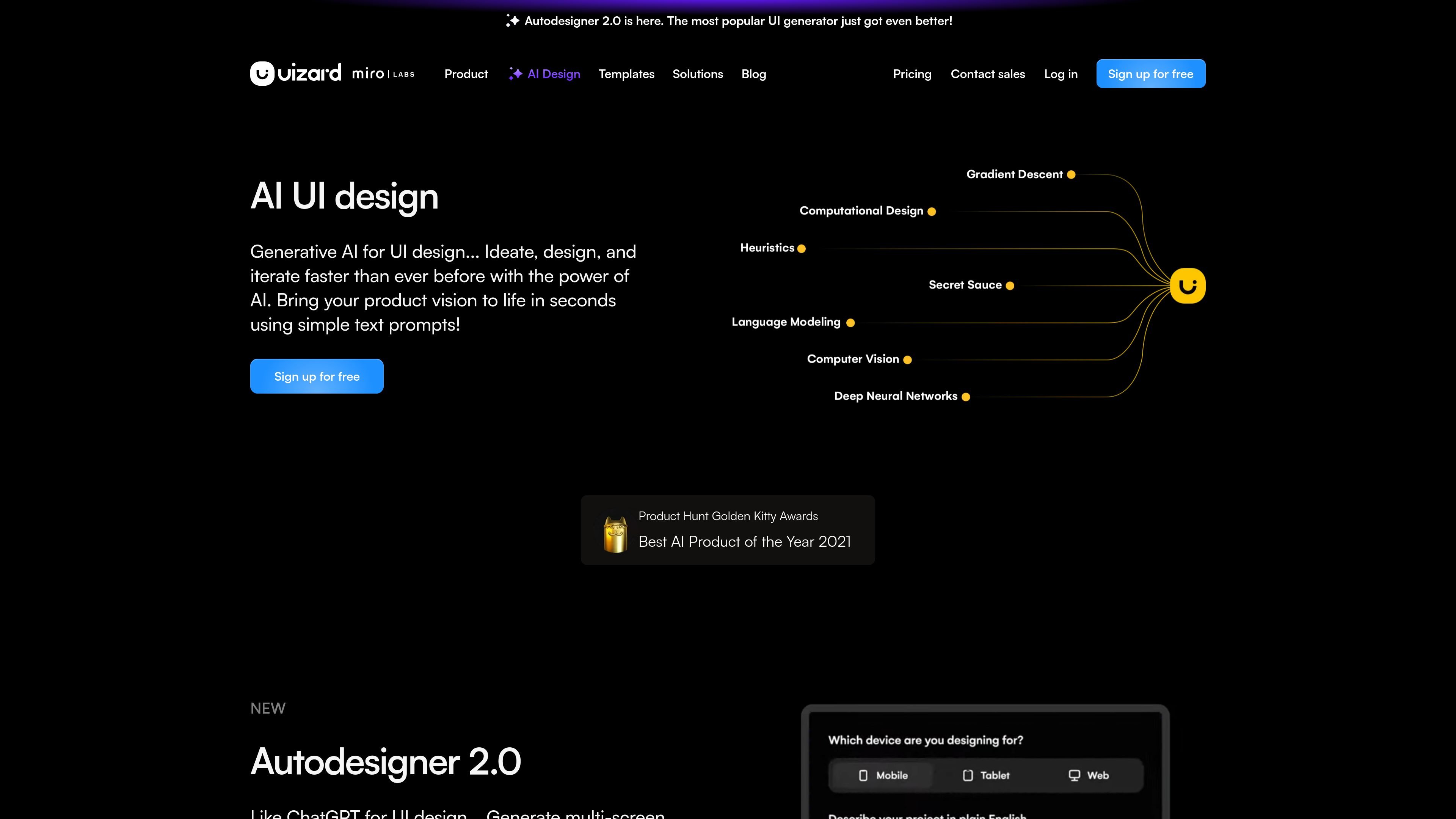
Uizard is an AI-powered UI design tool for creating app, website, web app, and tablet designs from prompts, screenshots, and hand-drawn wireframes. The product is built around fast ideation and editable output, so users can generate a first design and then refine it in the editor.
The source pages position Uizard for product teams, designers, marketers, startup founders, consultants, developers, and enterprise users. Its AI workflow centers on Autodesigner 2.0, which can generate projects, screens, and themes, while the editor supports collaboration, iteration, and developer handoff on paid plans.
Generate projects, screens, and themes from simple text prompts, then refine the result inside Uizard's editor. The Autodesigner flow is designed to move from idea to multi-screen mockup quickly.
Upload screenshots and convert them into editable mockups. This helps teams reuse inspiration from existing apps, websites, or interface references without redrawing them manually.
Scan hand-drawn wireframes and turn sketches into digital designs. The source describes this as a way to digitize wireframes in seconds and continue editing them in the product.
Generate copy suggestions with Text Assistant and import UI themes from other apps with Theme Generator. These AI features support iteration after the first design draft is created.
Work with teammates in real time, share designs with stakeholders, and use comments and public share links. The pricing page also lists private projects and project embedding on the web on higher plans.
Export designs to JPG, PNG, and PDF, and access developer handoff in CSS and React components on Pro and above. This supports moving from design review into implementation.
Product managers and product teams can create mockups from a brief, then share them with stakeholders for quick feedback before committing to a build.
Designers and UX professionals can turn prompts, screenshots, and sketches into editable starting points, then iterate in the editor instead of starting from a blank canvas.
Marketers, consultants, and agencies can assemble interactive mockups quickly for client work, presentation, or review cycles where speed matters.
Startup founders can use the text-to-UI flow to shape an MVP concept and explore interface directions before investing in full design and development.
Developers can use exported design files and React/CSS handoff on eligible plans to move from approved mockups into implementation.
Uizard is an AI-powered UI design tool. It can generate projects, screens, and themes from text prompts, turn screenshots into editable mockups, and digitize hand-drawn wireframes into editable designs.
The source pages show Uizard being used for app design, website design, web app design, tablet app design, wireframing, mockups, and prototyping. It is positioned for product teams, designers, marketers, founders, consultants, developers, and enterprise users.
Uizard offers a free plan, a Pro plan billed annually, a Business plan billed annually, and an Enterprise option with custom pricing. The pricing page also shows an AI-assisted workflow built around Autodesigner 2.0, with higher usage limits on paid plans.
The pricing page lists developer handoff in React and CSS for Pro and above, along with export to JPG, PNG, and PDF. It also mentions private projects, multiplayer collaboration, comments, and public share links.
The source pages do not show a list of external integrations. They do show built-in design and collaboration features, plus theme import, screenshot scanning, wireframe scanning, and an editor for iterating on generated designs.

Pixso - это инструмент дизайна UI нового поколения, основанный на ИИ, который позволяет пользователям генерировать проектные черновики и код одним щелчком мыши, служа внутренней альтернативой Figma.

Refero MCP for AI agents connects an MCP-compatible agent to Refero’s curated library of web and iOS product interfaces and user flows. It helps agents research real design patterns before generating UI, with access included in the Refero Pro plan.

Appllama is a web-based UI and UX inspiration library for top-earning iOS apps. It lets product teams browse screens, flows, paywalls, and app performance data, with paid plans for full access and collaboration.

Make Real is a Next.js app that turns hand-drawn wireframes into working HTML prototypes using the tldraw SDK and AI models. It helps users sketch on a canvas, generate code, and review the result in an embedded preview.

PixelDrive is a bulk image generation API for creating many on-brand images from one template through a browser editor, REST API, CSV batch, or MCP. It suits teams that need repeatable image output with cacheable renders and usage-based pricing.

imgcook is a design-to-code tool that converts design drafts into front-end code. It supports plugin-based and developer workflows for Sketch, Photoshop, VS Code, and CLI usage.