
Payment links for one-time collection
Create reusable payment links for fixed amounts and share them on websites, email, invoices, or QR codes without building a backend flow.

Uniweb is a payment infrastructure product for developers who need payment links, checkout sessions, subscriptions, and webhook-based payment handling. It supports CLI, API, dashboard, and agent-skill workflows for accepting card, WeChat Pay, Alipay, and PayNow payments.
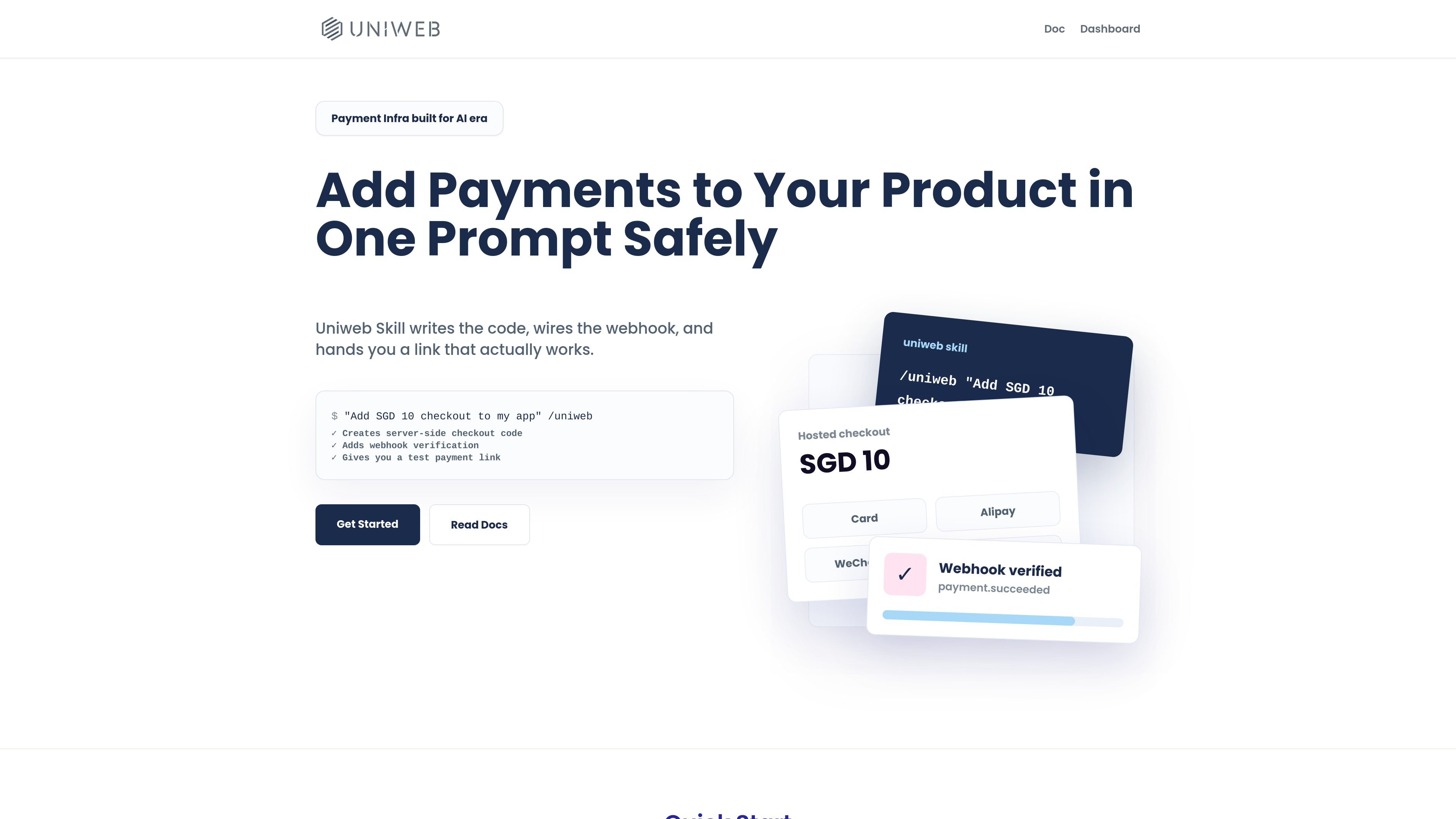
Uniweb is payment infrastructure for Southeast Asia built around CLI, API, and agent-assisted workflows. It is designed to help developers accept card, WeChat Pay, Alipay, and PayNow payments through payment links, hosted checkout, subscriptions, and webhook-driven automation.
The site positions Uniweb as a skill-first payment layer for AI-assisted development: the agent skill can generate payment integration code, create wallets and links from the command line, and help wire server-side checkout logic with verified webhooks. The dashboard then provides a place to review balances, orders, payment links, webhooks, payouts, and related merchant settings.
Create reusable payment links for fixed amounts and share them on websites, email, invoices, or QR codes without building a backend flow.
Create checkout sessions from the server for carts, quantities, dynamic amounts, customer email, and metadata, then redirect the buyer to the session URL.
Set up recurring prices and subscriptions with trial periods, dunning, and customer reuse at checkout for billing workflows.
Receive event notifications with signed webhooks and verify them using the returned signing secret before fulfilling orders or granting access.
Use the CLI and docs to create wallets, products, prices, links, and subscriptions, then claim the wallet into the dashboard for ongoing management.
Work with payment methods named in the source, including card, WeChat Pay, Alipay, and PayNow, with method selection varying by flow and currency.
Use a permanent payment link when you need to collect a fixed amount quickly, such as for a simple sale, invoice-style request, or shared payment page.
Use server-created checkout sessions when an order depends on quantity, metadata, customer email, or other per-request values that should be handled on the backend.
Use recurring prices and subscription checkout for SaaS or membership billing where renewals, trials, and dunning are part of the workflow.
Use webhook signatures and the dashboard to confirm successful payments, review transactions, and manage payouts after the payment flow is complete.
Use the agent skill when you want an AI assistant to draft or wire payment integration code based on the project’s existing framework and conventions.
Uniweb provides three main paths: payment links for fixed amounts without backend code, API checkout sessions for dynamic or cart-based payments, and subscriptions for recurring billing.
The docs say you can install the uniweb skill into an agent workflow so the agent can recognize payment requests and call the skill automatically. It is intended to help AI write payment integration code and generate the relevant payment workflow.
The workflow starts with creating a wallet, then optionally creating payment links or products and prices, and finally claiming the dashboard so you can manage payments, webhooks, payouts, and related settings.
The docs say fulfillment should depend on verified webhooks, not browser redirects. Webhook signatures use an HMAC-SHA256 check with the signing secret returned when you set a webhook URL.
The docs and homepage mention card, WeChat Pay, Alipay, and PayNow support, but the source only clearly specifies that subscriptions use card payments only.

CreateOS Sandbox is an isolated compute environment for running code and agent workloads inside Firecracker micro-VMs. It is designed for workflows that need machine-level isolation, private networking between sandboxes, and programmatic control through SDK, CLI, or MCP.

AakarDev AI helps teams manage AI provider access, project-level setups, logs, and analytics from one dashboard. It supports BYOK workflows and lists providers including OpenAI, Google Gemini, Anthropic, Groq, Mistral AI, and Perplexity AI.

Trigger.dev chat agent is a durable AI chat backend for developers building stateful conversations that can survive refreshes, crashes, and long-running turns. It connects with the AI SDK `useChat` flow and runs on managed infrastructure with no timeout on a turn.

Arduino VENTUNO Q is an edge AI computer for AI and robotics applications. It combines AI inference and deterministic control on a single board and is designed to work with Arduino App Lab.

ByteAsk is a terminal-first AI coding agent for C and C++ that edits repositories and verifies changes with the real compiler, debugger, sanitizers, and tests before showing a diff. It offers a free tier plus paid plans, with editor connectors and zero-retention handling described in the source.

Codex Plugins bundle reusable skills, app integrations, and MCP servers into workflows you can install in the Codex app or use from Codex CLI. They help extend Codex with connected-service tasks, reusable instructions, and shared team workflows.