
Article-to-visual generation
Paste a draft article and Visuan generates branded blog visuals from the key points in that text. The home page says it reads the full article and writes captions for each visual.

Visuan turns article drafts into branded blog visuals and LinkedIn carousels in one workflow. It helps content teams generate on-brand assets from a pasted draft and export LinkedIn-ready carousel PDFs.
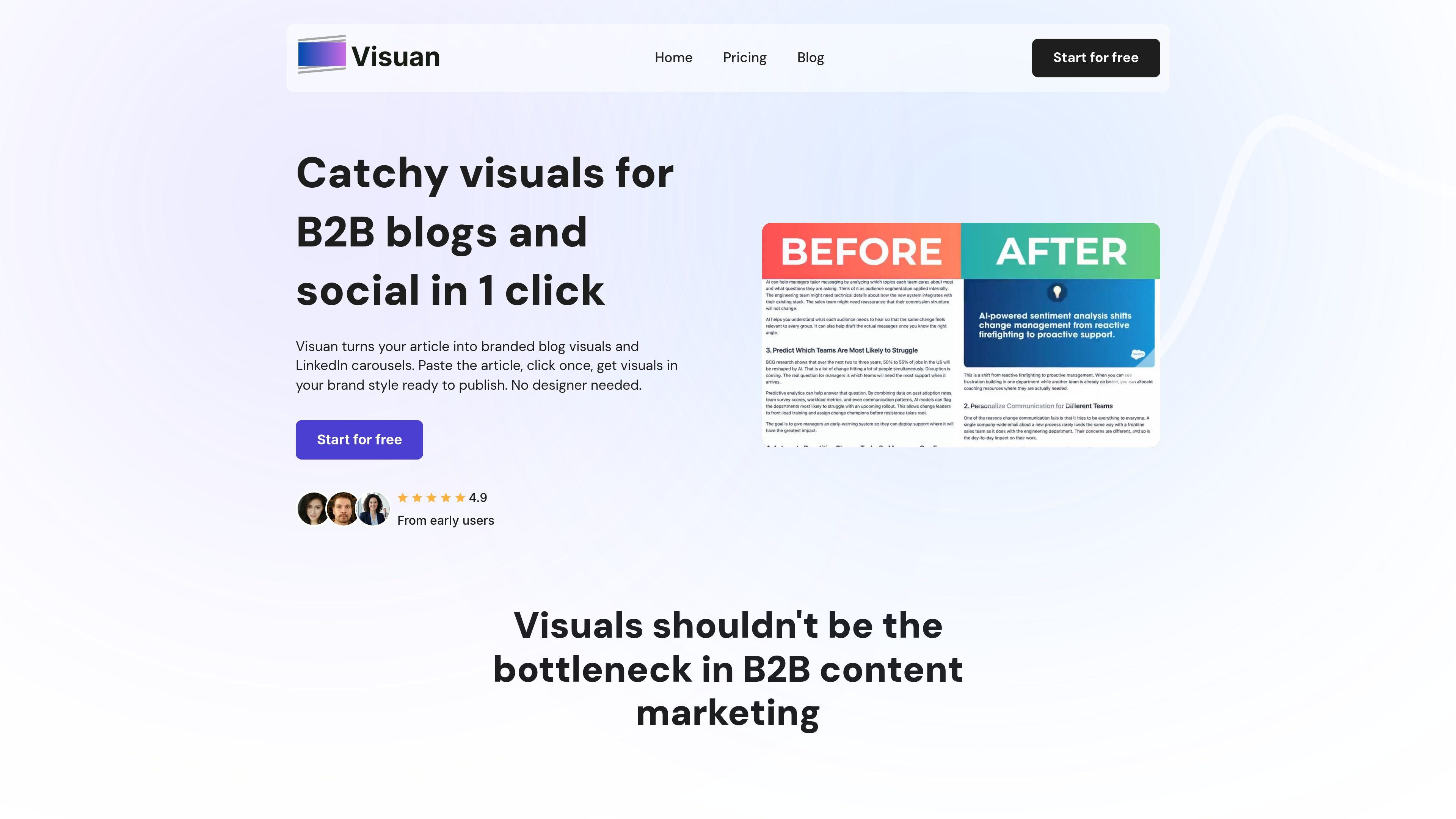
Visuan is a content-to-visual tool that turns article drafts into branded blog images and LinkedIn carousels. Its main job is to remove the design step from B2B content publishing by generating ready-to-publish visuals from a single pasted draft.
According to the site, Visuan reads the article, pulls out key points, writes captions for the visuals, and applies the logo, colors, and fonts from a brand kit automatically. The same content can also be repurposed into LinkedIn posts and carousel PDFs, giving teams a fast way to publish both blog and social assets from one source draft.
Paste a draft article and Visuan generates branded blog visuals from the key points in that text. The home page says it reads the full article and writes captions for each visual.
The product applies your logo, colors, and fonts automatically through a stored brand kit, so the output matches the brand style without manual setup for each asset.
Each visual is built in layers, which lets you edit text directly after generation instead of recreating the full image for a small change.
Visuan can turn a blog visual into a LinkedIn post and split the same content into a LinkedIn carousel with one click.
The carousel workflow exports the result as a PDF in LinkedIn’s required format, making it ready to upload rather than requiring extra formatting steps.
The product is designed to work without prompts or manual setup, so content marketers and other team members can create on-brand visuals without design handoff.
For marketers publishing B2B blog posts, Visuan can turn a draft into branded visuals that are ready to place inside the article on the same day.
For teams that want to promote the same article on social media, Visuan creates a LinkedIn post or carousel from the blog content without rebuilding the design from scratch.
For small content teams without a dedicated designer, the tool reduces the need for design handoff by generating on-brand assets directly from the article draft.
For agencies or teams managing more than one brand, the Pro plan’s unlimited brand kits are positioned for workflows that need separate logos, colors, and fonts for different identities.
Visuan takes a pasted article draft and generates branded blog visuals and LinkedIn carousels from it. The pricing page says one article is one draft you paste into Visuan, and the home page says the tool pulls key points from the article and creates visuals in your brand style.
Visuan generates blog visuals and LinkedIn carousel outputs from the same article draft. The home page says carousels can be exported as a PDF in LinkedIn’s required format, and the pricing page includes LinkedIn posts and carousels in its plans.
The pricing page says each plan includes at least one brand kit, and the kit stores your logo, colors, and fonts so they are applied automatically to outputs.
The home page says you can edit text layers directly without regenerating the whole image, which lets you change a caption or swap a stat while keeping the composition intact.
The pricing page offers Free, Starter, Pro, and Custom options. Free is listed at $0, Starter at $39 per month, Pro at $79 per month, and Custom is sold by contacting sales for tailored pricing.

PixelDrive is a bulk image generation API for creating many on-brand images from one template through a browser editor, REST API, CSV batch, or MCP. It suits teams that need repeatable image output with cacheable renders and usage-based pricing.

imgcook is a design-to-code tool that converts design drafts into front-end code. It supports plugin-based and developer workflows for Sketch, Photoshop, VS Code, and CLI usage.

Blinked is a free Chrome extension for LinkedIn outreach that helps users research leads, draft personalized messages, and manage follow-ups inside LinkedIn. It is local first, with outreach data kept in the browser rather than on Blinked’s servers.

Napkin AI превращает текст в редактируемые визуалы для презентаций, документов и публикаций. Генерация из текста, совместная работа, экспорт в PPT, PNG, SVG или PDF.

appdesigns is a browser-based tool for creating App Store and Google Play screenshots from uploaded app images. It helps developers and designers add device frames, customize layouts, and export unlimited watermark-free PNGs without an account.

Beautiful.ai is an AI presentation platform for individuals, teams, and enterprises. It helps users create branded slide decks with Smart Slides, collaborative editing, and export options while reducing manual formatting work.