
Shortcut-driven desktop dictation
Start dictation with a keyboard shortcut or the GeckoBar, then stop and process the audio on your device. The workflow is built for quick capture without leaving your current app.

Voice Gecko is a free, open source desktop dictation app that converts speech to text locally on your device. It helps people write faster in desktop apps while keeping transcripts and dictionary data off the cloud.
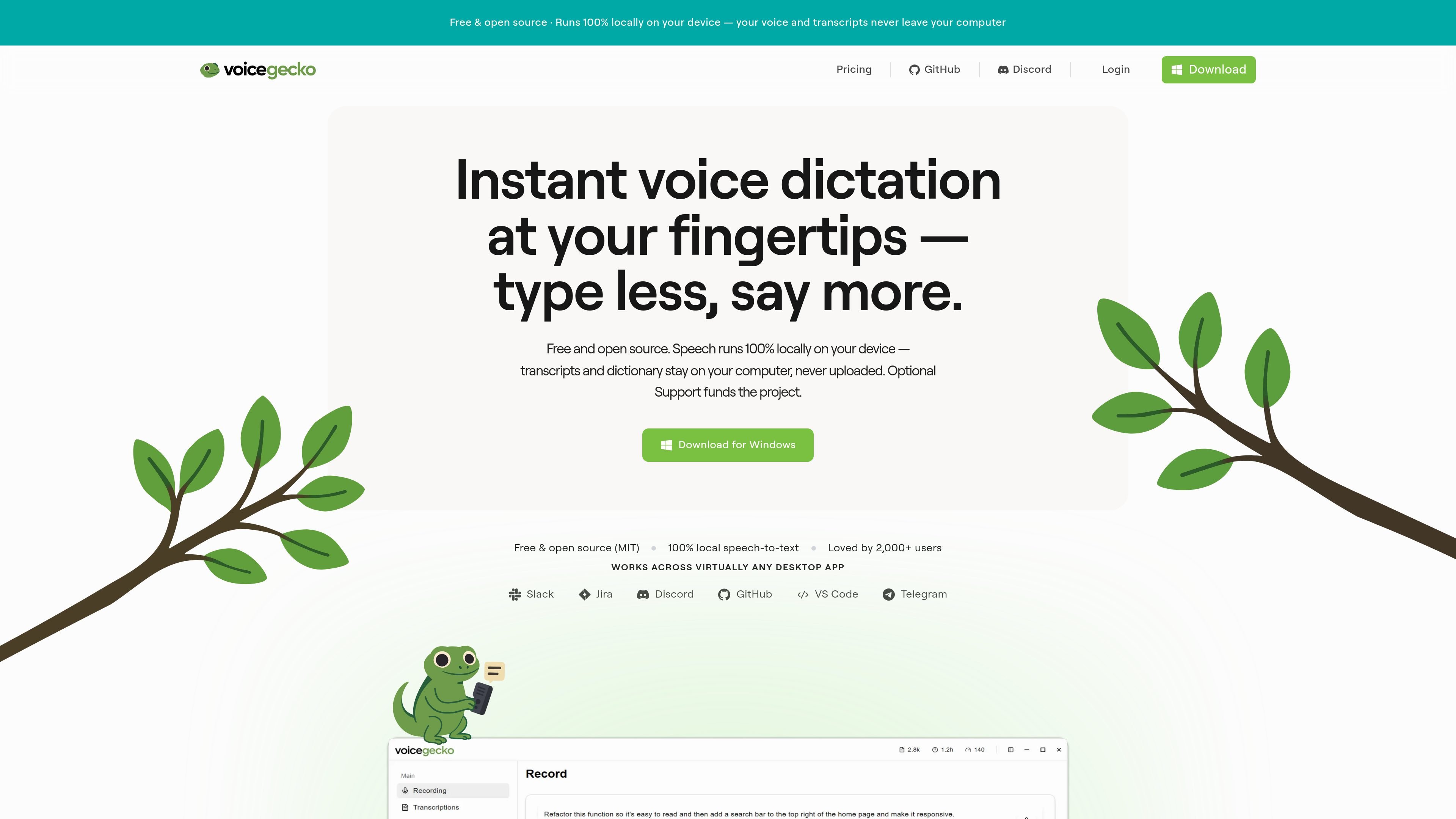
Voice Gecko is a free, open source desktop dictation app that turns speech into text on your device. The product is positioned around local speech-to-text, with transcripts staying on the user’s computer instead of being uploaded to a cloud service.
The core workflow is simple: press a shortcut, speak, and get text on your clipboard or pasted back into the app you are using. The site presents the app as useful for writing in desktop applications, capturing detailed notes or prompts, and reducing the time spent typing by hand.
Start dictation with a keyboard shortcut or the GeckoBar, then stop and process the audio on your device. The workflow is built for quick capture without leaving your current app.
Voice Gecko says speech recognition runs 100% locally, with no cloud transcription and no account required for dictation. Audio is processed on-device and transcripts stay on your computer.
Dictation text and dictionary words are stored in local SQLite on the device, and the app keeps a searchable history there as well. Nothing is synced to Voice Gecko servers.
Users can add custom words, names, and jargon so specialized vocabulary is transcribed more accurately. The dictionary remains on the device with the rest of the local data.
The app supports custom keyboard shortcuts for starting and stopping dictation, so it can fit different workflows in code editors, documents, and design tools.
The download page says all versions include lightning fast dictation, global shortcut access, and privacy mode, while the product page notes clipboard output and optional instant paste.
Use the shortcut-first workflow to dictate notes, messages, or longer text without typing. This is the primary fit for people who want to speak and immediately reuse the result in a desktop app.
Developers can speak specs, edge cases, and architecture notes directly into their editor or AI tool. The site specifically highlights prompt drafting and keeping context in flow without alt-tabbing to type.
If you work with specialized terms, add names, product vocabulary, or industry jargon to the dictionary so the app can recognize them consistently on-device.
For privacy-sensitive workflows, Voice Gecko keeps audio, transcripts, and dictionary data on the device rather than syncing them to Voice Gecko servers. That makes it suitable for users who want local-only dictation.
The app’s clipboard-focused workflow is useful when you want dictated text ready to paste into chat tools, issue trackers, or documents across many desktop apps.
Yes. The pricing page says Voice Gecko is free and open source under the MIT license, with no word limits or locked features.
The optional Support plan is listed at $5.99/month and is described as the same product as Free. It is presented as a way to fund development, not as a separate feature tier.
The site says dictation text and dictionary words stay on your device in local SQLite, and audio is processed locally and never uploaded.
The download page lists Windows as the available download. It also shows future platform votes for Web, Android, Linux, Mac OS, and iOS, but those are not presented as current releases.
The contact page says the team typically responds within one business day, and provides a support email address: [email protected].

SpeakoFlow is a free, open-source desktop voice-to-text app for Windows, macOS, and Linux. It supports dictation into any app, voice-driven writing with Flow, cleanup, translation, and a screen-aware assistant.

QuickQuill is a macOS dictation and transcription app that runs locally on the device. It helps users record meetings, transcribe audio, generate summaries, and export notes without using a cloud service.

Zen Whisper is a local-first dictation and transcription app for Apple Silicon Macs running macOS 14 or later. It lets users dictate into most Mac text fields, transcribe media or supported public links, and work across 110 spoken language options.

Speech to Text Converter is a browser-based transcription tool for live dictation and uploaded audio or video files. It offers a free tier for short tasks and a Pro plan for unlimited transcription, AI summaries, translation, speaker identification, and advanced exports.

Sanota is an app that turns spoken memories, reflections, and interviews into clear written stories. It supports personal storytelling, family history, and shared memories, with guided prompts and subscription pricing.

Carbon Voice is an asynchronous voice messaging app for teams and individuals, with transcripts, AI catch-up, and cross-device access. It helps people and agents communicate without needing a live call.