
SSH-first server setup
Initialize a fresh VPS over SSH and have Neo install Docker and Caddy before deployment. The workflow is built around direct server access rather than an external control plane.

SSH-native CLI for deploying Docker apps to a VPS over SSH, with server initialization, Caddy-based HTTPS, and optional config generation from docker-compose. It is aimed at developers who want to manage local, staging, and production deploys without an agent or control plane.
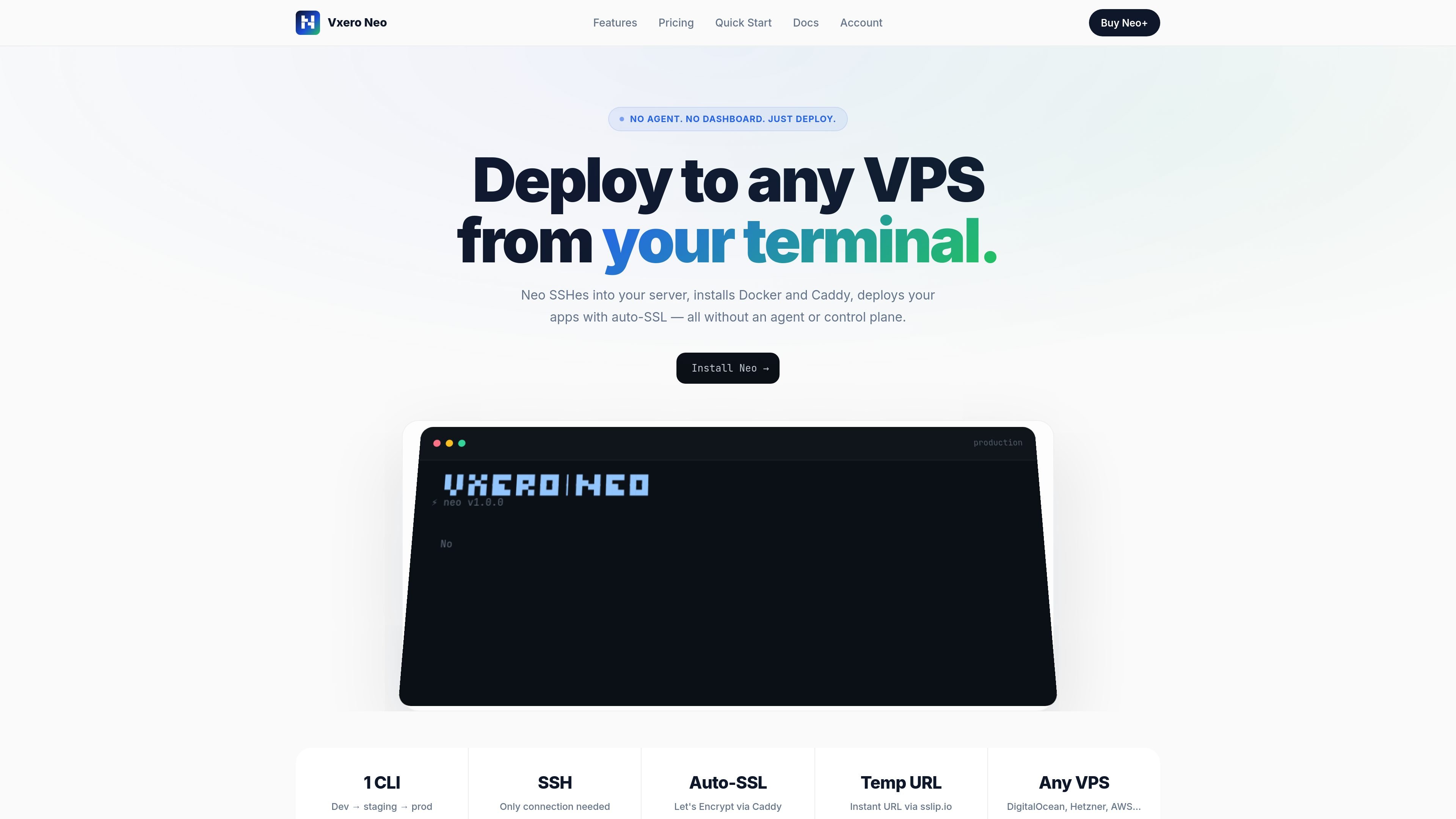
Vxero Neo is an SSH-native CLI for deploying Docker applications to a VPS. It initializes a server, builds and transfers your app image, configures Caddy for routing and HTTPS, and manages deploys without an agent or control plane.
The product is designed for developers who want one workflow for local development, staging, and production on a single server or a small number of servers. It works with a Dockerfile by default, and can also generate a `.neo.yml` configuration from an existing `docker-compose.yml` when you need workers, sidecars, shared volumes, or explicit environment settings.
Initialize a fresh VPS over SSH and have Neo install Docker and Caddy before deployment. The workflow is built around direct server access rather than an external control plane.
Deploy from a local project directory with Neo building the image, transferring it to the server, starting the container, and running health checks before traffic is switched.
Generate `.neo.yml` from an existing `docker-compose.yml`, including app services, sidecars, workers, environment variables, and volumes, so you can move from compose with less manual editing.
Run `neo dev` locally with the same environment loading behavior used in production, and fall back to a Dockerfile when no compose file is present.
Serve apps with instant HTTPS through Caddy, using a temporary `sslip.io` domain or a custom domain with Let's Encrypt, and support your own certificate files when needed.
Declare workers, sidecars, persistent volumes, and environment variables in `.neo.yml`, then sync server-side changes back into that file with `neo sync`.
Deploy a Dockerfile-based app from the terminal when you want to move a local project onto a VPS without setting up an additional platform layer.
Start from an existing `docker-compose.yml`, generate `.neo.yml`, and keep deploying the same app, databases, workers, and volumes with less reconfiguration.
Run `neo dev` so local development uses the same environment loading and project conventions that production deploys will use.
Publish a staging or production environment on a named server, then switch deployments with blue-green rollout and a health check before traffic moves.
Run background workers or sidecars alongside the main app when the project needs a queue, scheduler, cache, or other supporting service.
No. Neo runs on your local machine and connects to your VPS over SSH. The source says it does not install an agent; it only sets up Docker and Caddy on the server.
Run `neo config generate` in a project that already has `docker-compose.yml`. Neo scans the compose file and creates `.neo.yml`, detecting the app service, databases, workers, environment variables, and volumes.
Neo deploys to any VPS with SSH access, and the source lists DigitalOcean, Hetzner, Linode, Vultr, AWS EC2, GCP, and Azure as examples. It is not a cluster orchestrator and does not manage multi-node setups like Kubernetes or Docker Swarm.
Yes. `neo dev` wraps `docker compose` with Neo's environment loading so you can use the same project config locally and in production.
Yes. Neo supports instant HTTPS with `--temp`, Let's Encrypt auto-SSL for a real domain, and custom certificates via `--cert` and `--key`.

Exodus is a free developer tool that audits an application repository, compares its current deployment with a Google Cloud Run design, and creates an ordered migration plan for a coding agent. It also helps plan new products for Cloud Run with architecture and cost estimates.

ClawTick is an AI agent automation platform for scheduling jobs from the CLI, dashboard, or REST API. It is aimed at developers and teams running LangChain, CrewAI, webhook, or custom agent workflows that need monitoring, alerts, and logs.

Falconer is an AI-powered company brain that keeps internal documentation accurate, searchable, and up to date by syncing with tools like GitHub, Slack, and Linear. It helps engineering and cross-functional teams centralize knowledge and answer questions from a shared source of truth.

OpenFlags is an open-source, self-hosted feature flag platform for modern JavaScript teams. It supports local evaluation, targeted rollouts, and controlled launches while keeping flag data in your own infrastructure.

CloudKnife is a FinOps platform for Azure teams that want to reduce cloud waste using workload, usage and cost evidence. It identifies optimisation opportunities across compute, databases, storage and commitments, while leaving execution to team approval or optional guarded automation.

Speculos is a deployment tool for Claude Code that publishes what you built to a shareable URL. It supports private, org-wide, or public apps and adds team controls for company domains, data connections, and customer-cloud deployments.