
On-device transcription
Transcribe speech on your PC using NVIDIA Parakeet running on the CPU. The core path does not upload audio and does not require an account.

Whisperstream is a private dictation app for Windows that transcribes speech locally on your PC and types the result into the active app. It supports push-to-talk dictation, offline use after setup, and a one-time $29 purchase.
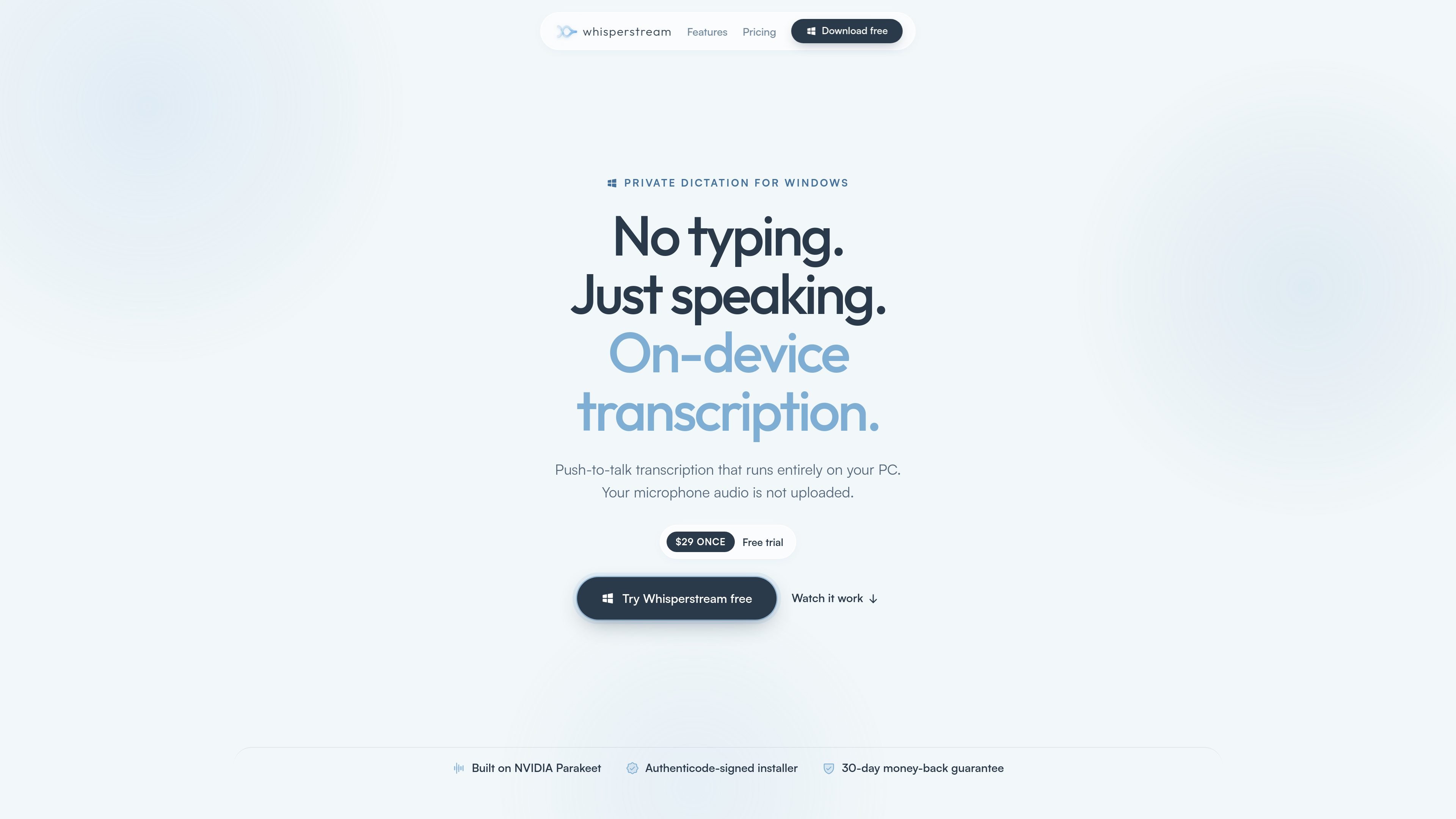
Whisperstream is a private dictation app for Windows that transcribes speech on your own PC instead of sending audio to a cloud service. It is built around push-to-talk recording, local speech recognition, and direct text insertion into the app or field you are already using.
The product is positioned for people who want dictated text to work across common Windows apps without an add-in or always-on background listener. Source pages also describe optional cleanup features, transcript history, and offline operation after the model is downloaded.
Transcribe speech on your PC using NVIDIA Parakeet running on the CPU. The core path does not upload audio and does not require an account.
Hold a hotkey to dictate, or switch to toggle mode for hands-free recording. The default shortcut is Right Shift, and the shortcut can be remapped.
Deliver dictated text into the active field by clipboard paste or simulated keystrokes. The source says it works in apps such as Outlook, Word, Slack, VS Code, browsers, and terminals without an add-in.
Keep searchable transcript history on the device, replay saved audio, and copy past dictations again later. History is encrypted at rest and can be disabled.
Clean up dictation with an optional AI step that removes filler words, fixes punctuation and grammar, and applies spoken self-corrections. Users can use a local model or a configured provider.
Add names, jargon, and acronyms once so Whisperstream uses them consistently in later dictations. The source also says you can set per-app profiles and custom prompts.
Speak into emails, documents, chat apps, and browser fields, then let Whisperstream insert the text where your cursor already is.
Use a local dictation workflow for coding prompts and other terminal or editor input, including the Claude Code workflow highlighted on the site.
Dictate when you are offline or on an unreliable connection after setup, since the core transcription path can continue without internet.
Keep a private local transcript record for later lookup, audio replay, and copy-and-paste reuse of previous dictations.
Reduce manual cleanup by using the optional AI step and custom dictionary entries for names, jargon, acronyms, or repeated wording.
Yes. Whisperstream offers a free trial, and the source says you can download it and try it without an account or credit card.
Core transcription and text delivery can run offline after the required speech model is downloaded. Internet access may still be used for license validation, updates, model downloads, and any optional online features you enable.
The source lists Windows 10 or 11 on 64-bit x64 computers. It runs on CPU and does not require a GPU; 8 GB RAM is the minimum and 16 GB is recommended.
Yes. One license can be activated on up to 2 PCs that you own, such as a laptop and a desktop.
Whisperstream supports 39 languages. The source notes that the language is chosen during setup and that the app downloads a matching model when needed.

SpeakoFlow is a free, open-source desktop voice-to-text app for Windows, macOS, and Linux. It supports dictation into any app, voice-driven writing with Flow, cleanup, translation, and a screen-aware assistant.

Carbon Voice is an asynchronous voice messaging app for teams and individuals, with transcripts, AI catch-up, and cross-device access. It helps people and agents communicate without needing a live call.

Sanota is an app that turns spoken memories, reflections, and interviews into clear written stories. It supports personal storytelling, family history, and shared memories, with guided prompts and subscription pricing.

Goldfish is an AI memory app for macOS that helps you reply, write, summarize, and continue using the context already on your Mac. It stores memory locally and writes in your tone.

Flunkey is a voice-first productivity layer for Windows that converts speech into text, AI-assisted outputs, and remembered context. It is built for users who want to capture ideas and actions without leaving the app they are working in.

ArtDeck is a visual reference board app for iPhone, iPad, and Mac that lets artists collect mixed reference material on one canvas and study it with ToolBox lenses. It works offline, supports optional iCloud sync, and is sold as a one-time purchase with no account required.