
Character reference generation
Describe a character in text, select an image model, and generate aligned side, front, and back reference views on transparent 1024×1024 canvases.

Wombo is a locally run, open-source AI game asset studio that generates 2D character references, animations, spritesheets, sounds, and music from text prompts. It is designed for game developers who want to create and organize generated assets in local projects.
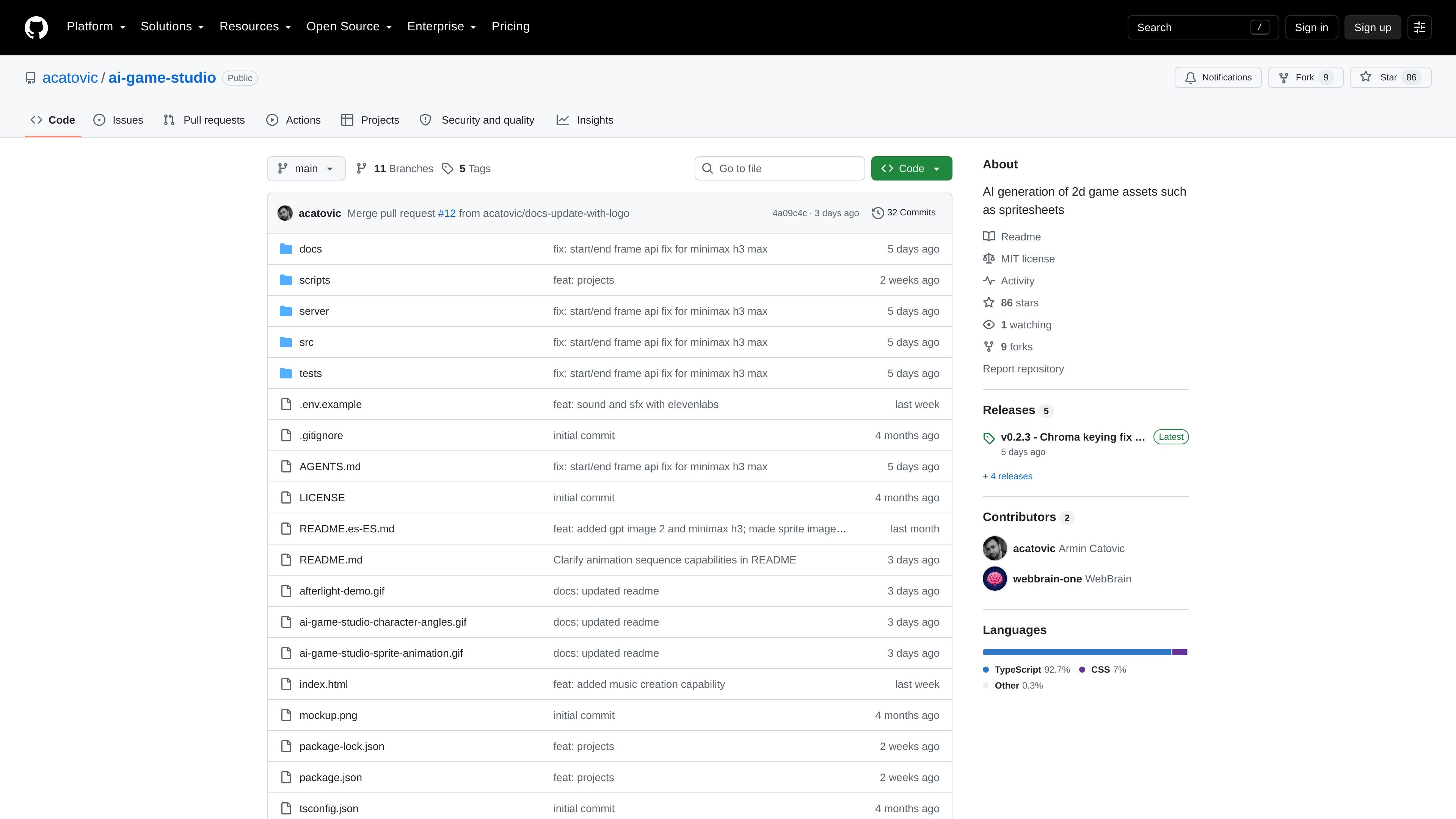
Wombo is a locally run AI game asset studio for creating 2D characters, animations, sounds, and music from text prompts. It is presented as an open-source GitHub project and is intended to support game development workflows that need generated assets rather than a general-purpose image editor.
The app starts with named characters and generates aligned side, front, and back references before using those references to guide animation sequences. It saves generated work into projects outside the repository, preserving drafts and older asset revisions so creators can review and refine their output over time. Image and video generation uses OpenRouter routes, while sound and SFX generation uses ElevenLabs directly from the server.
Describe a character in text, select an image model, and generate aligned side, front, and back reference views on transparent 1024×1024 canvases.
Use a character and movement prompt to generate sequences such as idle, walking, or fighting animations, with optional start and end images where supported by the selected video model.
Review animation frames, include or exclude individual tiles, and rebuild the output spritesheet from the selected frame set.
Automatically save PNG spritesheets and matching Aseprite animations, then generate a looping preview for review.
Create named sounds and music from prompts through the Sound & SFX workflow, with ElevenLabs used directly from the server.
Organize characters, animations, sounds, revisions, and project metadata in a local project structure with automatic saving and retained older revisions.
A solo developer can describe a character, generate aligned directional references, and turn the character into named idle, walking, fighting, or turning sequences without manually assembling every frame.
A game team can use saved poses and the last included frame of an earlier animation to connect sequences, such as transitioning from a turn into a step in a new direction.
Creators can select only the strongest generated frames and rebuild a spritesheet and Aseprite animation before importing the assets into a game project.
A project can keep visual assets alongside generated sounds and music, with each asset's settings, current files, and previous revisions retained for iteration.
Teams exploring a 2.5D or stylized game prototype can use the workflow to produce temporary character, animation, and audio assets while the wider game is developed with tools such as Unity and Blender.
Wombo requires Node.js 20 or newer and ffmpeg on the system PATH. After installing dependencies with npm install, copy .env.example to .env, add the provider key for the workflow you want to use, and start the local app with npm run dev.
Character and animation generation use an OPENROUTER_API_KEY. Sound and SFX use an ELEVENLABS_API_KEY directly from the server. Each workflow only needs the key for its provider.
Character references and animation outputs are saved as PNG spritesheets and matching Aseprite files. Generated assets are stored in the project directory, with JSON manifests pointing to current files and older generated revisions retained.
Wombo stores projects outside the repository in ~/.ai-game-studio/ by default. You can choose another location by setting AI_GAME_STUDIO_HOME, and the app creates the storage directory during installation.

PixelForge turns a single photo into a game-ready 2D character sprite pack, including a 4×4 sheet, transparent frames, direction strips, and looping walk GIFs. It is designed for engine-ready use in Godot, Unity, Phaser, GameMaker, and web games.

GameGrad turns PDF study material into quiz questions that appear inside arcade games, so users can practice active recall while they play. It offers a free tier with one PDF and a Pro plan with more uploads, more questions, and answer explanations.

DailyPlay.ai is a behavioral growth platform that uses AI site scanning and micro-games to help brands improve engagement and conversion. It supports web, mobile, and other digital touchpoints, with a one-line script setup and a free engagement scan.

Wallie is an open-source AI streamer that watches your screen, hears chat, and generates live commentary in a configurable persona. It runs locally on your machine with your own keys and is aimed at faceless content, autonomous streams, and real-time reactions.

AI Song Maker is a web-based AI music generator that creates songs from text or lyrics and includes related tools such as vocal removal, track extension, and section replacement. It offers free and paid plans with credits, downloads, and commercial-use terms described on the pricing page.

LALAL.AI is an AI audio processing platform for stem separation, voice cleanup, and voice transformation. It supports browser-based upload, preview, and download workflows for audio and video files, plus premium and enterprise options.