
Plan the app structure
Answer a guided set of questions so x1 can map screens, features, and the app flow before building starts.

x1 is a guided AI app studio for building real iPhone apps from idea to launch. It helps users plan, design, build, test, and publish apps with free starter credits and paid plans for continued development.
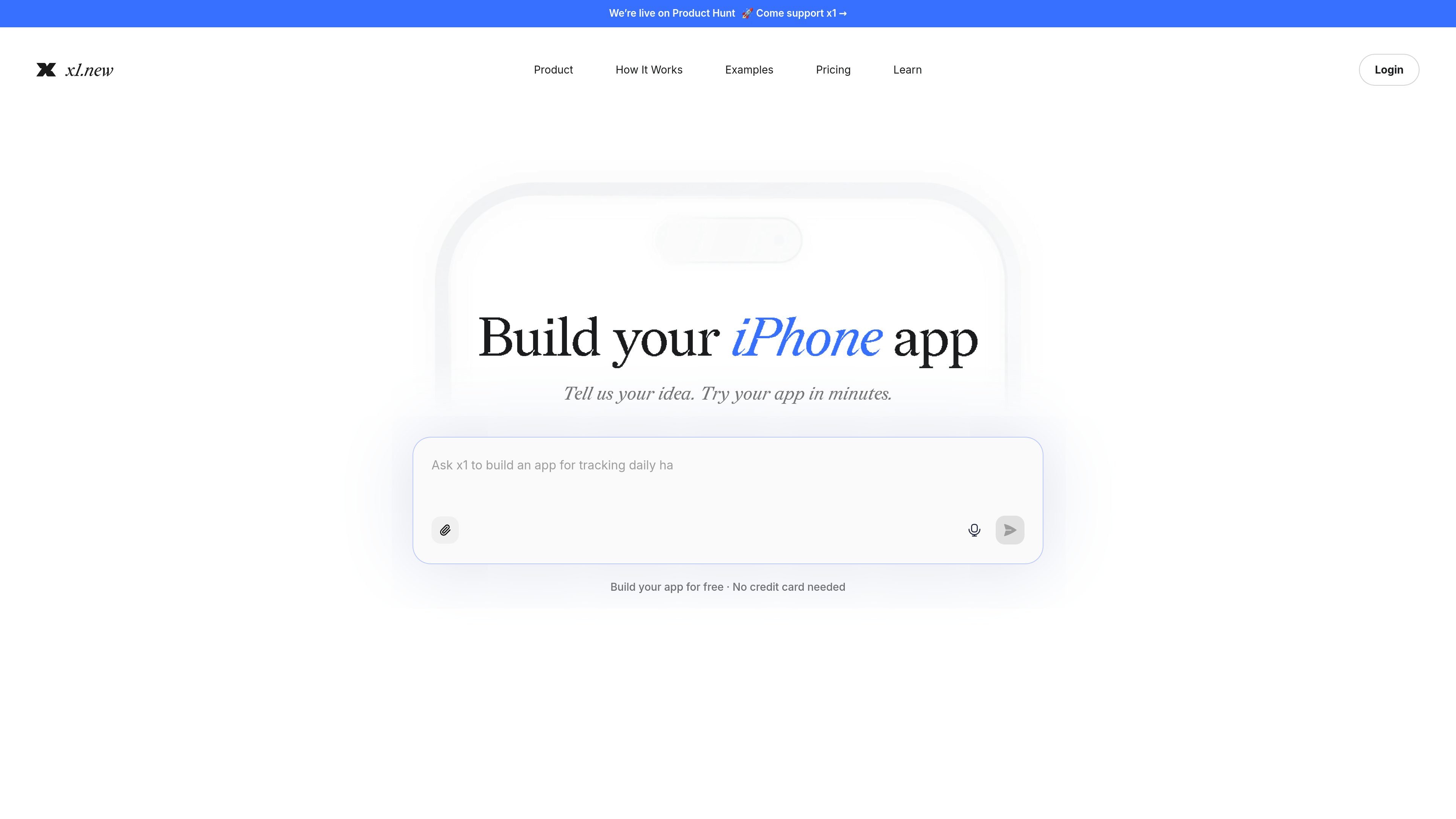
x1 is a guided AI app studio for building real iPhone apps from an idea to launch. It helps users turn a rough concept into a plan, screen set, design direction, working code, and release materials without starting from a blank codebase.
The workflow begins with planning: x1 asks questions, maps the screens, and defines how the app should work. From there it supports design, step-by-step building, QA after milestones, and launch tasks such as App Store screenshots and listing copy. Paid plans add publishing paths, React Native source export, and increasing credit allowances for continued work.
Answer a guided set of questions so x1 can map screens, features, and the app flow before building starts.
Use a visual canvas to choose the icon, colors, fonts, and screen details, then adjust layouts, buttons, spacing, copy, and flow.
Build the app step by step, with x1 working through screens and features in order rather than trying to generate everything at once.
Review, refine, and prepare App Store materials in one place, including screenshots and listing text.
Export the full React Native source as a ZIP on paid plans and keep the code for future refinement or monetization.
Test previews on phone with Expo Go and share private betas through TestFlight before App Store submission.
Start with a concept and use x1 to test whether it is realistic to build, estimate revenue potential, and turn the idea into a first plan before spending credits on deeper work.
Work through screens, interactions, and visual direction for an early version of an iPhone app, using the visual canvas to shape layout, style, and flow.
Move from plan to built milestone with step-by-step generation, then review the result and continue iterating through additional credits or plan upgrades.
Prepare an app for release by generating screenshots, drafting App Store listing copy, and moving through preview, TestFlight, and App Store submission.
New users get 100 free credits automatically when they sign up. No credit card is required, and the credits do not expire.
x1 uses credits for AI actions such as validating an idea, generating a plan, exploring designs, building milestones, QA, and making edits.
When you run out of credits, you can still view your project, but you cannot generate or build more until you add credits. An active build pauses until credits are added.
x1 helps you plan, design, build, QA, and prepare launch materials for real iPhone apps built with React Native.
You can start free, then upgrade or switch plans as your project grows.

Speculos is a deployment tool for Claude Code that publishes what you built to a shareable URL. It supports private, org-wide, or public apps and adds team controls for company domains, data connections, and customer-cloud deployments.

ByteAsk is a terminal-first AI coding agent for C and C++ that edits repositories and verifies changes with the real compiler, debugger, sanitizers, and tests before showing a diff. It offers a free tier plus paid plans, with editor connectors and zero-retention handling described in the source.

MeetStream is a meeting bot API for Zoom, Google Meet, Microsoft Teams, and Webex. It helps developers record, stream, and analyze meetings programmatically, with usage-based pricing and a $5 free credit to start.

CreateOS Sandbox is an isolated compute environment for running code and agent workloads inside Firecracker micro-VMs. It is designed for workflows that need machine-level isolation, private networking between sandboxes, and programmatic control through SDK, CLI, or MCP.

GitBot is a local browser-based workspace for creating reusable coding bots powered by Claude Code, Codex, or OpenCode. It helps developers run those agents across repository folders with persistent threads and configurable permissions.

hob is an independent workspace for coding agents that keeps agent sessions, terminals, history, and follow-up work organized around the tools and providers you already use. It is aimed at developers who want local control over routing, history, and workspace structure rather than a bundled model stack.