
Manage work as Teams
Assign a Team to a defined business area such as sales, support, or a queue of follow-up work. The Team has responsibilities written in plain language and is measured by one Number.

YAGNI is a workspace-based system for managing AI agent Teams with responsibilities, commitments, review, and earned autonomy. It also includes YAGNI Code, an internal-preview terminal coding agent that works from company context and shares the same workspace credits.
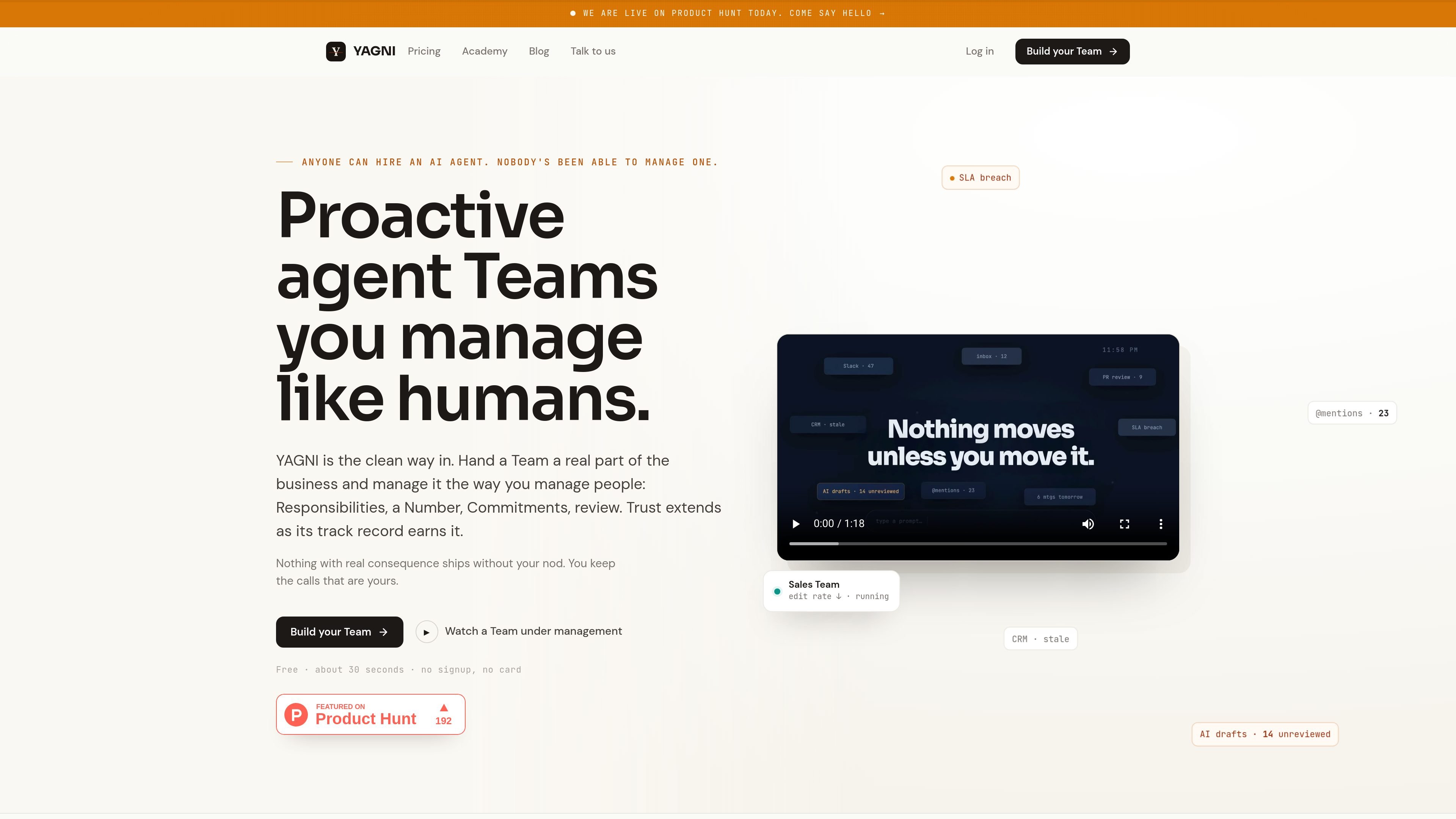
YAGNI is a workspace-level system for managing AI agent Teams as if they were human teams. Instead of treating an agent as a one-off task runner, you assign it a real part of the business, give it responsibilities, a measurable Number, and Commitments, and review its work before consequential changes move forward.
The product is positioned as an additive layer on top of the tools a company already uses. It connects to systems such as Slack, Gmail, HubSpot, Stripe, GitHub, Calendar, Notion, and Linear, and routes approved work back to those systems with Receipts and a track record that can be reviewed over time.
Assign a Team to a defined business area such as sales, support, or a queue of follow-up work. The Team has responsibilities written in plain language and is measured by one Number.
Use Commitments with real end dates and a visible Number to track whether a Team is on track. The product shows the work it is watching, the decisions it is weighing, and the next draft or action.
Review proposals and drafts in a Feed, approve or edit them, and turn those edits into the Team’s Playbook. The product is designed so the Team learns from your changes over time.
Route routine, reversible work to execution while keeping consequential decisions staged for approval. Receipts record completed actions from the source system instead of marking work done on YAGNI’s say-so.
Start Teams in Training, then promote them to Supervised or Autonomous rule by rule based on track record. Authority is bounded by Playbook rules and remains visible in the record.
Use YAGNI Code in the terminal as a grounded coding agent that knows your company’s decisions and conventions. It can ask the YAGNI app for cited answers and records its work back to the originating item.
Use a Team to keep an operating queue moving, such as sales follow-up, support response, or inbox triage, while still reviewing the drafts that matter before they go out.
Use the Feed to approve, edit, or decline agent proposals and then let your edits become the Team’s Playbook. This is useful when you want the agent to mirror your communication style or operating rules.
Let a Team execute routine actions such as sending replies, scheduling meetings, or recording payments when the action is reversible and backed by a Receipt.
Use the promotion model to expand a Team from Training to Supervised or Autonomous when you are comfortable with its track record. This suits teams that want gradual adoption instead of all-at-once delegation.
Use YAGNI Code when coding work needs to stay aligned with company decisions, conventions, and ownership. It is aimed at changes that should be grounded in business context, not just local code context.
Every new workspace starts with 20 starter credits and no card on file. The pricing page says you can connect your tools and try a Team before choosing a plan.
YAGNI prices per workspace, not per seat. Paid plans include pooled monthly credits, and credits are the capacity model for reading, drafting, and Plays.
The pricing page says Slack, Gmail, Notion, Linear, and other connectors are included. The home page also shows Teams working across tools such as Slack, Gmail, HubSpot, Stripe, GitHub, Calendar, and Notion.
Teams start in Training, then can move to Supervised and Autonomous as they earn trust through accepted proposals and track record. Authority is granted per Playbook rule, not all at once.
YAGNI Code is an internal-preview terminal coding agent that is enabled per workspace after a demo. It uses the same pooled monthly credits as other YAGNI work, so it does not have a separate coding bill.

Biji - это универсальная платформа, разработанная для повышения продуктивности с помощью инновационных инструментов и функций.

Dcyde is a decision log for product teams that captures what was decided, the reasoning behind it, and the source in one shared place. It supports pinning decisions from Slack, Figma, or inside Dcyde and keeps the record searchable over time.

runevr is a connected workspace for creative teams that combines boards, media review, chat, recordings, drive, calls, and AI agents in one room-based environment. It is designed to reduce tool switching and keep project context together.

ByteAsk is a terminal-first AI coding agent for C and C++ that edits repositories and verifies changes with the real compiler, debugger, sanitizers, and tests before showing a diff. It offers a free tier plus paid plans, with editor connectors and zero-retention handling described in the source.

Goldfish is an AI memory app for macOS that helps you reply, write, summarize, and continue using the context already on your Mac. It stores memory locally and writes in your tone.

CreateOS Sandbox is an isolated compute environment for running code and agent workloads inside Firecracker micro-VMs. It is designed for workflows that need machine-level isolation, private networking between sandboxes, and programmatic control through SDK, CLI, or MCP.